
Zeron's Open-Source Comet Lets Claude Code Survive Laptop Shutdowns
A Rust and gpui project lets you drive Claude Code and Codex sessions from any device, with CRDT sync keeping agents running after your laptop closes.
Takeaways
- Winglee open-sourced Zeron/Comet, a Rust cross-device control plane for coding agents.
- Controls Claude Code and Codex sessions from any device with a synced engine daemon.
- Uses Loro CRDTs over Cloudflare Durable Objects, replacing Postgres and WebRTC signaling.
- Ships one binary in headed gpui or headless mode, plus a separate ratatui terminal viewport.
- MIT licensed, avoids Zed's GPL crates, install with a single curl on Linux.
- See the architecture doc for CRDT schema and milestone status.
A developer going by winglee has open-sourced Zeron, a native cross-device control plane for coding agents. The project, whose repository is named comet, lets you start a Claude Code or Codex session on one machine and follow, steer, or interrupt it from another. It is written in Rust with a gpui UI, ships under an MIT license, and is available now on GitHub.
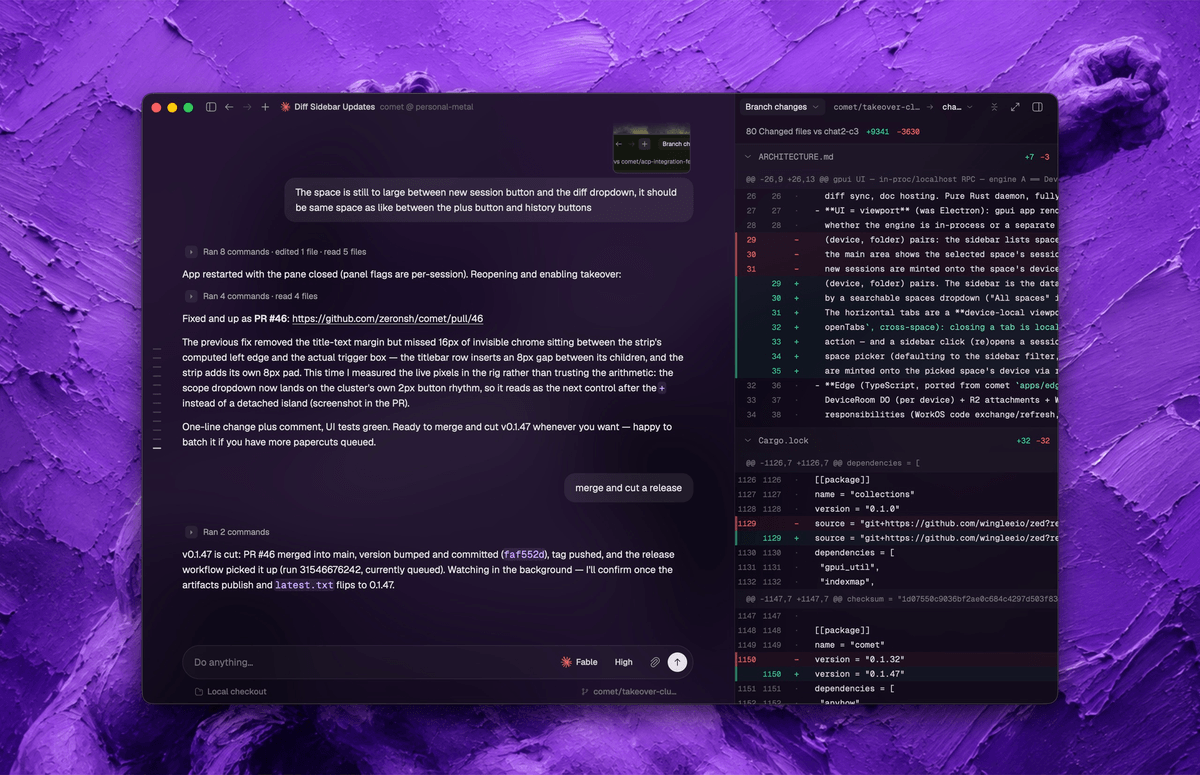
Comet lets you control Claude Code and Codex from any of your devices. Every machine runs a small engine that keeps sessions in sync, so you can start work on a desktop, close the lid, and pick up the same running agent from a laptop or a terminal over SSH.
Keeping long agent runs alive
Coding agents are long-running processes. A single Claude Code task might take minutes of tool calls, edits, and prompts before it finishes, and if you close the terminal or your laptop dies, the run dies with it. Install the engine as a daemon on an always-on machine such as a VPS or a spare box, and your agents keep working after you close your laptop.
That daemon model is what makes the project more than a remote UI. A headless engine on a server holds the actual agent process, its terminal, its git worktree, and its transcript. Any viewport (a desktop app, a terminal UI, another device) attaches to it over a typed RPC and drives the run.
One curl to install
The Linux path is deliberately short:
curl -fsSL https://comet.zeron.sh/install.sh | sh
comet login
systemctl --user start comet-native
From there, comet tui gives you a terminal UI that attaches to the daemon, comet status