
Paper Burner X Fuses OCR, Translation, and AI Chat Into One Browser Tab
An open-source browser workstation packages OCR, concurrent translation, and an in-browser agent that grep and vector-search long PDFs on your own API keys.
 Pro
Takeaways
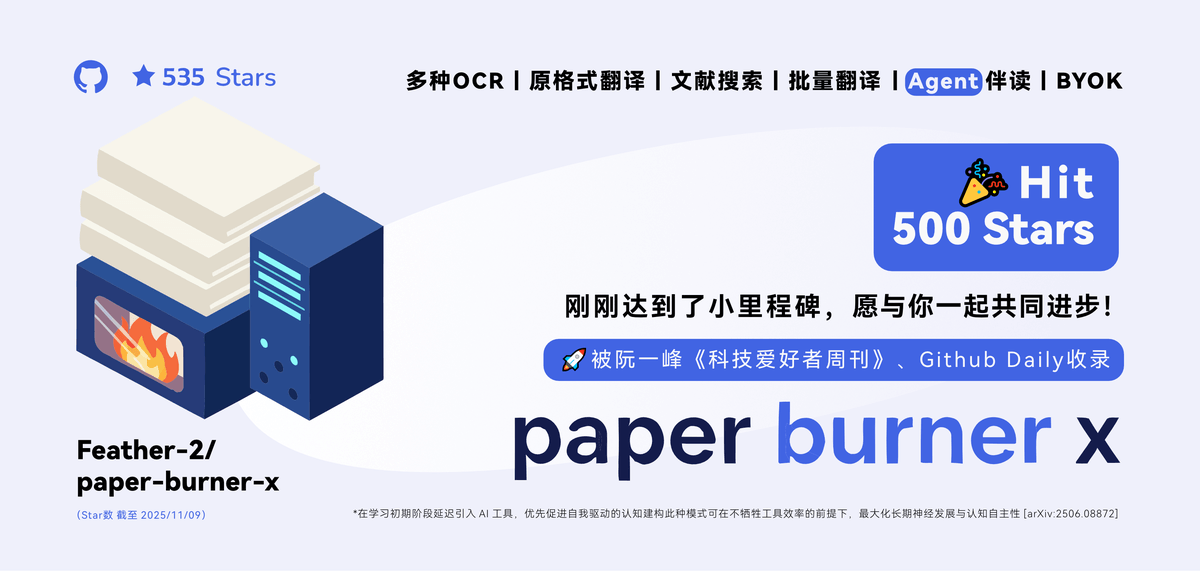
- Paper Burner X is a browser-native, BYOK AI workstation for PDF literature reading and translation.
- Supports PDF, DOCX, PPTX, EPUB, Markdown, plus GitHub and URL imports with concurrent OCR and translation.
- OCR via MinerU, Doc2X, or Mistral; translation via DeepSeek, Gemini, Claude, Qwen, or custom endpoints.
- Ships a front-end agentic RAG with grep, vector search, and fetch tools over a hierarchical document map.
- Includes bilingual reader, LaTeX rendering, literature matrix, mind maps, and Mermaid flowchart generation.
- AGPL-3.0 licensed, deployable to Vercel or Docker with data stored locally in the browser.
Reading dense PDFs across languages is still one of the most painful loops in research, and most tools solve one slice of it: the OCR, the translation, or the chat-with-your-paper part. Paper Burner X tries to fuse all three into a single browser tab with no backend required, and it has picked up roughly 1.7k stars on GitHub for the effort.
The project describes itself as an open-source, browser-native AI workstation for chewing through PDF literature, complex formulas, and cross-language reading. Everything runs client-side against your own API keys (BYOK), so the entire pipeline, from OCR to translated reader to agent chat, sits behind a single Vercel deploy or the hosted demo at paperburner.site.
Three subsystems in one tab
Under the hood, Paper Burner X stitches together three components:
- An ingestion layer that accepts PDF, DOCX, PPTX, EPUB, Markdown, TXT, HTML, and source code, plus imports from any URL or a GitHub repo.
- An OCR and translation pipeline that plugs into MinerU, Doc2X, or Mistral OCR for parsing, then routes text to DeepSeek, Gemini, Claude, Qwen, Volcano, DeepLX, or any custom OpenAI-compatible endpoint.
- A front-end agent that reads the translated document and answers questions using tool calls, all inside the browser.
Translation is where most of the speed claims live. The pipeline runs concurrent OCR and translation jobs, with configurable file-level and API-level concurrency (defaults are 1 file and 15 translation calls at a time), automatic segmentation around a 2000-token chunk limit, multi-key rotation for stability, and a glossary system tuned to match tens of thousands of terms without choking the prompt.
Agentic RAG that lives in the browser
The headline feature is a retrieval-augmented agent that runs entirely client-side. For short documents it stuffs the whole text into context. For long documents it switches to what the authors call a hierarchical semantic map, a layered outline that gives the model a global view of the paper's structure before it starts answering.
On top of that map, the model gets a small toolbox it can call autonomously:
grepfor exact-match lookups across the document.vector searchfor semantic retrieval over chunks.fetchfor pulling specific sections or external content.
That behavior departs from the usual chat-with-PDF pattern, which almost always does a single top-k embedding retrieval and calls it a day. Here the model picks which tool to invoke based on the question and can chain calls, which is closer to how Cursor or Claude Code navigate a codebase than to a typical PDF chatbot.
Reading long papers without losing the plot
Once a document is processed, the reader tries to earn its keep during long sessions:
- Paragraph-aligned bilingual view with a table of contents and word-level highlighting or annotation.
- Full LaTeX, table, and image rendering, plus a MinerU-based mode that preserves original layout during translation.
- A structured extractor called the literature matrix that pulls papers into comparable rows for side-by-side review.
- Mind-map and Mermaid flowchart generation from the document, plus streaming AI chat with image upload for multimodal questions.
- History stored in IndexedDB with original, translated, and comparison views.
Getting it running
The recommended path is pure front-end mode: fork the repo, import it into Vercel, deploy, and add your API keys in the settings panel. Everything, including history, sits in localStorage and IndexedDB, so clearing browser data wipes your archive. A Docker image (feather2dev/paper-burner-x:latest) and a companion self-hostable OCR server exist, though the backend build is still being finalized.
A few things worth knowing before wiring it into a real workflow:
- Licensing is AGPL-3.0, so any network deployment must expose a link to the source, including your modifications.
- Scanned PDFs with unusual layouts still need human review after OCR.
- Cloud sync and a UI rewrite are on the roadmap but not shipped; multi-document review and an automatic literature-review agent are the next big milestones.
For anyone who reads foreign-language papers regularly and is tired of juggling a translator tab, an OCR service, and a separate chat window, this is one of the more complete open stacks available right now, and the fact that the agent logic ships as JavaScript in the client makes it a useful reference implementation on its own.