
OpenCLI Turns Any Website Into a Stable Command for AI Agents
OpenCLI turns any website, Electron app, or local binary into deterministic CLI commands that AI agents can drive through your logged-in Chrome session.
Takeaways
- OpenCLI wraps websites, Electron apps, and local binaries into deterministic CLI commands for humans and AI agents.
- Agents drive your logged-in Chrome via a Browser Bridge extension plus local daemon, no OAuth needed.
- Structured DOM snapshots replace screenshots, cutting token cost and improving accuracy on form-heavy pages.
- Ships as installable skills for Claude Code and Cursor via
npx skills add jackwener/opencli. - Built-in adapters cover 100+ sites including Twitter, LinkedIn, Reddit, HackerNews, Bilibili, Amazon.
- Supports json/yaml/csv output, sysexits.h exit codes, plugin installs from GitHub, Apache-2.0 licensed.
A new open-source project called OpenCLI targets a specific pain point in agent tooling: browsers are messy, authenticated, and full of DOM churn, while CLIs are deterministic and easy to script. OpenCLI collapses the two by wrapping websites, Electron apps, and local binaries into a single command surface that both humans and LLM agents can call.
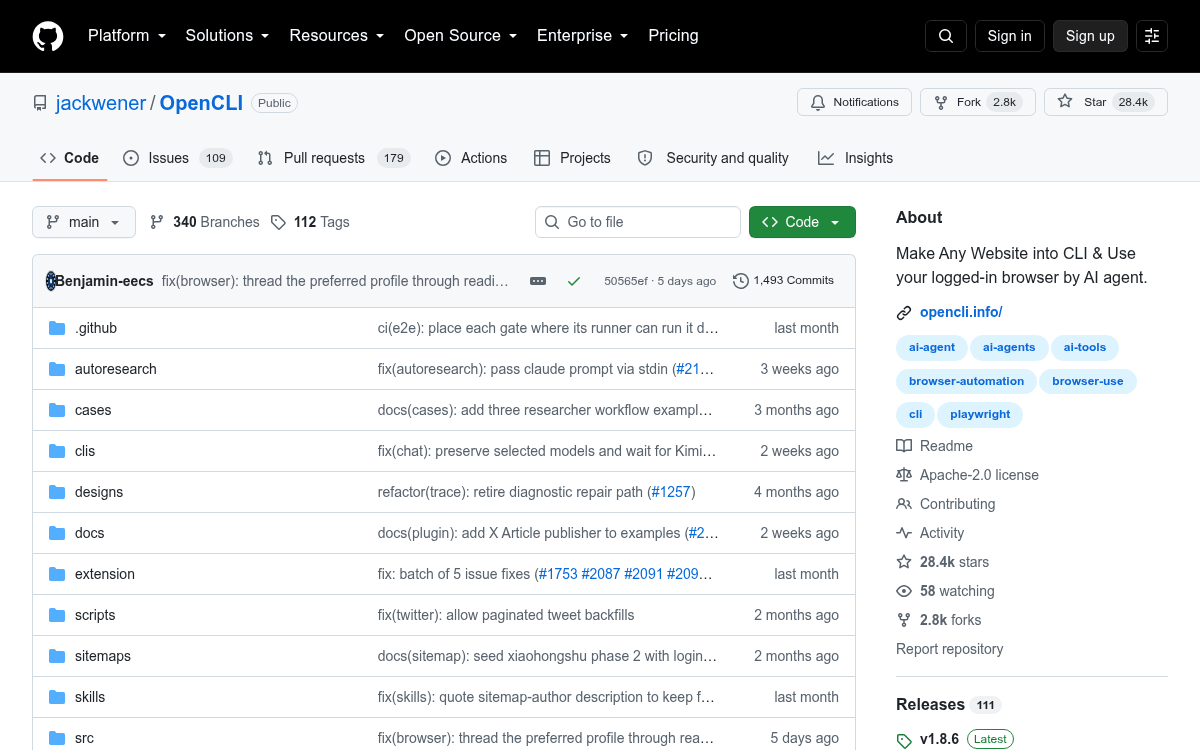
The repo has already crossed 26k stars, and the pitch is straightforward. Convert any website into a CLI and run Browser Use on your logged-in Chrome, turning web sessions, Electron apps, and local tools into deterministic interfaces for humans and AI agents. Instead of asking an agent to reason about pixels or brittle selectors from scratch, you give it a stable command like opencli hackernews top --limit 5.
How the plumbing actually works
OpenCLI is a bridge, not a headless browser or a scraping framework. It connects to Chrome or Chromium through a lightweight Browser Bridge extension plus a small local daemon that auto-starts when needed. The agent inherits your existing session cookies and 2FA state, which is normally the hardest part of automating a logged-in site.
Once wired up, agents interact with pages through structured primitives rather than screenshots. The agent can navigate to any URL using your logged-in browser, read page content via structured DOM snapshots, click buttons, fill forms, select options, press keys, extract data or intercept network API responses, and wait for elements, text, or page transitions. Structured DOM snapshots give the LLM a compact, semantic view of the page instead of a multimodal image, which cuts token costs and improves accuracy on form-heavy sites.