
Open WebUI Desktop Turns Local AI Setup Into a Simple Double-Click
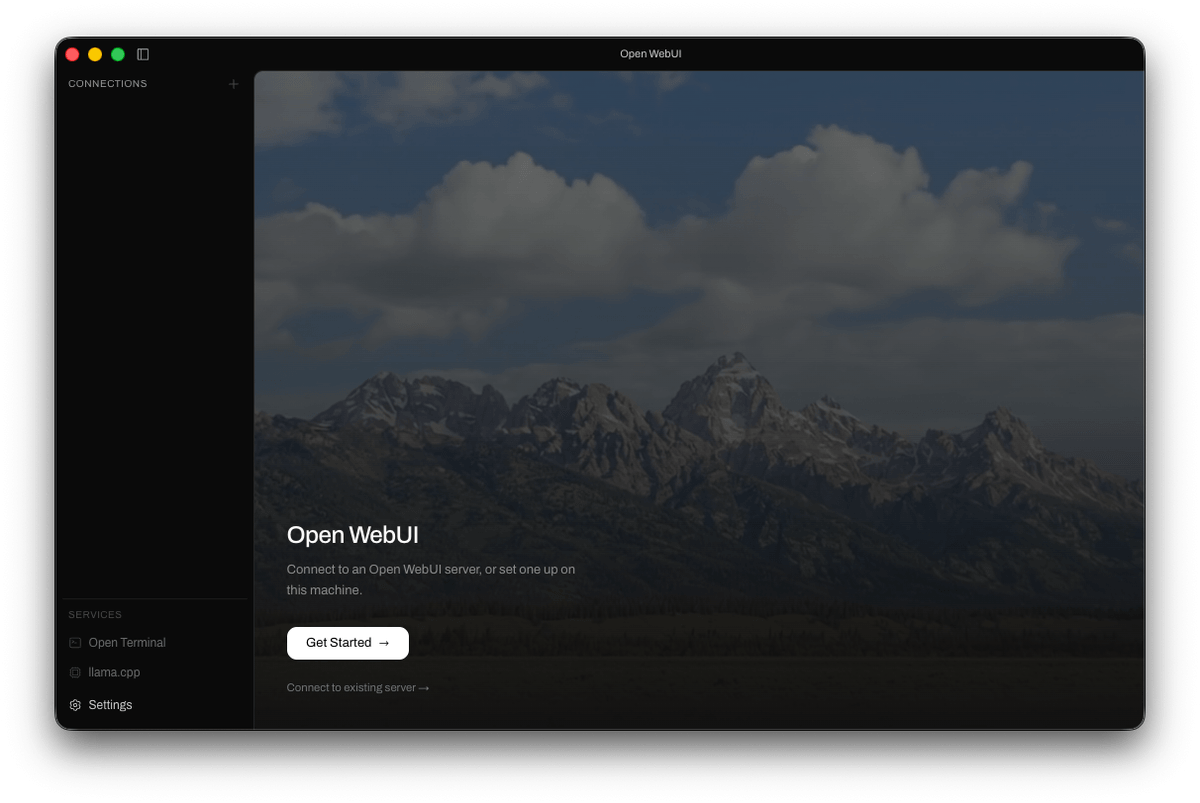
Open WebUI now ships as a native Electron app with a Spotlight-style chat bar, push-to-talk voice, and built-in llama.cpp inference.
Takeaways
- Open WebUI ships as a native desktop app for macOS, Windows, and Linux, no Docker required.
- Global Spotlight-style chat bar with Shift+Cmd+I (or Shift+Ctrl+I) and drag-to-screenshot capture.
- System-wide push-to-talk voice input that transcribes and sends from any app.
- Optional built-in llama.cpp engine with Metal/CUDA binaries auto-downloaded for local inference.
- Multi-server switching, auto-updates, zero telemetry, and offline operation after first launch.
- Free and AGPL-3.0 licensed; local models need 16 GB+ RAM, remote-only mode runs on 4 GB.
The self-hosted LLM frontend everyone was running through Docker just got easier to install. Open WebUI Desktop packages the popular chat interface into a native app for macOS, Windows, and Linux, cutting out the container gymnastics and turning the whole thing into a download-and-launch experience.
Open WebUI runs as a native app, connects to local models or any remote server, and skips the Docker and terminal setup entirely. The project is flagged as early alpha, so expect rough edges, but the installer list already covers Apple Silicon, Intel Macs, Windows x64 and ARM64, and Linux via AppImage, deb, snap, and Flatpak.
What's actually inside
Under the hood, this is an Electron shell wrapping the same Svelte frontend the web project uses, with real desktop plumbing bolted on. The app bundles a managed Python environment (via uv), an inference runtime (llama.cpp), and the glue to make them cooperate. It downloads the correct llama.cpp binary for your hardware, Metal on macOS, CUDA on Windows, and manages the lifecycle of the local services itself.
That last detail matters. Rather than asking you to install Python, pin a version, and pray your CUDA toolkit lines up, the app owns the runtime. You get local inference without touching a virtualenv.