
Nico Martin's Gemma 4 Runs a Full AI Agent Inside Chrome Offline
A fully open-source Chrome extension runs Gemma 4 E2B entirely on your GPU — no API keys, no servers, with tab control and semantic history search built in.
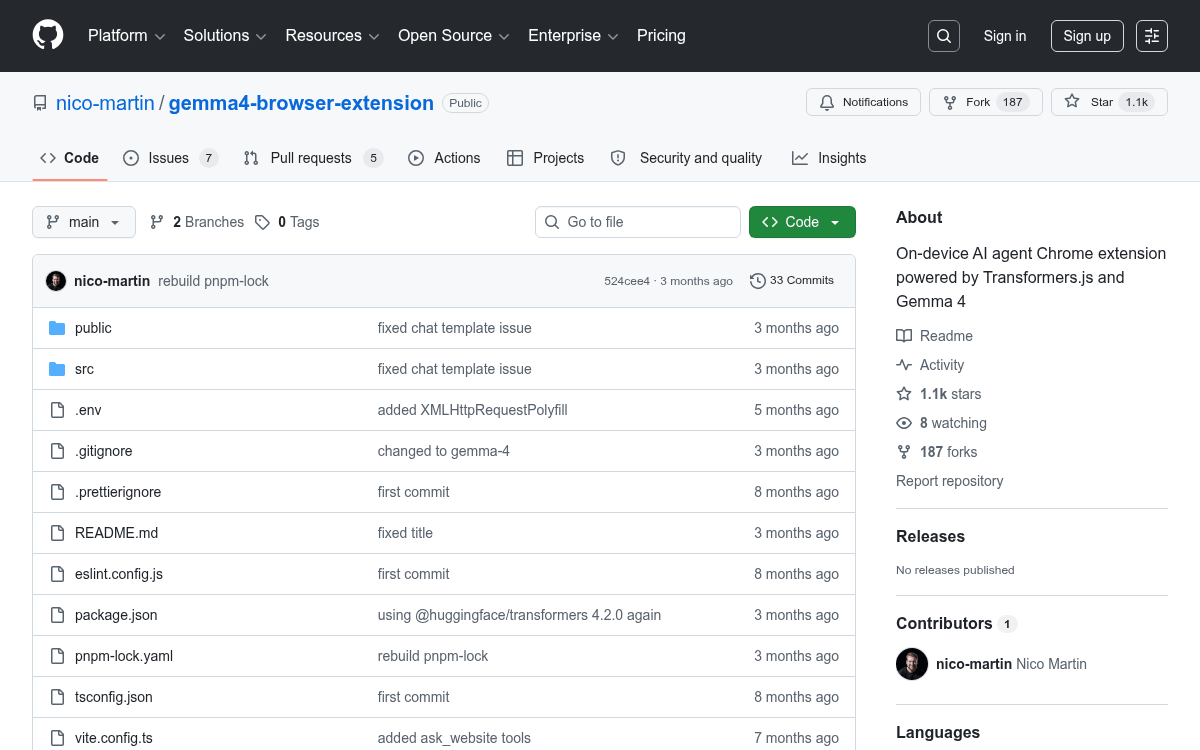
Takeaways
- A free, open-source Chrome extension runs Gemma 4 E2B entirely on-device via WebGPU — no API keys or servers needed.
- The agent can manage tabs, search browsing history semantically, read and summarize pages, and highlight elements using natural language.
- Uses the
onnx-community/gemma-4-E2B-it-ONNXmodel (~3.2 GB, q4f16 quantized) with a 128K token context window. - Achieves 20–25 tokens/sec on Apple M3 and ~30 tokens/sec on an RTX 3060 in-browser.
- Architecture splits work across a background service worker (model + agent loop), a React side panel (UI), and content scripts (DOM access).
- Available now on the Chrome Web Store and GitHub.
Most browser AI assistants are thin wrappers around a cloud API. Every message you type leaves your machine, hits a server, and comes back. Gemma 4 Browser Assistant runs a real language model inference loop inside a Chrome extension, on your GPU, with zero network calls after the initial model download.
Built by Nico Martin and highlighted by the Google Gemma team, the project has crossed 1,100 stars on GitHub and is already on the Chrome Web Store. It is fully open-source, free, and works offline once the model is cached.
What it does
The extension runs the gemma-4-E2B-it-ONNX model locally inside the browser, giving you natural language control over tab management, semantic history search, and webpage content analysis through a persistent sidebar that stays open as you browse.
The agent can invoke a concrete set of tools autonomously:
- Tab management: list open tabs, switch to a tab, open a URL, or close a tab from a plain-language prompt.
- Page Q&A with RAG: a content script extracts structured page content (headings, paragraphs, lists), generates embeddings using
all-MiniLM-L6-v2, and returns the most relevant sections for your query. RAG (Retrieval-Augmented Generation) means the model retrieves the relevant chunk first, then answers, rather than trying to memorize the whole page. - Element highlighting: the agent can scroll to and visually highlight a specific section on the current page.
- Semantic history search: browsing history is indexed into a vector database (IndexedDB) and searchable with natural language, so queries like "the WebGPU article I read last week" actually work.