
Hunter Bown's CodeWhale Brings Open-Source Coding Agent to Your Terminal Free
An open-source Rust terminal agent brings a Claude Code style workflow to DeepSeek V4 and any model you can point it at.
Takeaways
- Open-source Rust terminal coding agent originally called DeepSeek-TUI, now renamed Codewhale
- Install with
npm install -g deepseek-tuior via cargo, Docker, Nix, or prebuilt binaries - Supports hosted DeepSeek V4 plus local models via Ollama, vLLM, SGLang, NVIDIA NIM, Fireworks
- Plan, Ask, Auto-Review, and Full Access modes with
/undoand/restorefor safety - Includes MCP servers, skills, hooks, sub-agent fleets, and headless
execfor CI pipelines - MIT licensed, built on ratatui, and works on Linux, macOS, and Windows
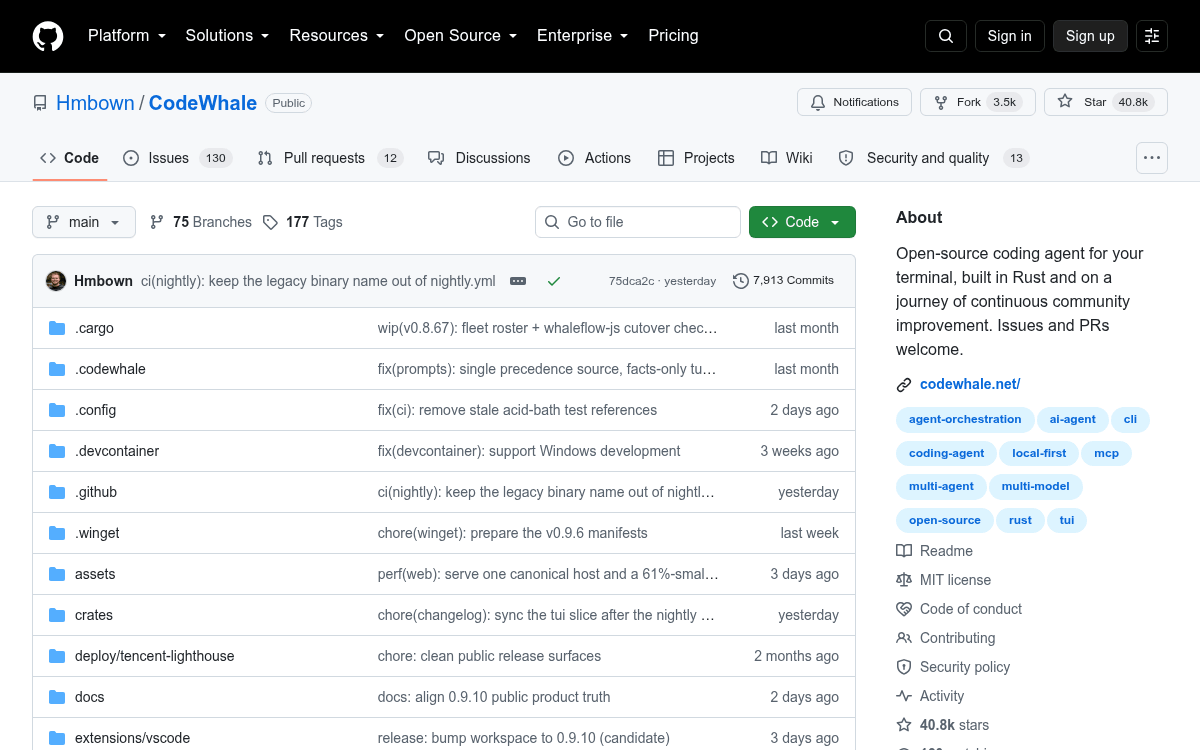
A new open-source coding agent called DeepSeek-TUI has been climbing GitHub trending, landing squarely in the same category as Claude Code and OpenAI Codex CLI. It runs in your terminal, reads and edits files, executes shell commands, searches the web, manages git, and coordinates sub-agents from a keyboard-driven interface. The twist: it's built in Rust, MIT-licensed, and lets you swap between hosted DeepSeek models and locally hosted ones without leaving the workflow.
Independent developer Hunter Bown created the project, which has since been renamed to Codewhale. It began as deepseek-tui and still preserves that configuration and session compatibility, so everything below works if you install it under either name.

Getting it running
The fastest install is through npm, which pulls the prebuilt Rust binaries:
npm install -g deepseek-tui
deepseek-tui
The npm package is an installer and wrapper that downloads prebuilt binaries and requires Node.js 18 or newer. If you would rather build from source, cargo install deepseek-tui --locked works with Rust 1.85 or newer, and prebuilt binaries are available for Linux x64/ARM64, macOS x64/ARM64, and Windows x64. The tool itself is free and open source under MIT, so your only cost is whatever inference provider you point it at.