
HiPixel Brings Free AI Image Upscaling to Mac Without Eating Your RAM
HiPixel brings Upscayl's Real-ESRGAN models to a native SwiftUI macOS app with automation, batch processing, and folder monitoring -- completely free and open source
 Pro
Takeaways
- Free and open-source: HiPixel is a native SwiftUI macOS app wrapping Upscayl's Real-ESRGAN AI upscaling engine, available at no cost under AGPLv3.
- Four built-in AI models: Standard, Lite, High Fidelity, and Digital Art -- plus support for any custom ncnn-format model.
- Full automation support: Exposes a
hipixel://URL scheme and Apple Shortcuts integration with every processing option as a parameter. - Batch and folder monitoring: Drop hundreds of images or watch a folder for automatic upscaling; supports 2x, 4x, and 8x (double-pass) scaling.
- Native Metal GPU acceleration: Runs directly on Apple Silicon or Intel via Metal, avoiding Electron overhead of the original Upscayl desktop app.
- Install via Homebrew:
brew install okooo5km/tap/hipixel-- requires macOS 13 Ventura or later. GitHub
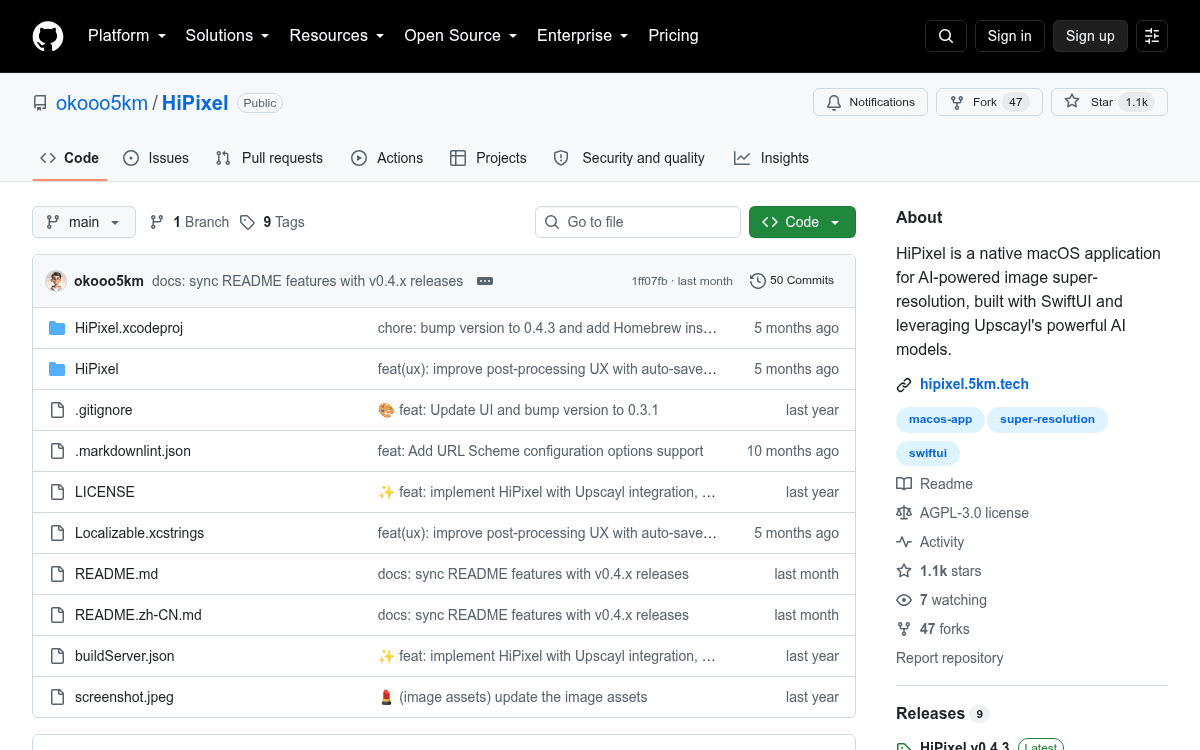
HiPixel is a free, open-source macOS app that wraps Upscayl's battle-tested AI upscaling engine in a fully native SwiftUI interface. If you've ever wanted to upscale images on Mac without spinning up an Electron app that eats your RAM, this is the answer. It crossed 1,000 GitHub stars and is now installable via Homebrew.
The Problem With Existing Tools
Upscayl is the gold standard for free, local AI image upscaling -- built on Real-ESRGAN neural network models with a Vulkan rendering backend, it processes images entirely on your local machine, ensuring complete privacy over your data. The catch? Unlike HiPixel, Upscayl runs on Electron -- essentially disguised Chrome -- and guzzles RAM accordingly. HiPixel takes the same AI models and ships them inside a proper macOS-native shell.
What's Under the Hood
Upscayl uses AI models to enhance images by guessing what the details could be, using Real-ESRGAN and Vulkan architecture to achieve this. Real-ESRGAN (Enhanced Super-Resolution Generative Adversarial Network) is a neural network trained to reconstruct plausible high-frequency detail -- textures, edges, fine lines -- from a low-resolution input. SR-GAN and ESRGAN demonstrated that GANs can add realistic details like sharp edges or textures that make upscaled images subjectively convincing. The tradeoff is that GAN-based super-resolution can introduce hallucinations, so a balance between fidelity and perceptual quality is needed.
The Upscayl application uses the NCNN inference framework to execute super-resolution models. Custom ESRGAN models must be converted from their original PyTorch or ONNX formats to NCNN's .param and .bin format pair. The GPU is accessed directly via Metal, whether you're on Apple Silicon or Intel. HiPixel fetches the upscayl-bin binary and model weights on first launch, verifying everything with SHA256 checksums and storing them in ~/Library/Application Support/hipixel/.

Four Models, One for Every Image Type
HiPixel ships with four built-in models sourced from Upscayl, each targeting a different content type:
- Standard (
upscayl-standard-4x) -- general-purpose photo upscaling - Lite (
upscayl-lite-4x) -- faster processing with lower GPU memory usage - High Fidelity (
high-fidelity-4x) -- maximum detail preservation, best for complex textures - Digital Art (
digital-art-4x) -- tuned for illustrations, anime, and flat graphics
You can also bring your own models: drop ncnn-format model files (.bin + .param) in a folder, select it in Settings, and they appear in the model list. This means any community-trained Real-ESRGAN variant -- there are hundreds -- works out of the box.
Automation Is a First-Class Citizen
This is where HiPixel separates itself from most GUI wrappers. It exposes a full hipixel:// URL scheme, meaning you can trigger upscaling from a terminal, a shell script, or any app that can open URLs. Every processing option is a query parameter:
# 4x upscale, PNG output, double-pass enabled
open "hipixel://?path=/Users/you/photo.jpg&imageScale=4.0&saveImageAs=PNG&doubleUpscayl=true"
# Use the High Fidelity model with TTA (Test-Time Augmentation)
open "hipixel://?path=/Users/you/photo.jpg&upscaylModel=high-fidelity-4x&enableTTA=true"
TTA (Test-Time Augmentation) is a technique where the model processes multiple augmented versions of the same image and averages the results -- it improves quality at the cost of speed. Beyond the URL scheme, you can add the "Upscale Images" action in the Shortcuts app to build your own automation -- every processing option is configurable per shortcut, including AI model, scale factor, output format, output folder, compression, double processing, and TTA.
The Full Feature Set
- Drag-and-drop batch processing -- drop hundreds of images and they process immediately
- Folder monitoring -- watch a folder and auto-upscale anything dropped into it
- Double Processing -- run the model twice in one pass for effective 8x or 16x upscaling
- GPU selection and tile size -- useful if you have multiple GPUs or run into VRAM limits
- EXIF preservation -- camera metadata and orientation survive the upscaling pass
- Output formats -- PNG, JPG, WebP, or the original format
- Comparison viewer -- zoom 1x-5x, pan, and reprocess with one click
- Menu bar mode -- hide the Dock icon and run silently in the background
Where It Falls Short
The underlying models share Upscayl's known limitations. The engine cannot correct out-of-focus blur or reconstruct fine detail in heavily degraded photographs. The models struggle with low-quality images -- high-ISO noise in particular is not handled well. If your source image is genuinely broken, more resolution won't fix it. HiPixel also requires macOS 13 Ventura or later, and a GPU is strongly recommended -- CPU-only upscaling of large images is painfully slow.
Getting It
HiPixel is free and licensed under the GNU Affero General Public License v3.0 (AGPLv3). Installation takes one line:
brew install okooo5km/tap/hipixelOr download the .dmg directly from hipixel.5km.tech. The source is on GitHub if you want to build it yourself -- clone the repo and open HiPixel.xcodeproj in Xcode. For anyone running image processing pipelines on Mac, the URL scheme and Shortcuts integration make HiPixel genuinely scriptable in a way that most GUI upscalers are not.
