
GenexisAI's Chromex Turns Chrome Into a Local AI Copilot With 1K Stars
GenexisAI open-sourced Chromex, a Chrome side-panel assistant that routes page, tab, voice, and image workflows through a local Codex bridge.
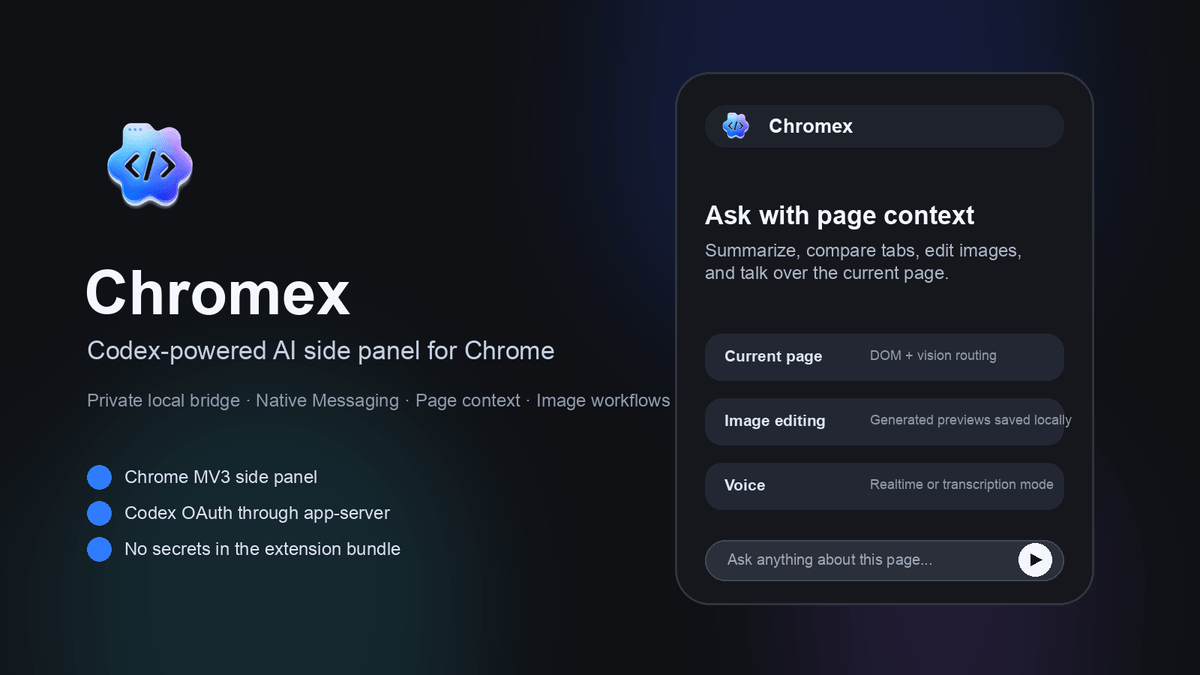
Takeaways
- GenexisAI released Chromex, an MIT-licensed Chrome side-panel assistant powered by a local Codex bridge.
- Architecture routes Chrome extension through native messaging host, local bridge, then codex app-server.
- Extension avoids storing API keys or OAuth tokens; credentials stay in the local bridge process.
- Supports page chat, tab comparison, PDFs, Office files, screenshots, voice, and image editing workflows.
- Includes plan mode, @-tab picker, YouTube timestamp adapter, and live translation with transcript-grounded follow-ups.
- Requires Node 20+, @openai/codex 0.130.0+, and a one-time native host installation before use.
A community team called GenexisAI has released Chromex, an open-source Chrome extension that turns the browser side panel into a chat assistant with access to the current page, selected tabs, uploaded files, screenshots, and voice. The project crossed 1,000 stars within days of launch and ships under an MIT license, with a native-messaging architecture designed to keep API keys and session tokens out of the extension itself.
Rather than copy-pasting page content into ChatGPT or paying for yet another browser copilot, Chromex wires Chrome directly into a locally running Codex process on your machine. The extension does not store raw OpenAI API keys, OAuth tokens, or ChatGPT session tokens in Chrome extension storage, and Codex OAuth and ChatGPT login are handled through the local Codex app-server flow.
How the pieces fit together
Chromex is a Manifest V3 side-panel extension that talks to a local daemon rather than calling a remote API directly. The runtime boundary flows from the Chrome extension to a native messaging host, then to a local bridge, then to the codex app-server. That local bridge is what actually holds credentials and spawns Codex, so the extension surface stays credential-free.
The repo is a TypeScript monorepo split into four packages:
- packages/extension: Chrome MV3 side-panel extension
- packages/bridge: local bridge daemon for Codex app-server and multimodal workflows
- packages/native-host: Chrome Native Messaging relay