
CodexBar Tracks 69 AI Providers' Rate Limits Right in Your Mac Menu Bar
CodexBar is a free, open-source macOS menu bar app that tracks token limits and reset windows across 69 AI coding providers — no dashboard login required.
 Pro
Takeaways
- CodexBar is a free, MIT-licensed macOS menu bar app tracking usage limits and reset timers across 69 AI coding providers.
- Supports Codex, Claude, Cursor, Gemini, Copilot, AWS Bedrock, Vertex AI, OpenRouter, and many more — no new logins required.
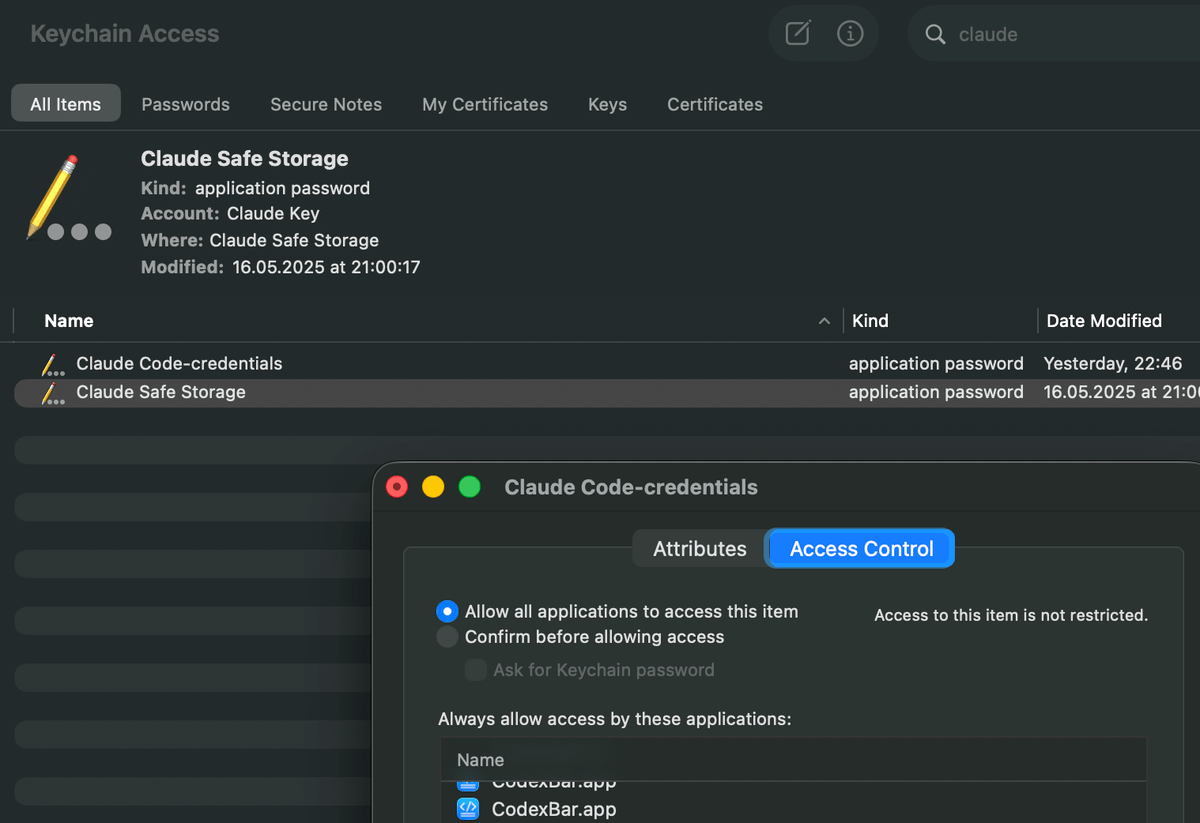
- Reuses existing OAuth tokens, browser cookies, and CLI credentials; no passwords are stored on disk.
- Ships with a full CLI (
codexbar) usable in scripts and CI, with standalone Linux builds available via Homebrew. - Includes WidgetKit widgets, live provider incident badges, credit balance tracking, and configurable refresh cadences.
- Install via
brew install --cask steipete/tap/codexbaror download from GitHub; requires macOS 14+.
If you use AI coding assistants seriously, you have probably been mid-flow on a complex refactor, fired off a prompt, and hit a rate limit. Then came the scramble: open a browser tab, log into the provider dashboard, find the usage page, figure out when the window resets. CodexBar is a lightweight macOS menu bar app built to eliminate that entirely. It puts live usage meters, reset countdowns, and credit balances for all your AI providers directly in your menu bar , no logins, no tab-switching.

One bar to rule them all
CodexBar tracks AI coding-provider usage windows, credits, costs, and resets across 69 providers, including Codex, Claude, Cursor, Gemini, Copilot, Grok, Vertex AI, AWS Bedrock, OpenRouter, and dozens more. You get one status item per provider, or a Merge Icons mode with a provider switcher , no Dock icon, minimal UI, dynamic bar icons.
The core value proposition is simple: plan around resets. Per-provider session, weekly, and monthly windows with countdowns to the next reset , stop guessing whether to start that long task. Beyond quotas, credits, spend, and cost scans give you credit balances, Admin API spend dashboards, provider billing summaries, and local cost scans where the source exposes enough detail.
How it actually gets your data
The clever part is how CodexBar authenticates without storing any new credentials. It uses OAuth APIs where possible, falls back to browser cookies when needed, and even taps into local CLI tools. This means if you are already logged into Claude in Chrome, or have the Codex CLI configured, CodexBar just reuses those sessions. No passwords are stored. CodexBar reuses existing browser cookies or OAuth tokens you have already authorized.