
CodeGraphContext Gives AI a Structural Map of Your Entire Codebase
CodeGraphContext turns any local codebase into a queryable graph database, giving AI assistants structural code understanding beyond simple text search
 Pro
Takeaways
- What it is: CodeGraphContext is an open-source MCP server + CLI that indexes local code into a graph database for AI assistants.
- Core capability: Traces call chains, class hierarchies, imports, and dead code across entire repos using graph traversal, not text search.
- How to install:
pip install codegraphcontext, then runcodegraphcontext mcp setupto auto-configure your AI IDE. - Supported clients: Works with VS Code, Cursor, Windsurf, Claude, Gemini CLI, Amazon Q Developer, Kiro, and more (13 total).
- Language support: 23 languages including Python, TypeScript, Go, Rust, Java, C/C++, Solidity, and more.
- Free and local: MIT-licensed, runs entirely on-device with embedded graph DBs; no remote service required.
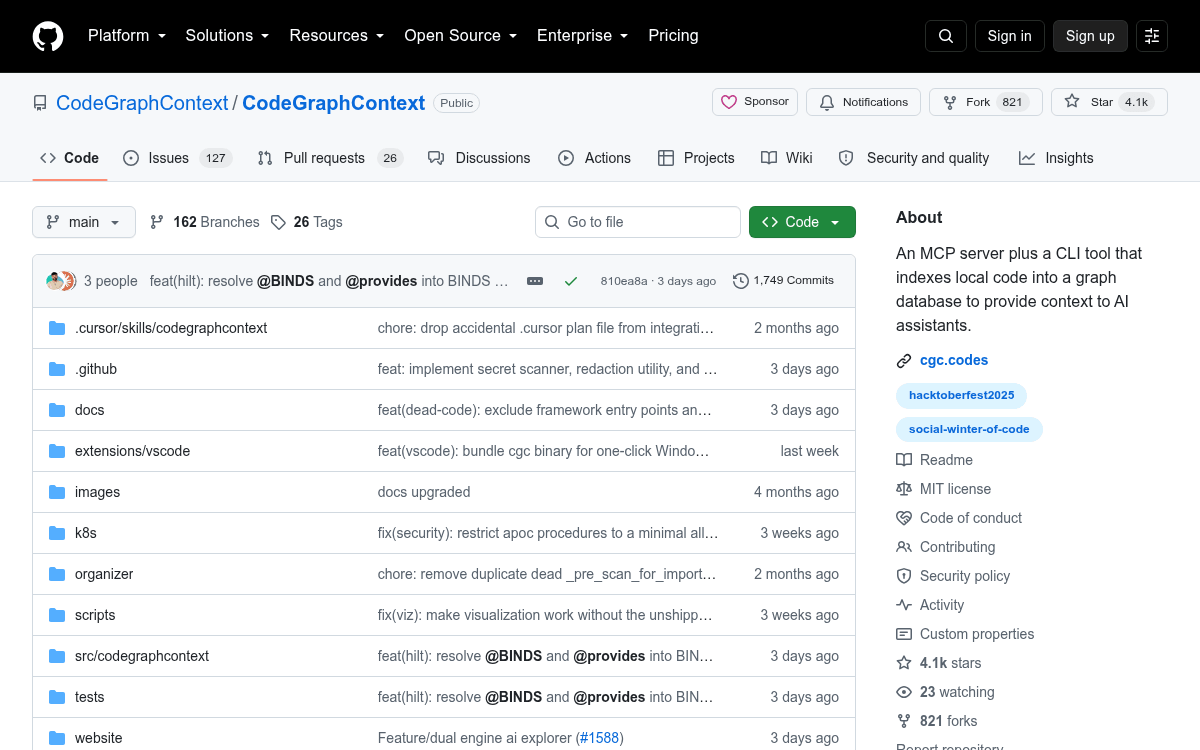
CodeGraphContext (CGC) is an open-source MCP server and CLI toolkit that indexes your local code into a graph database, then exposes that graph to AI assistants like Claude, Cursor, or Windsurf. Instead of relying on fuzzy text search or RAG-style chunk retrieval, it gives your AI the same structural map of a codebase that an experienced maintainer would carry in their head. The project has grown to over 4,100 GitHub stars and 800+ forks, signaling real traction in a space that is moving fast.
The problem with how AI reads code today
CodeGraphContext is built for the moment when plain text search stops being enough. It turns a repository into a graph of files, symbols, calls, inheritance, imports, and relationships so you can move from "where is this defined?" to "how does this actually connect?" without jumping between tools.
The gap it fills is real. Most AI coding tools today either do exact string matching (fast but blind to structure) or chunk code into text snippets and retrieve them by semantic similarity (better, but loses symbol-level precision). Neither approach can reliably answer questions like "if I change this function, what breaks?" or "show me every path from the API entry point to the database layer."
| Approach | Best for | Tradeoff |
|---|---|---|
grep / file search | Exact string lookup | Misses relationships and code structure |
| RAG over code chunks | Natural-language retrieval | Can lose symbol-level precision |
| CodeGraphContext | Repository-wide reasoning | Requires an indexing step upfront |
How it works under the hood
The pipeline is straightforward. CGC parses your source code using Tree-sitter (a fast, incremental parser that works across many languages) and optionally SCIP indexers (language-specific tools that produce more accurate call graphs for C/C++ and C#). From that parse, it extracts every function, class, method, import, and call relationship, then stores it all as a graph in an embedded database.
Source code flows through Tree-sitter and SCIP indexers into a graph database, which can then be queried directly via the CLI toolkit or exposed to AI assistants through the MCP server. The MCP server (Model Context Protocol -- the open standard that lets AI assistants call external tools in a structured way) is what bridges the graph to your AI IDE.

For database backends, CGC gives you a few options depending on your setup:
- FalkorDB Lite -- default on Unix/macOS, zero config, in-process
- KuzuDB -- cross-platform embedded backend, works natively on Windows
- LadybugDB -- another embedded option for specialized use cases
- Neo4j / Nornic DB -- for enterprise setups or very large graphs, requires Docker or an external server
All backends are embedded and local by default. CGC works locally with embedded backends or with external graph databases when you want them. Nothing is sent to a remote service unless you explicitly configure one.
Two ways to use it
CGC ships in two modes that can be used independently or together.
CLI mode is a standalone code analysis toolkit. After a one-line install, you can index a directory and start querying immediately:
pip install codegraphcontext
# Index your project
codegraphcontext index .
# Who calls this function?
codegraphcontext analyze callers process_payment
# Find dead code
codegraphcontext analyze dead-code
# Flag the most complex functions
codegraphcontext analyze complexity --threshold 10
# Watch for live changes
codegraphcontext watch .
MCP server mode connects the graph to your AI assistant. It analyzes code and builds a knowledge graph of its components, then lets you query for callers, callees, class hierarchies, call chains and more. A setup wizard auto-detects and configures your IDE:
codegraphcontext mcp setup   # detects Cursor, VS Code, Claude, Windsurf, etc.
codegraphcontext mcp start   # launches the MCP server
Once running, you interact through natural language. You can ask things like "what functions call validate_input?", "show me the inheritance tree for BaseController", or "find the 5 most complex functions in this repo" -- and the AI will query the graph rather than guessing from context.
What it's genuinely good at
Leveraging the power of graph databases, CGC can identify direct and indirect callers and callees, even when a function is called through multiple layers of abstraction or across numerous files. This is the core strength. For large codebases where a single function might be invoked through five layers of indirection, graph traversal finds paths that text search simply cannot.
Concrete use cases where it shines:
- Impact analysis -- before refactoring a function, find every caller across the entire repo
- Debugging -- trace execution paths from an entry point to where a bug manifests
- Onboarding -- understand how a large unfamiliar codebase is structured without reading every file
- Dead code detection -- find functions and classes that are never called
- Complexity hotspots -- surface the most tangled parts of the codebase using cyclomatic complexity (a measure of how many independent paths exist through a function)
There is also an interactive visualization mode. You can click any node to open a detailed side panel with symbol information, file paths, and context; live-search through the graph to find specific symbols instantly; and view force-directed or hierarchical layouts as standalone HTML files that work in any modern browser.
Where it has limits
The indexing step is a real upfront cost on large repos. Tree-sitter is fast, but for very large monorepos the initial graph build takes time. More importantly, Tree-sitter works by parsing syntax -- it does not execute code, so dynamic dispatch, runtime-generated calls, and metaprogramming patterns will not appear in the graph. The optional SCIP indexers improve accuracy for C/C++ and C# specifically, but require additional setup (a compile_commands.json for C/C++, or a valid .csproj for C#).
Source code, file paths, symbol names, comments, dependency names, call graphs, class hierarchies, search terms, and tool outputs may be visible to the MCP client and model provider. Indexing proprietary repositories can reveal architecture, product plans, credentials accidentally committed to code, internal package names, or security-sensitive paths. If you're working with sensitive codebases, review the .cgcignore configuration carefully before connecting to any AI service.
The MCP ecosystem context
Since Anthropic released MCP in November 2024, the ecosystem has grown to over 17,000 publicly listed servers. OpenAI and Google DeepMind adopted it in early 2025, and it was donated to the Linux Foundation's Agentic AI Foundation in December 2025, cementing its status as the universal interface between AI and the tools developers actually use.
IDE integration has been one of MCP's fastest-growing adoption vectors. Cursor and VS Code (via GitHub Copilot) support MCP, allowing AI assistants to access project files, run terminal commands, and interact with version control directly through the protocol. CGC slots directly into this ecosystem -- it supports 13 clients out of the box including VS Code, Cursor, Windsurf, Claude, Gemini CLI, Amazon Q Developer, and Kiro.
The broader bet CGC is making is that graph-structured code context will outperform flat-text retrieval for structural questions. As AI coding agents become more autonomous -- running multi-step refactors, writing tests, navigating large codebases -- the quality of their structural understanding becomes the bottleneck. A graph that knows every caller, every class hierarchy, and every import chain is a meaningfully different substrate than a bag of code chunks.
Getting started
CGC is free, MIT-licensed, and available on PyPI. It supports Python 3.10 through 3.14 and runs on Windows, macOS, and Linux. There is also a Docker image if you want to skip the Python setup entirely. Pre-indexed bundles let you load famous repositories instantly with .cgc bundles -- no indexing required. The official docs site covers the full CLI reference, database configuration, and MCP client setup guides.
One recent addition worth noting: an opt-in GCF output format that the project claims reduces MCP tool response tokens by roughly 62%, which matters when you are running many graph queries inside a long AI conversation and burning through context window fast.
