
Callstack's agent-device Lets AI Coding Agents Actually See and Tap Mobile Apps
Callstack's open-source CLI gives AI coding agents a live feedback loop on iOS, Android, and TV apps through accessibility snapshots instead of screenshots.
Takeaways
- Callstack's agent-device gives AI coding agents a CLI, MCP server, and Node.js API to drive real mobile apps.
- Supports iOS, Android, HarmonyOS, tvOS, Android TV, Vega OS, web, macOS, and Linux from one interface.
- Uses token-efficient accessibility snapshots with stable refs instead of screenshots for agent input.
- Sessions scoped to git worktrees prevent parallel agents from stealing each other's simulators.
- Records runs as
.adscripts for CI replay, with optional export to Maestro YAML. - Used at Expensify, Shopify, and JPMorgan Chase; MIT-licensed at agent-device.dev.
Coding agents like Claude Code and Codex can write mobile app changes all day, but they mostly fly blind once the code compiles. They can't tap a button, read what's on screen, or verify that the onboarding flow actually works. Callstack's agent-device plugs that gap with a CLI, MCP server, and typed Node.js client that lets agents drive real apps and hand back screenshots, logs, and traces as evidence.
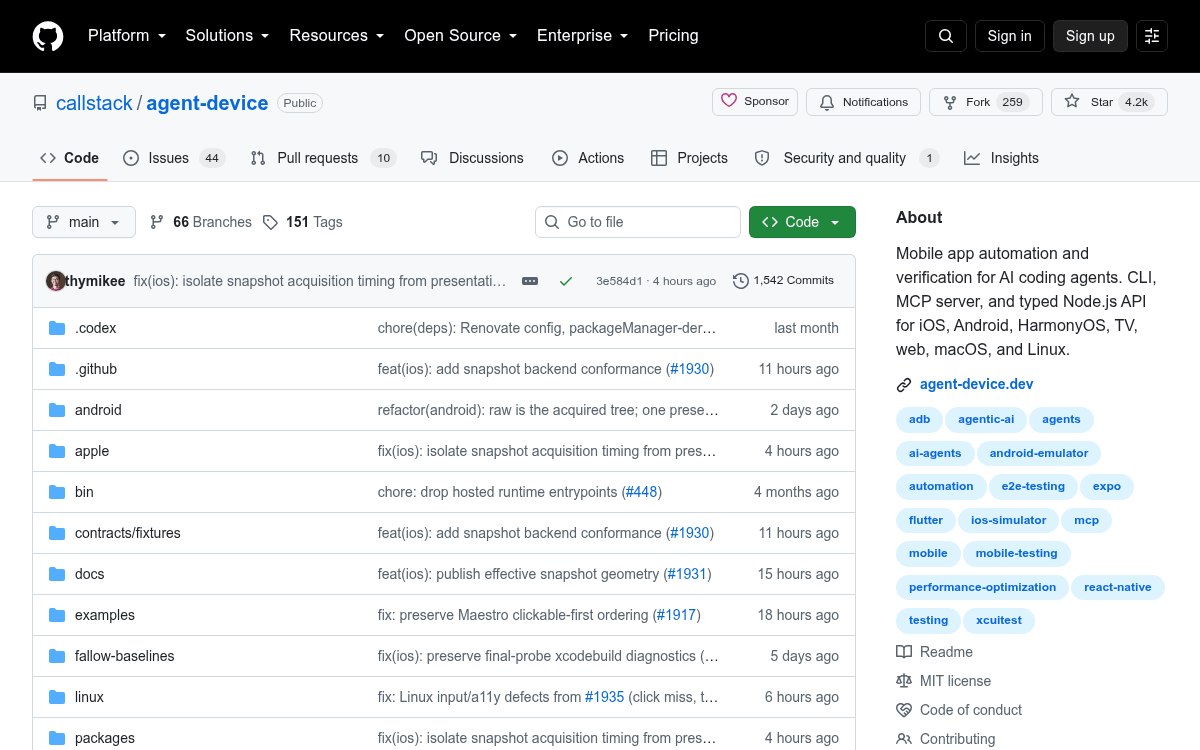
The project has crossed 4,000 stars on GitHub and is already in use inside teams at Expensify, Shopify, and JPMorgan Chase. It ships under an MIT license and installs from npm.
Snapshots that don't melt your context window
The core design choice is worth understanding. Rather than feed an agent raw screenshots and ask it to reason about pixels, agent-device reads token-efficient accessibility snapshots, has agents act through refs and selectors, and saves evidence for review. A snapshot looks like structured text with stable references such as @e2 [button] "Add", which the agent can then press, fill, or scroll.
Screenshots and video still get captured, but as evidence attached to pull requests rather than as the primary input the model reasons over. That keeps prompts small and makes runs more deterministic on flows where the underlying accessibility tree is well labeled.

Three entry points, one runtime
The same underlying runtime is exposed three ways, so you can pick whichever fits your agent setup: