
bb-browser Gives AI Agents Your Real Chrome Login to Beat Anti-Bot Systems
bb-browser lets AI agents tap into your real Chrome session, unlocking 103 commands across 36 platforms with zero API keys needed
 Pro
Takeaways
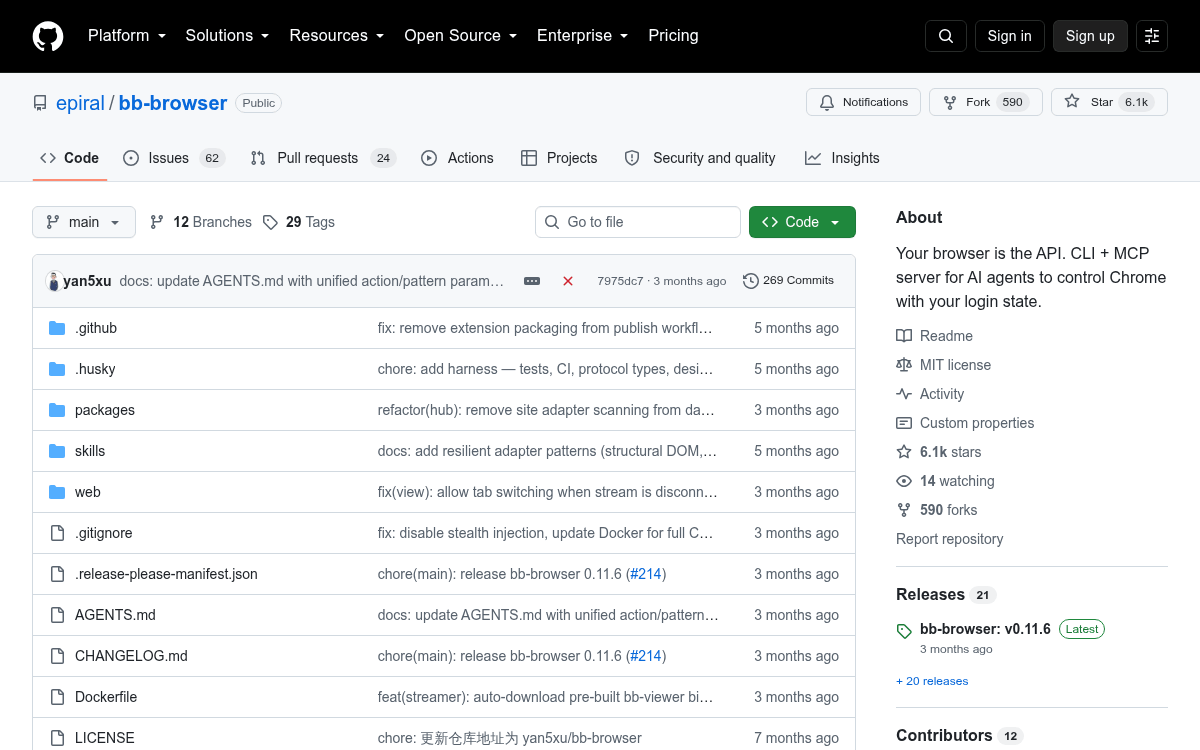
- bb-browser is a free, MIT-licensed CLI and MCP server that lets AI agents control your real Chrome browser using your existing login sessions, no API keys required.
- It ships with 103 commands across 36 platforms including Twitter, YouTube, GitHub, arXiv, LinkedIn, and Yahoo Finance.
- Agents connect via CDP (Chrome DevTools Protocol) WebSocket, making requests indistinguishable from normal user activity and bypassing anti-bot detection.
- The adapter library is self-expanding: AI agents can autonomously reverse-engineer new websites and submit adapters; 20 agents ran in parallel to prove this works at scale.
- Integrates with Claude Code and Cursor as an MCP server with a two-line config; also supports full general-purpose browser automation (click, fill, screenshot, JS eval).
- Install with
npm install -g bb-browser; community adapters live in the bb-sites repo.
bb-browser is an open-source CLI and MCP server that gives AI agents direct access to your real Chrome browser, complete with your existing login sessions. Instead of wrangling API keys or fighting anti-bot systems, agents simply use the browser the same way you do, because technically, it is you.
The problem it actually solves
AI agents have been trying to access the web through APIs, but 99% of websites don't offer one. The usual workarounds are painful: headless browsers like Playwright get flagged by anti-bot systems, scraping libraries require constant maintenance, and manual cookie extraction is fragile. bb-browser enables AI agents to interact with the internet by controlling a real Chrome browser, leveraging existing user login states so agents access web content as human users, circumventing API limitations and anti-bot measures.
The core insight is elegant: instead of forcing websites to provide machine interfaces, let machines use the human interface directly. The website sees a normal authenticated user, because the requests are literally coming from your browser tab.
How it works under the hood
The system uses a CLI/MCP server that communicates with a daemon, which interfaces with Chrome via the Chrome Debugging Protocol (CDP). The extension employs CDP to control the user's real browser, executing JavaScript, using authenticated fetch requests, or calling page modules. CDP (Chrome DevTools Protocol) is a low-level debugging interface built into Chromium that lets external processes inspect and control a browser tab programmatically.
The architecture looks like this: