
HKUST Runs the World's First PhD Defense Inside a VR Headset
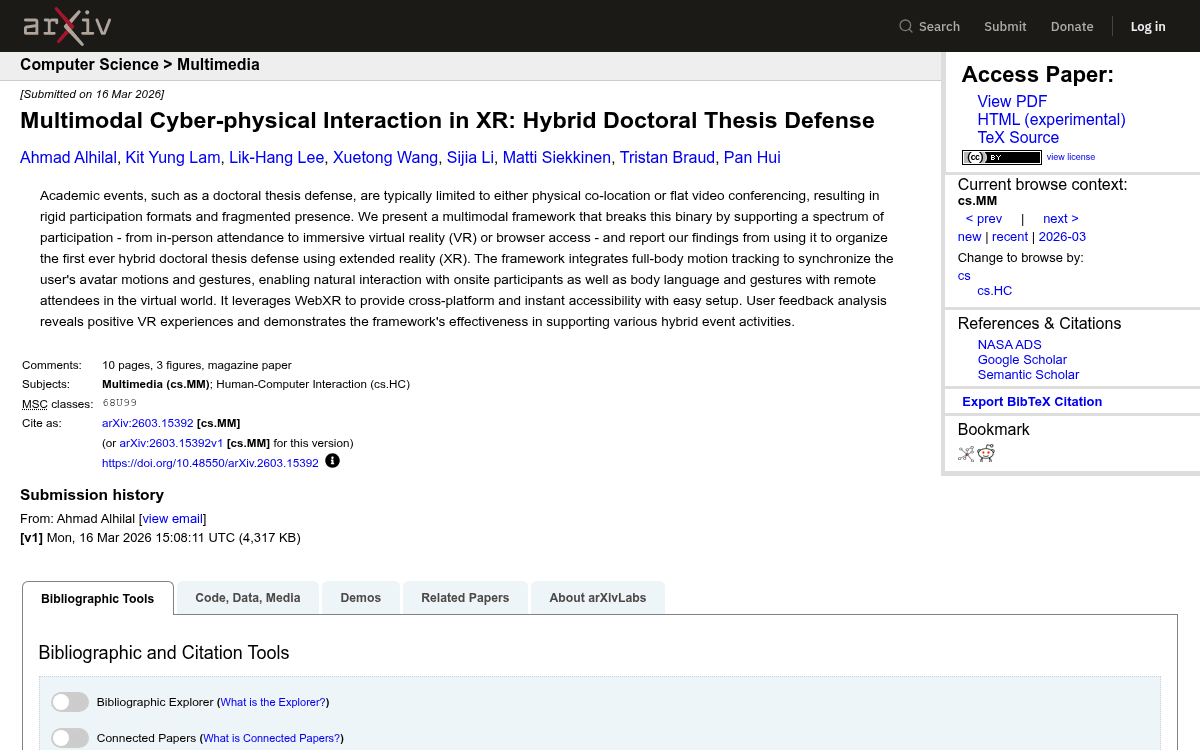
A team from HKUST built a WebXR framework that ran the first hybrid PhD defense mixing in-person examiners with VR and browser attendees.
 Pro
Takeaways
- First hybrid PhD defense using XR combining onsite examiners, VR headset users, and browser participants was held at HKUST.
- Presenter wears a Perception Neuron 3 IMU suit driving 59 avatar joints in Unity3D.
- WebXR and WebRTC enable one-click browser access with no installs or accounts required.
- Photorealistic examiner avatars generated from photos via Avatar SDK, distributed automatically on login.
- User study (n=36) rated accuracy 3.86, sync 3.81, and ceremonial handshake 4.14 out of 5.
- Limitations include no facial capture, static slide images, and manual dual-slide control by the presenter.
A group of researchers just published details of what they claim is the first doctoral thesis defense conducted as a hybrid extended reality event, with committee members and audience joining from a physical room, VR headsets, and plain web browsers all at once. The setup, deployed at the Hong Kong University of Science and Technology, uses a full-body motion capture suit on the candidate, photorealistic avatars for examiners, and WebXR so remote participants can walk in through a browser link with no software installs.
The paper, Multimodal Cyber-physical Interaction in XR, argues that academic ceremonies have been stuck between two bad options: everyone physically in the room, or everyone squashed into a Zoom grid. In-person defenses foster formality, direct interaction, and nuanced nonverbal communication, but they impose geographic and logistical constraints. Remote alternatives struggle with rigid participation modes, limited nonverbal expressiveness, and a fragmented sense of presence. The team's answer is a framework that lets each participant pick their mode of presence while keeping the ceremonial weight of the event intact.
Why video calls buckle under formal academic events
Video conferencing works for meetings, but a thesis defense has structural requirements it doesn't handle well. Monitoring participant engagement is difficult given multiple attendee windows and limited visibility of nonverbal cues from constrained camera angles or screen sharing, and speaking turns get muddled. Social VR platforms like VRChat, Rec Room, Horizon Workrooms, and Spatial can host a room, but they impose four barriers: hardware and software requirements, mandatory account creation, room configuration, and avatar customization by every participant. Asking a busy external examiner to install a client and design an avatar is a non-starter.

How the framework is put together
The candidate is the technical anchor of the setup, wearing a Perception Neuron 3 Body Kit with 17 sensors attached to the head, shoulders, spine, and limbs. Those sensors produce position and rotation data, which a C# script over Unity3D maps to 59 joints of the presenter's avatar to control body gesture. Arm sweeps at a diagram, a nod toward an examiner, or leaning on a lectern all show up on the remote side.
Remote participants come in through two paths with different data profiles:
- VR headset users get hand controllers, and the app uses inverse kinematics to compute upper-limb joints from hand positions. As in Meta Workrooms, movement speed triggers a lower-body animation (standing or walking) since legs are untracked.
- Browser users navigate with WASD and mouse, and the client blends pre-set idle and walking animations based on input intensity.
- Onsite attendees are captured through room audio streamed alongside the presenter's voice.
Avatars for examiners and supervisors are generated ahead of time from photos through Avatar SDK, so a committee member's login pulls up a personalised photorealistic body without them lifting a finger. Networking is handled by the open source Mirror library, audio runs over WebRTC, and the immersive experience is delivered through WebXR via the SimpleWebXR bridge into Unity3D. WebGL provides hardware-accelerated rendering, giving remote users a fully functional VR experience from a standard browser.

Did it actually work
The team surveyed 36 people, split between defense attendees and non-attendees who watched recorded footage of three scenarios: a handshake, a slide presentation, and freestyle full-body motion. Ratings were on a 5-point Likert scale.
| Metric | Attendees | Non-attendees | All |
|---|---|---|---|
| Avatar accuracy | 3.92 | 3.84 | 3.86 |
| Motion sync | 3.83 | 3.80 | 3.81 |
| Handshake | 4.08 | 4.16 | 4.14 |
| Full-body tracking | 3.92 | 3.84 | 3.89 |
| Presentation | 4.17 | - | 4.11 |
The ceremonial handshake between the committee chair and candidate scored highest, replicating natural social gestures during a symbolic moment. Committee members reportedly joined through Chrome without preparation, which was a stated design goal.
Where it still falls short
The paper is candid about limitations that matter if you want to reuse this stack:
- The presenter-avatar framework does not capture facial expressions, diminishing emotional connection compared to in-person interaction.
- PowerPoint slides are converted to static images and lose animations, transitions, and embedded media.
- The presenter has to advance physical and virtual slides simultaneously, which risks the two realities drifting out of sync.
- The IMU suit needs careful calibration, adding pre-event setup pressure at a moment when the candidate least needs it.
The authors point to vision-based approaches like 3D Gaussian splatting (TaoAvatar) that could eliminate wearable sensors, enabling automatic full-body capture through cameras alone as the obvious next step.
Why the recipe matters more than the algorithm
No public code repository accompanies the paper, which limits immediate reuse, but the component stack (Unity3D, Mirror, WebXR, WebRTC, Avatar SDK, SimpleWebXR) is documented well enough to rebuild. The real contribution is a working recipe for concurrent physical-virtual participation in a formal event where nonverbal cues carry meaning: viva voces, oral exams, hiring committees, medical board reviews, or any structured proceeding where a Zoom grid feels wrong. It also serves as a useful reference point for anyone building enterprise or educational XR tools who has to reconcile heavyweight tracking for one presenter with zero-friction access for everyone else.