
Arizona State's ViDscribe Lets Blind Viewers Customize AI Video Descriptions
A new web platform pairs Gemini 3 Pro with six customization knobs and on-demand video Q&A, letting blind viewers reshape AI-generated audio descriptions for any YouTube video.
 Pro
Takeaways
- ViDscribe generates customizable audio descriptions and answers questions for any YouTube video using Gemini 3 Pro.
- Six customization knobs cover frequency, length, emphasis, subjectivity, color, and free-form user instructions.
- Pipeline separates AD timing (silence, no-speech, scene change detection) from description content generation.
- Week-long study with eight BLV users: customized ADs beat defaults on effectiveness, enjoyment, and immersion.
- Users trended toward shorter, less frequent descriptions over time, calling long outputs "AI fluff."
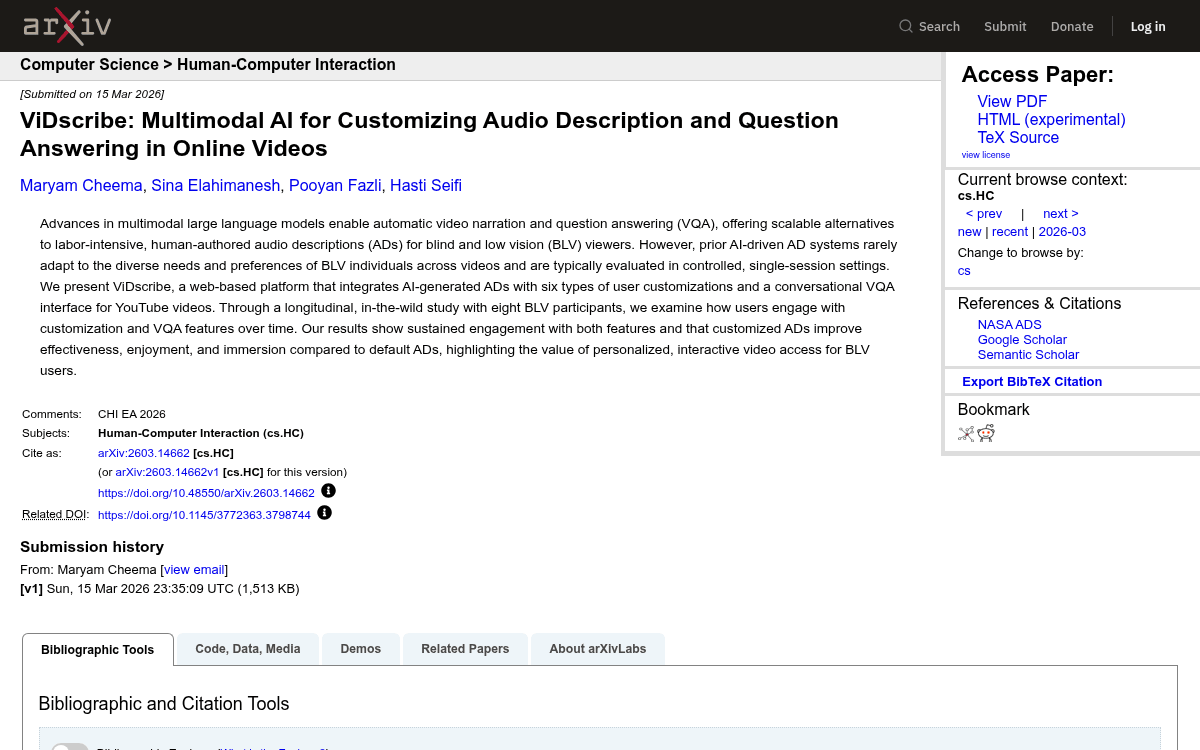
- Live platform available at vidscribe.org; paper on arXiv.
Most AI-generated audio descriptions for blind and low vision viewers behave the same way for everyone: one model, one narration style, one length, applied uniformly to every video. A team from Arizona State University and Saarland University wants to break that pattern with ViDscribe, a web platform that generates audio descriptions (AD) for arbitrary YouTube videos and lets viewers tune them across six dimensions while asking follow-up questions during playback.
The paper pairs the system with a week-long, in-the-wild study of eight blind and low vision (BLV) participants, which is unusual in this area. Prior AI-driven AD systems rarely adapt to the diverse needs of BLV individuals across videos and are typically evaluated in controlled, single-session settings. ViDscribe tests what happens when people take a customizable descriptor home for a week and use it on whatever they want to watch.
Why one-size-fits-all descriptions fall short
Human-written audio description is expensive and slow, so the vast majority of online video ships without it. Multimodal LLMs can close that gap, but existing systems typically emit a single fixed narration per video. That ignores a well-documented reality: a BLV viewer watching a cooking tutorial wants very different information than the same viewer watching a Kill Bill trailer, and preferences also shift with degree of blindness and viewing context.
ViDscribe exposes the description pipeline as a set of user-controlled knobs, then wires an interactive question-answering layer on top for anything the narration misses.

Six knobs for six kinds of viewer
Users paste a YouTube URL and optionally set preferences before playback. Any YouTube video works, so participants engage with content they independently select rather than researcher-curated media. The customization options are:
- Frequency: how often descriptions are inserted (every 8, 15, or 30 seconds)
- Length: a slider from 15 to 100 words per description
- Emphasis: general, character, instructional, or environment focus
- Subjectivity: strictly factual vs. interpretive narration that includes mood and inferred emotion
- Color: include or omit color attributes
- Free-form guidelines: a textbox for arbitrary instructions like "include character names"
Each setting gets translated into prompt parameters that condition the description generator. The default profile, used when a viewer skips customization, is 50 words per segment, general emphasis, objective tone, and colors on.
Splitting when from what
ViDscribe separates when to speak from what to say, which is a meaningful design choice. A timing module first extracts the audio track and visual frames, then looks for three signals: silence, no-speech segments, and scene changes. It picks timestamps where these overlap, prioritizing natural pauses that also coincide with visual transitions so descriptions do not step on dialogue. If a resulting interval is longer than the user's requested frequency, it recursively splits it.
The description generation module then hands the video, the timestamps, the user's customization settings, and 42 AD guidelines drawn from the team's earlier VideoA11y work to Gemini 3 Pro, which produces the narrations. The frontend is React, the backend runs on AWS Lambda, and the interface is screen-reader compatible with keyboard controls for playback and speech-rate adjustment.
The VQA layer is triggered by a keyboard shortcut or on-screen button. A question, the current timestamp, the already-generated AD, the main frame, and a few adjacent frames go to Gemini 3 Pro, which returns a text answer that is also spoken via text-to-speech.
What the week-long study showed
Eight BLV participants, all screen-reader users, watched at least 10 minutes of video per day for five days on content they chose themselves. They uploaded 81 videos in total, used customizations on 63% of them, and asked 66 questions across the study.
Customized descriptions beat defaults on every axis measured, with enjoyment showing the largest lift (3.97 vs. 3.45 on a 5-point scale), followed by immersion (4.06 vs. 3.72) and effectiveness (4.32 vs. 4.00). Overall system usability came in at 70.6, above the standard 68 benchmark for web interfaces.
Some patterns worth flagging for anyone building similar tools:
- Genre drives customization. Instructional emphasis dominated how-to videos, character emphasis dominated sports and film content, and subjective descriptions proved more popular for entertainment.
- People learned to want less. Average requested length dropped from 47.7 to 33.3 words over the week, and participants shifted toward longer intervals between descriptions, complaining that longer outputs introduced "AI fluff."
- Short frequencies won. Only one video ever used the 30-second frequency setting.
- VQA lagged AD. Helpfulness scored 3.46 and accuracy 3.27, largely because the current implementation only sees the current frame plus a few adjacent ones, so questions requiring cross-video inference ("Who said 'I'm not on your team'?") often failed.
Where it breaks and what it enables
The main technical weakness is that narrow temporal window on VQA. Questions that require reasoning over earlier scenes or matching a voice to a speaker regularly stumped the system, and two participants had to rewind and reframe questions to get useful answers. The authors argue this points to a two-step VQA design that first retrieves relevant video segments before answering, a reasonable direction for anyone extending this work.
The other caveat is trust. High trust in AI-generated descriptions cuts both ways, since multimodal LLMs enable automatic narration and question answering but also hallucinate, and prior research suggests users tend to trust longer descriptions regardless of accuracy. The paper explicitly calls for human-in-the-loop review and uncertainty flags in production systems.
Practically, ViDscribe is live at vidscribe.org, works on any YouTube URL, and demonstrates a concrete recipe for turning a general-purpose multimodal model into an accessibility tool: separate timing from content, expose prompt parameters as UI controls, and layer VQA on top of the generated descriptions rather than treating them as independent tasks.