

Warp's Agent CLI Ships Smart Routers That Auto-Switch AI Models per Task
Warp's Agent CLI now lets you write plain-English routing rules that automatically send each prompt to the right model, shareable across your whole team

- Custom model routers are live in the Warp Agent CLI — write plain-English rules to auto-route prompts to different models.
- Two routing modes: complexity-based (easy/medium/hard tiers) and rule-based (natural-language classification prompts).
- Team-shareable: routers are stored as YAML files in
~/.warp/custom_model_routers/and can be committed to a repo. - Standalone CLI now works in any terminal (Ghostty, iTerm2, VS Code, Windows Terminal) with no Warp Terminal required.
- Pricing: $18/month for $20 of inference, or $10 ad hoc credits; inference billed at API cost with no markup.
- Supports BYOK and OpenAI-compatible endpoints, plus SuperGrok subscriptions; acts as an orchestration layer over Claude Code, Codex, and Gemini CLI.
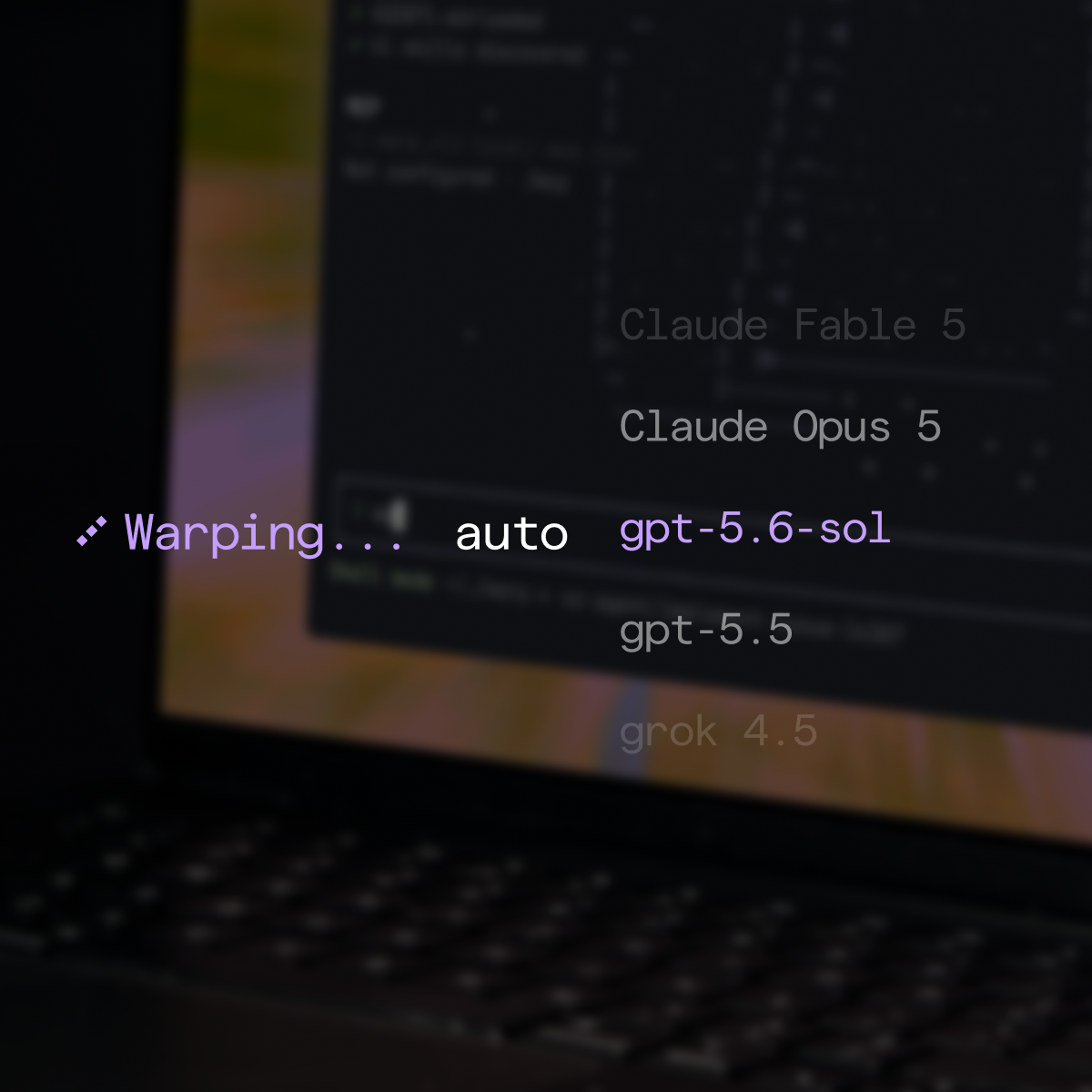
Warp's Agent CLI shipped custom model routers, a feature that lets you define, in plain English, which AI model handles which type of task. Write a rule like "Send planning tasks to Claude" or "Send bug fixes to Kimi k3", and every subsequent prompt gets classified and dispatched automatically, with no manual model-switching mid-session.
This ships as part of the Warp Agent CLI launch, a standalone coding agent that runs inside any terminal, including Ghostty, iTerm2, VS Code, and Windows Terminal, and serves as the home for Warp's most advanced inference features.
Why single-model agents fall short
Most coding agents lock you to one model per session. You pick Claude or GPT-5 at the start and commit. That works for simple tasks, but real engineering work mixes a quick grep, a complex architectural refactor, and a one-line bug fix in the same session. Those tasks have wildly different cost and capability tradeoffs, and running a frontier model on every prompt is expensive overkill.
Custom routers solve this by applying routing logic you define once. Instead of committing to a single model upfront, Warp resolves the right model each time you send a prompt.
Two routing modes
There are two options: complexity-based routing, where Warp classifies each task's difficulty and routes to the model you mapped to that level, and rule-based routing, where you write natural-language rules that describe when to use each model. Complexity-based acts as a coarse dial across easy, medium, and hard tiers. Rule-based gives you a fine-grained policy engine.
Some practical rule examples from the announcement:
"Send simple requests to minimax""Send planning tasks to Claude""Send bug fixes to Kimi k3"
For rule-based routing, you write a classification prompt describing when to use each model, then select the model. Rules are matched top to bottom, so order them by precedence. If nothing matches, the request falls back to a default model you set.
Storage, sharing, and setup
Custom routers are stored as YAML files in ~/.warp/custom_model_routers/, one router per file. Because they're flat files, you can commit them to a repo and share a routing policy across your entire engineering org.
Setting one up takes three steps:
- Open Settings > Agents > Warp Agent > Custom Routers
- Click Add router, give it a name, and choose
Complexity-basedorRule-based - Assign models to each level or rule, then hit Save. The router appears in the model picker immediately.
A terminal-native agent harness
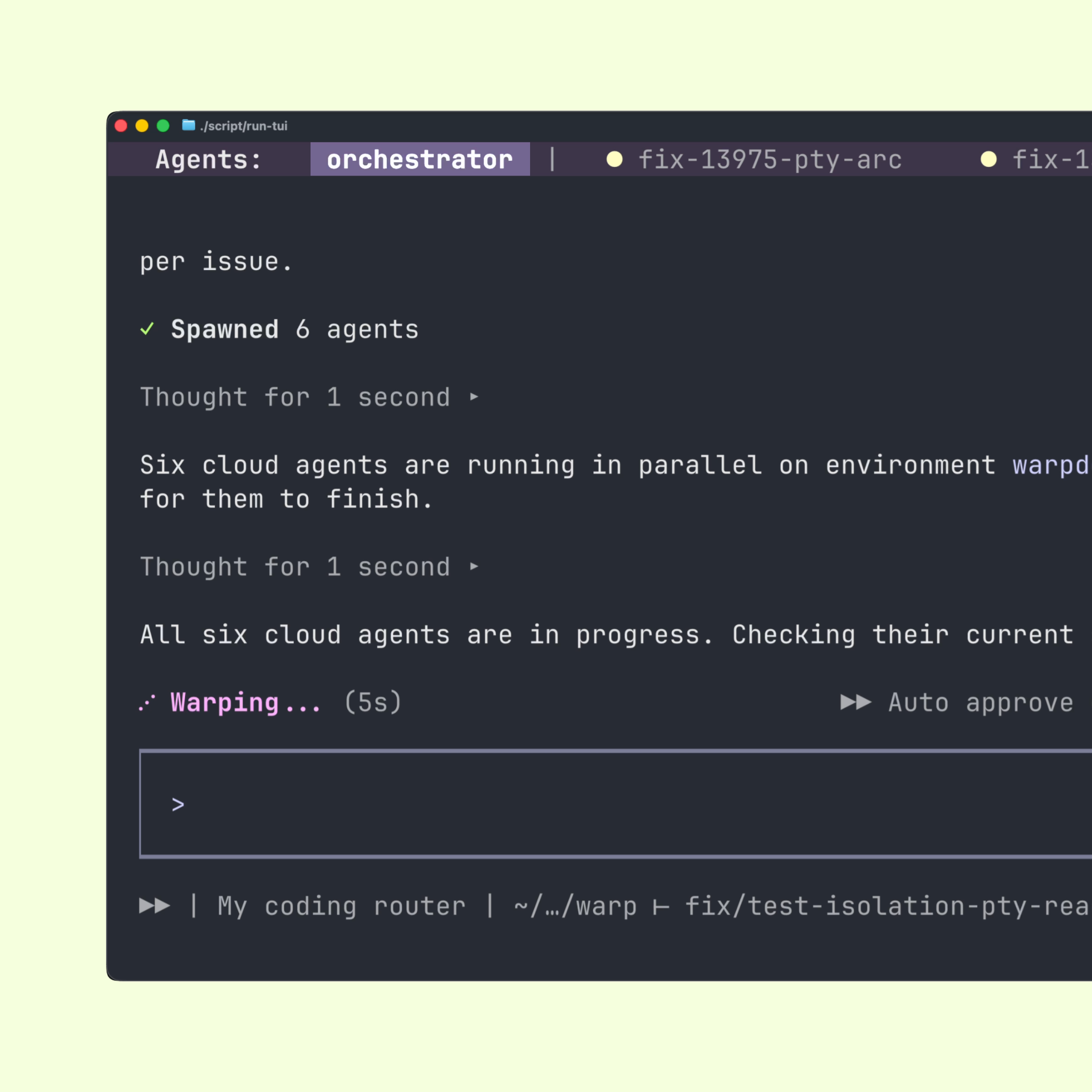
The Warp Agent CLI is available as a standalone binary in any terminal, with built-in model routing, frontier and US-hosted open-weight models, multi-agent orchestration, cloud agents, and a multiplexing architecture built on Warp's terminal infrastructure.
That multiplexing layer, similar to tmux but agent-aware, is what separates Warp's CLI from Claude Code or Codex. The CLI manages pty connections directly, so you can run terminal apps like SQLite and Python through the agent session. Warp Agent can control those apps interactively, letting you ask it to write queries or debug code inside a live REPL.
Sessions persist across directory changes and context switches, so moving from a client directory to a server directory doesn't drop agent context. SSH into a remote host and the agent follows, with no remote binary required.
Models and pricing
Warp supports models from OpenAI, Anthropic, Google, and open-source providers, with configurable reasoning levels and per-profile defaults. You can bring your own API key or point it at any OpenAI-compatible endpoint. SuperGrok subscribers can authenticate directly.
Pricing breaks down as follows:
- Subscriptions start at $18/month, which includes $20 of inference credit
- Ad hoc credits are available without a subscription, starting at $10
- Inference is charged at API cost with no markup
- Existing Warp subscribers can log in and start immediately
Warp can also delegate subagents to Claude Code, Codex, or Gemini CLI, positioning itself as an orchestration layer above individual AI coding agents. Custom routers are the routing fabric that sits on top of all of them.
Early reception
Community feedback has been strong. One user reported that Warp CLI caught a bug that Cursor and Claude both missed, specifically a live Kubernetes API failure that required grepping the repo to diagnose. Another called it their default AI terminal. Warp cites a community of 800,000 developers, suggesting the platform has real adoption behind this launch.
Getting started
Install the CLI with a single command on Mac or Linux:
curl -fsSL https://app.warp.dev/download/agent-cli | bashOr on Windows via PowerShell:
Invoke-RestMethod "https://app.warp.dev/download/agent-cli.ps1" | Invoke-ExpressionCustom routers are available now in Warp Agent settings. If you're already switching between Claude for planning and a cheaper model for boilerplate, this automates that decision and makes it reproducible across your team.
Comments
