

Vercel's v0 Turns Any Figma File Into a Full Working App
v0 now takes a single Figma file link and autonomously explores every page and frame to build a complete, multi-screen working app
- v0 now accepts a single Figma file link and autonomously explores all pages, frames, and design tokens to build a complete multi-screen app.
- The agent compares each generated screen against the original Figma frame image as it builds, acting as a visual quality check.
- It reads pages, frames, design tokens, colors, layout, text, icons, components, styles, and Dev Mode resources from your file.
- Higher fidelity than screenshot-based generation because it preserves token data, spacing, and component structure from the file itself.
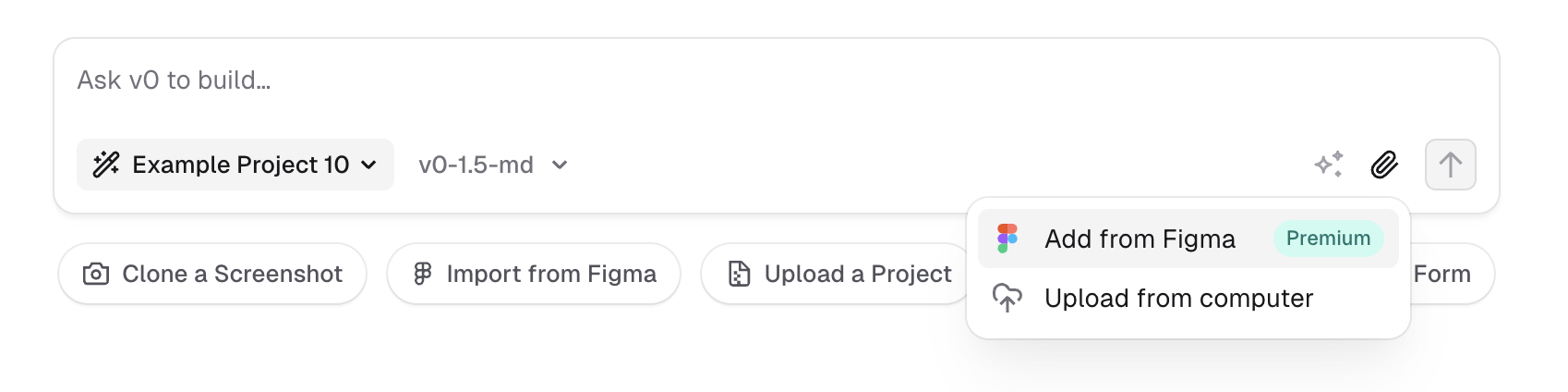
- Figma import requires the Premium plan at $20/month or above; credits are consumed per generation.
- Best results come from well-structured Figma files with separate frames per UI section, following standard developer handoff conventions.
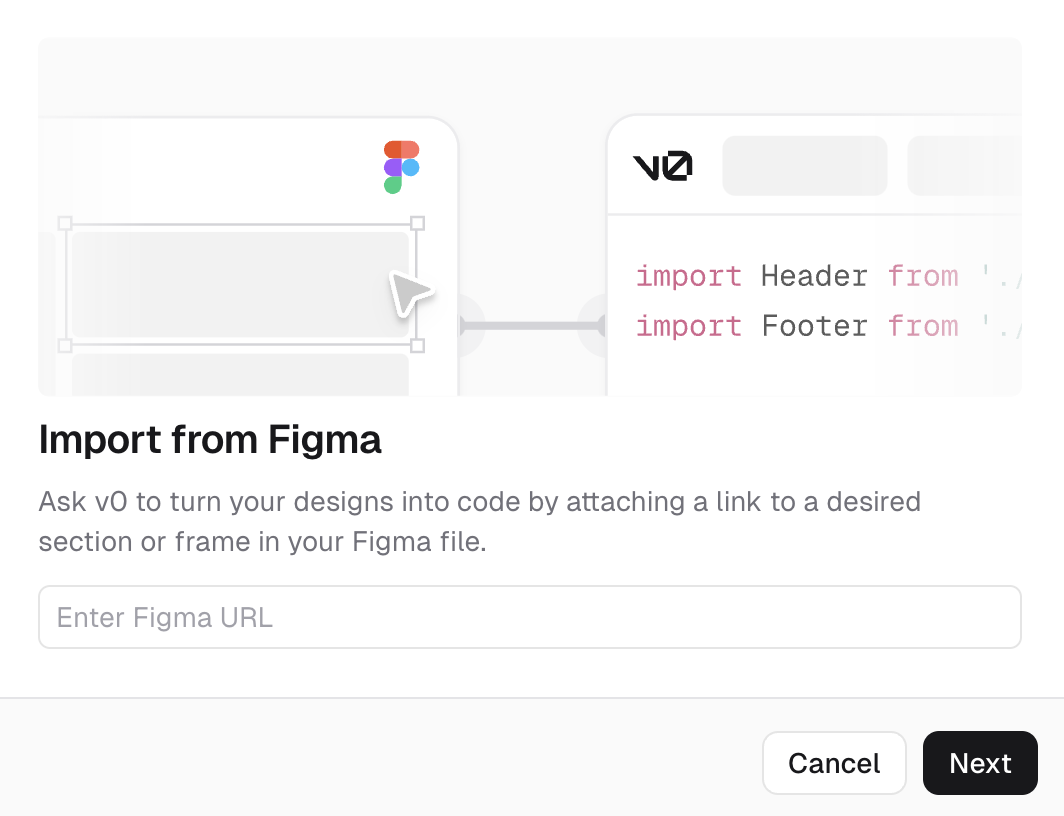
v0 just shipped a significant upgrade to its Figma integration: paste in a Figma file link, and v0's agent will autonomously explore your pages and frames, extract what it needs, and produce a working multi-screen app. Previously, you had to feed individual frames one at a time.
From link to app, no hand-holding required
When you attach a Figma link, v0 analyzes both the visual layout and underlying design tokens, then navigates the entire file structure on its own. Here is what it reads:
- Pages and frames
- Design tokens and colors
- Layout and text
- Icons, logos, and images
- Components and styles
- Dev resources from Dev Mode
As it builds, v0 compares each generated screen against the original Figma frame image. That visual grounding step keeps output accurate: the agent checks its work against the source design rather than inferring from metadata alone.
Why full-file context changes the output
The old Figma-to-code story had a persistent problem in practice. Tools would take a screenshot or a single exported frame and produce a rough approximation. The real bottleneck was multi-screen fidelity: getting a login page, a dashboard, a settings panel, and a profile screen to feel like one coherent app rather than four separate generations stitched together.
Screenshots lose design token information, exact spacing values, component names, and Dev Mode annotations that Figma stores in the file structure. With full-file access, the agent carries global context about your design system when it builds each screen, so shared components, colors, and spacing stay consistent across the whole app.
Where it shines, and where to be careful
The integration works best on well-structured Figma files. Breaking complex designs into smaller, clearly named components, the same way you would prepare a developer handoff, improves accuracy and reduces layout issues. If your file is organized the way a good designer would hand it to an engineer, v0 will do well.
There are real limits. Larger designs can be imported, but dense or unorganized frames reduce generation quality. Too much content crammed into a single frame produces noisier output. The official docs recommend an iterative approach:
- Generate individual components first
- Test and refine them in isolation
- Reuse and compose them into full layouts
- Use prompts to guide how v0 arranges and connects the screens
Who should use this
This works best when you already have a Figma file representing a real product design, not a rough sketch. The practical use cases:
- Founders and PMs who want to turn a designer's Figma handoff into a clickable, functional prototype without writing React
- Frontend engineers who want to skip the boilerplate translation layer and get to the interesting logic faster
- Design teams who want to validate that their Figma file produces coherent UI before handing it off
The workflow is straightforward: design in Figma, generate in v0, deploy on Vercel. Full-file agent mode removes the manual frame-by-frame feeding step that made the previous workflow tedious for anything beyond a single screen.
Availability and cost
Figma imports require the Premium plan at $20 per month, which also adds higher upload limits and v0 API access. The free tier does not include Figma integration. Full pricing breaks down as follows:
| Plan | Price |
|---|---|
| Free | $0 |
| Premium | $20/mo |
| Team | $30/user/mo |
| Business | $100/user/mo |
| Enterprise | Custom |
Every plan draws from a monthly credit pool based on token usage, so two people on the same plan can spend very differently. A multi-screen Figma import consumes more credits than a single component generation, so watch your budget if you are on a tight allowance.
Comments
