

Vercel's Skills CLI Hits 22K Stars Turning AI Agent Context Into npm-Style Packages
Vercel's open-source skills CLI brings npm-style package management to AI coding agents, with 22k+ GitHub stars and 91k skills across 70+ agents
 PRO
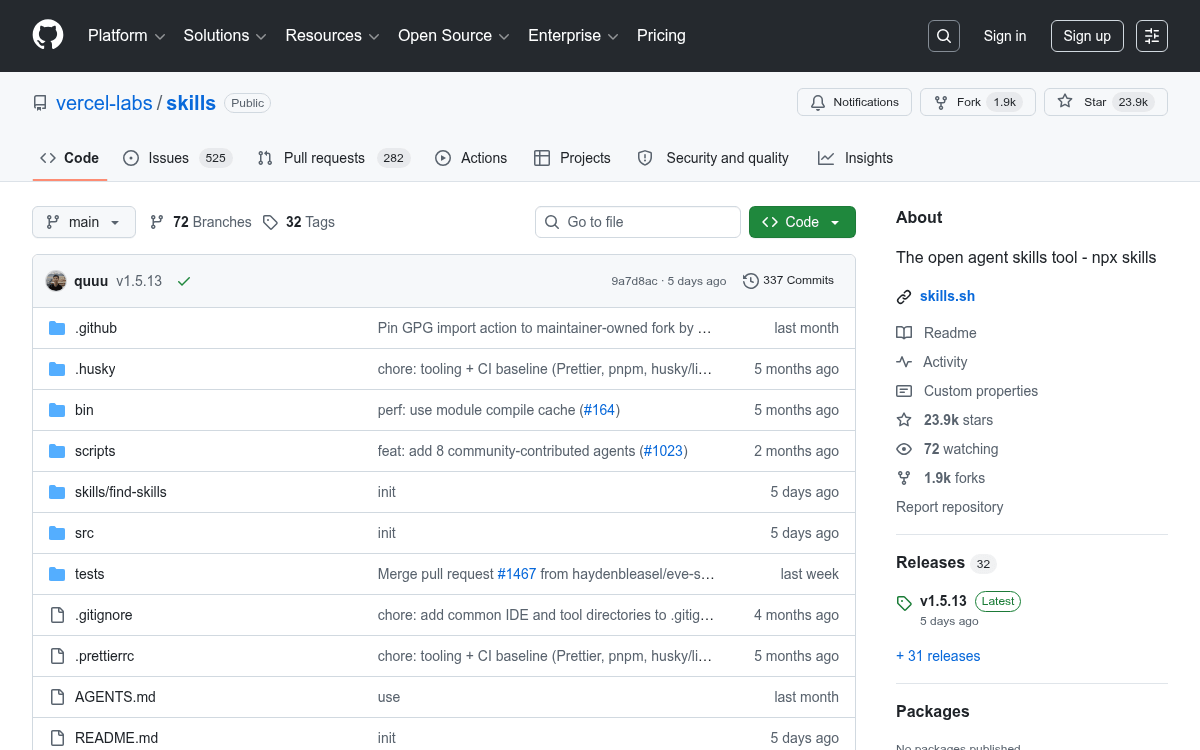
PRO- What it is: vercel-labs/skills is an open-source CLI (
npx skills) for installing reusable instruction packages into AI coding agents. - Scale: 22k+ GitHub stars, 91k+ skills on skills.sh, top skill at 1.4M installs, growing at 147 new skills per day.
- Agent support: Works across 70+ agents including Claude Code, Cursor, Codex, GitHub Copilot, Windsurf, Gemini CLI, and OpenCode.
- How it works: Skills are SKILL.md files with YAML frontmatter; agents load only name/description at startup and pull full instructions on demand (progressive disclosure).
- Known limitation: Vercel's own evals found a static AGENTS.md file outperforms skills for always-on context; skills work best for on-demand specialized workflows.
- Security risk: Over 13% of marketplace skills carry critical vulnerabilities; prompt injection via natural language is a novel attack vector that traditional scanners struggle to catch.
vercel-labs/skills is Vercel's open-source CLI that does for AI agent context what npm did for JavaScript libraries. Instead of copy-pasting the same instructions into every new chat session, you install a SKILL.md-based package once and your coding agent loads it automatically whenever it's relevant. The project has crossed 22,000 GitHub stars and the companion directory at skills.sh now lists over 91,000 skills with a combined install count in the millions.
The problem it actually solves
AI skills turn one-off prompts into a reusable, versionable library of agent behavior. The goal is simple: stop re-explaining your project's tribal knowledge every time you open a new chat. Your agent knows React, but it doesn't know your team's component naming conventions, your PR template, or how your CI pipeline works. Skills are the "npm moment" for context: instead of copy-pasting long instructions into every session, you install a skill once and let the agent load it when relevant.
The main shift agent skills bring is that specific instructions and expertise are no longer buried in someone's notes from last week or hidden in a prompt. They live in a central, reviewable place where teams can iterate on them together. That's a meaningful change for teams running agents at scale.
How it works under the hood
A skill is just a folder with a SKILL.md file at its root. The file has YAML frontmatter with a name and description, followed by markdown instructions. The description field is the key piece: it acts as a routing rule that tells the agent when to activate the skill.
Most agents that support skills follow the same pattern. At startup, the agent loads a lightweight index of what skills are available. It sees names and descriptions, not the full instruction bodies. When a task looks like a match, the agent loads the full content of the relevant skill. This keeps the default context small, while still making detailed guidance available when it matters. This on-demand loading is called progressive disclosure.
Skills package complete workflows that combine instructions, context, and decision-making logic. They tell agents not just what tools are available, but when to use them, how to sequence actions, and what success looks like.
This story is for Pro members
You've reached the end of the free preview. Upgrade to AlphaSignal Pro to read the full article - and everything else behind the paywall.
Comments
