

tokentab Unifies Claude, Codex and Gemini Spending Into One Local Dashboard
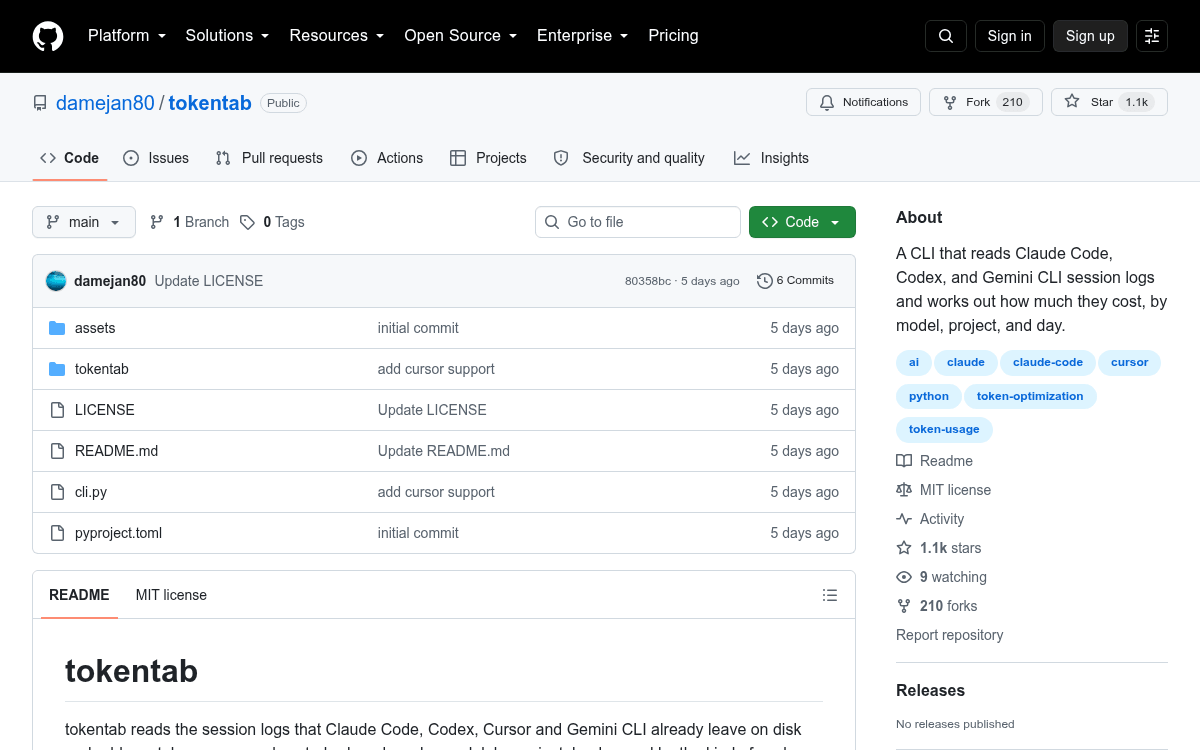
A local Python CLI parses session logs from Claude Code, Codex, and Gemini CLI to tally token usage and spend by model, project, and day.
 PRO
PRO- tokentab is a local Python CLI that tallies AI coding agent spend across tools.
- Reads session logs from Claude Code, Codex, and Gemini CLI, with a Cursor stub in place.
- Breaks down cost by model, project, day, and inferred activity type like coding or debugging.
- Token counts come straight from logs; pricing is a hand-maintained local table in dollars per million tokens.
- Ships a zero-dependency web dashboard on
localhost:4747built on Python's standard library HTTP server. - MIT licensed, no API keys, nothing leaves the machine; adding a provider is one module implementing
collect().
If you juggle Claude Code, Codex, and Gemini CLI across half a dozen projects, tracking which agent or repo is draining your budget is nearly impossible. tokentab is a small open-source CLI that reads the session logs those tools already write to disk, then totals tokens and dollars broken out by model, project, day, and session activity type.
Everything runs locally under an MIT license. No account, no API key, nothing leaves your machine. The only third-party dependency is rich for terminal tables; the web dashboard, parsers, and JSON output all use Python's standard library.
How it finds your usage
Rather than proxying API calls or asking you to paste invoices, tokentab scrapes the log files each coding agent already leaves on your filesystem. Claude Code logs live under ~/.claude/projects, Codex under ~/.codex/sessions, and Gemini CLI under ~/.gemini/tmp. A Cursor slot is wired up but unfinished. Missing tools are silently skipped, so the output only reflects what you actually use.

Installation is a one-liner clone plus pip install ., which drops a tokentab binary on your path. The bare command shows the last seven days across every detected tool; flags let you slice by day, month, provider, project, or a custom date window.
This story is for Pro members
You've reached the end of the free preview. Upgrade to AlphaSignal Pro to read the full article - and everything else behind the paywall.
Comments
