

OpenAI's GPT-Image-2 Now Generates Transparent Backgrounds in a Single API Call
GPT-Image-2 can now generate PNGs with real alpha channels directly through the API, skipping the separate background-removal step for cutouts.
- GPT-Image-2 now supports transparent backgrounds in the API in preview, returning PNGs with real alpha channels.
- Enabled by setting
background="transparent"andoutput_format="png"in a standard images.generate call. - Preserves difficult edges like glass, sheer ribbons, and thin fibers better than post-hoc background removal tools.
- Prompt instructions override the transparency flag, so avoid describing backdrops or scenes in prompts.
- OpenAI published a cookbook covering e-commerce, presentations, design templates, and print-on-demand workflows.
- More transparency-related features were teased as coming soon by the OpenAI Developers account.
OpenAI has flipped on transparent background support for GPT-Image-2 in the API, currently in preview. The feature lets you request an image with no background at all, so the subject arrives on a real alpha channel ready to composite onto any color, photo, or gradient without a follow-up masking step.
The workflow is a single API call. Set background="transparent" and output_format="png", and the model returns a PNG with genuine alpha data instead of an opaque white rectangle behind your subject. OpenAI shipped a cookbook alongside the launch that walks through four production scenarios.
What the API call looks like
The pattern is almost identical to a normal images.generate request, plus two extra fields:
result = client.images.generate(
    model="gpt-image-2",
    prompt=product_prompt,
    background="transparent",
    size="1024x1536",
    quality="high",
    output_format="png",
)
One catch worth internalizing before you burn tokens: prompt instructions take priority over the background parameter. If your prompt describes a backdrop, scene, or color, the model may generate that background instead of producing transparency. Keep the prompt focused on an isolated subject and explicitly say you want a transparent background, no plinth, no cast shadow, no card.
Why the alpha channel matters
Until now, getting a clean cutout from a generative model meant running the output through a background remover like rembg or a hosted matting service. That extra step tends to fail on the exact things designers care about most: clear and frosted glass, sheer ribbons, thin reeds, hairlike fibers, and fine cotton cords. Conventional background-removal tools can clip these details, add halos, or flatten translucent materials.
Generating the alpha channel directly during synthesis sidesteps that pipeline. The model knows which pixels are subject and which are void, so translucent edges and wispy details are preserved by construction rather than reconstructed by a separate segmentation model.
Four scenarios OpenAI is pitching
The cookbook is worth skimming because it demonstrates concrete parameter choices and prompt patterns for each use case:
- Seasonal e-commerce: Generate one transparent product shot and reuse it across storefront backgrounds, seasonal banners, and marketing layouts without re-cutting for each campaign.
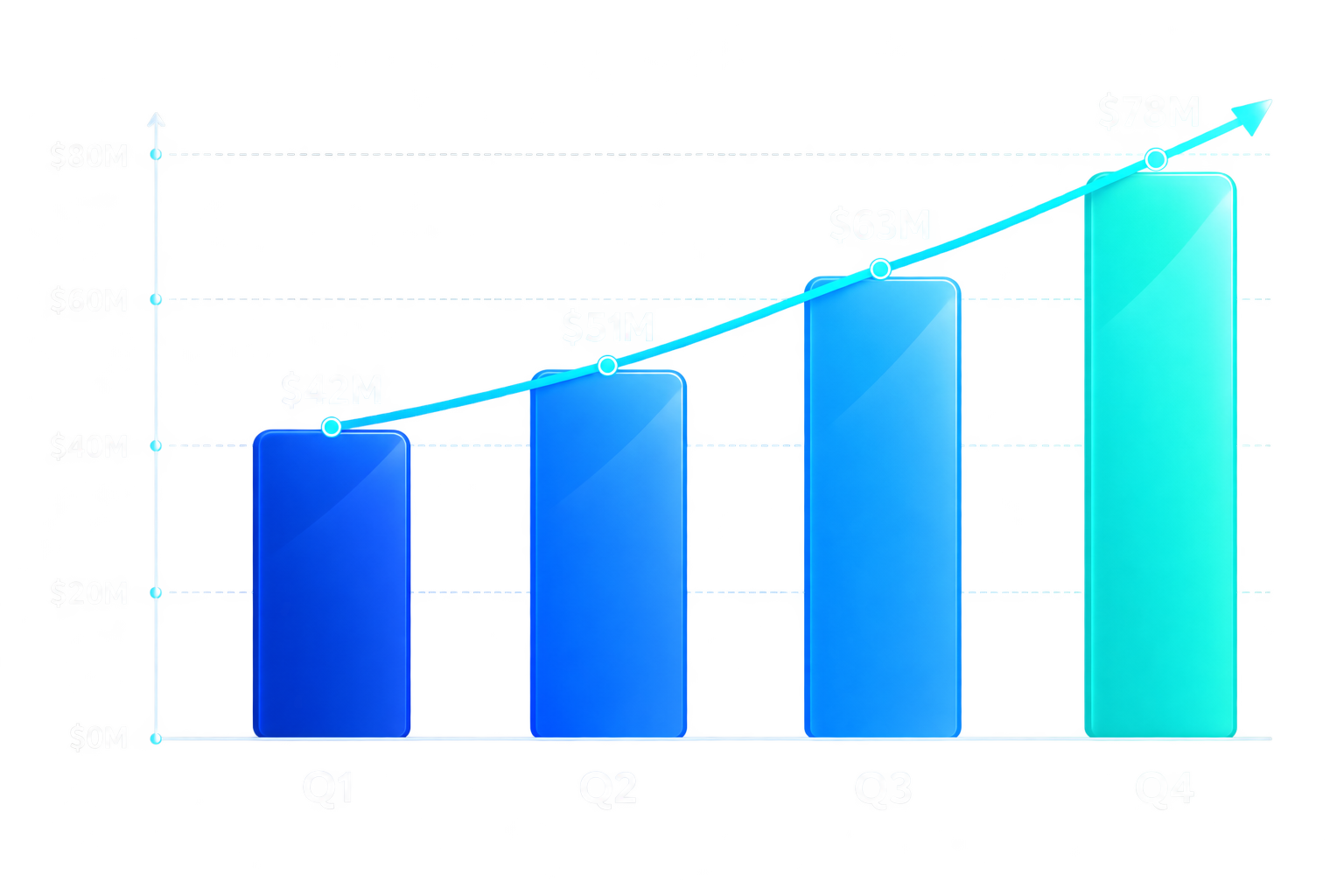
- Enterprise presentations: Generate transparent charts that blend directly into required PowerPoint themes and gradient slide backgrounds.
- Design templates: App icons, stickers, and decorative elements that drop onto any canvas without masking.
- Print-on-demand: One reusable print artwork applied across garment colors and product types.
Verifying you actually got transparency
Because the model can still bake in a background if your prompt fights it, the cookbook recommends a quick check with Pillow before shipping assets downstream. Load the PNG, confirm the mode is RGBA, and inspect the alpha histogram:
from PIL import Image
with Image.open("output.png") as image:
    if image.mode != "RGBA":
        raise ValueError("No alpha channel.")
    transparent_pixels = image.getchannel("A").histogram()[0]
    total = image.width * image.height
    print(f"{100 * transparent_pixels / total:.2f}% fully transparent")
This is also a decent gate to put in a CI job for any pipeline that treats generated images as reusable brand assets.
The caveat for data visualizations
The chart example in the cookbook is impressive, but OpenAI is explicit about the limitation: the model receives the exact mock values, but generated image content is still raster artwork. Verify that labels, values, and proportions match the source data before using the charts. For production reporting where numerical precision is critical, render charts deterministically and use image generation for illustrations or other visual elements.
In other words, transparent chart generation is great for board-deck aesthetics, but do not swap out matplotlib in your financial reporting pipeline. OpenAI teased that more transparency features are coming soon, which suggests semi-transparent gradients, controllable opacity, or edge-refinement controls may follow. For now, the immediate win is one fewer service in the asset pipeline.
Comments
