
NVIDIA's Apex Finally Fixes Broken pip Builds and Adds Blackwell GPU Support
NVIDIA's Apex PyTorch extension adds environment-variable-based builds, parallel compilation, and Blackwell GPU support in its latest push
 Pro
Takeaways
- NVIDIA/apex adds environment-variable build flags (
APEX_CPP_EXT,APEX_CUDA_EXT) to fix pip 23.1+ compatibility issues. - New
APEX_PARALLEL_BUILDvariable enables multi-job compilation, significantly cutting build times for full extension builds. - Blackwell GPU (compute capability 10.0, 12.0) cross-compilation targets added automatically when CUDA >= 12.8.
- Legacy
--global-optionflags remain supported for backward compatibility with existing build scripts. - Fused kernels for Adam, LayerNorm, RMSNorm, and DistributedDataParallel remain Apex's core value for large-scale LLM training.
- Available now on GitHub; pre-built in the NVIDIA NGC PyTorch container (26.05-py3).
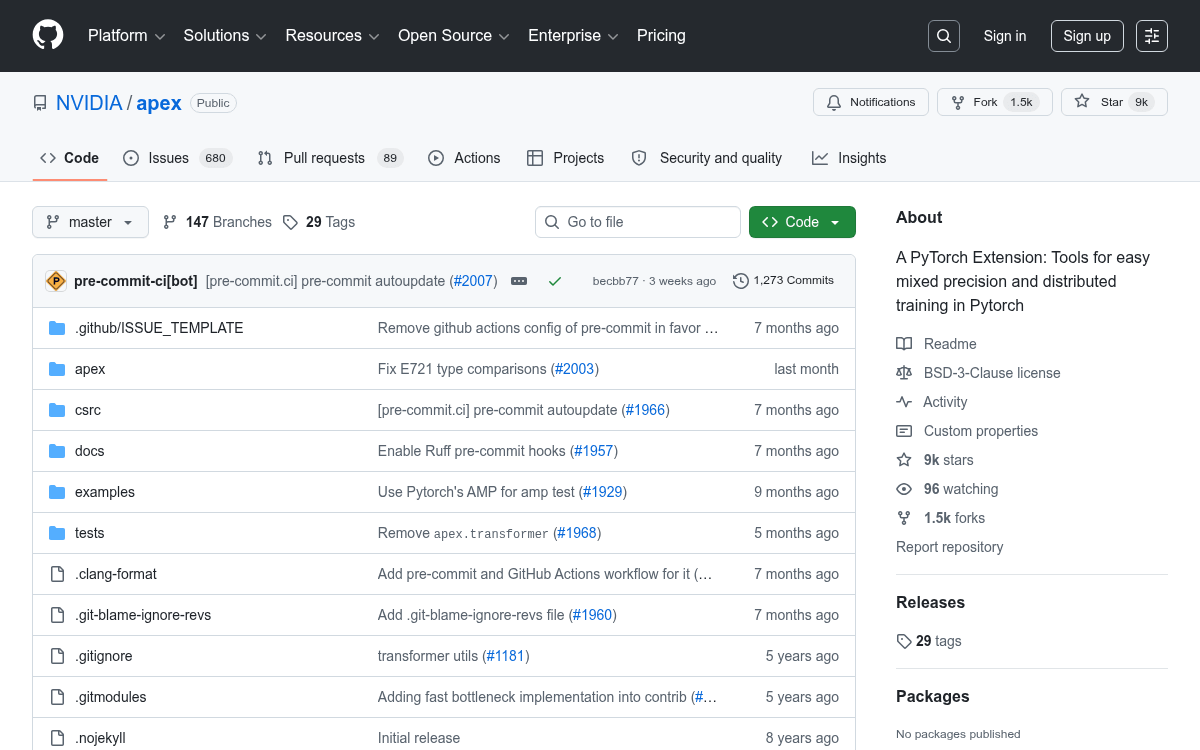
NVIDIA/apex, the long-running PyTorch extension for mixed precision and distributed training, just received a meaningful set of updates to its build system. The changes land in the master branch and address a friction point that has frustrated Apex users for years: the old --global-option install flags broke with newer versions of pip, and building the library's many CUDA extensions was painfully slow with no parallelism. Both problems now have official fixes.
A build system that finally works with modern pip
The core change is a new environment-variable-based build interface. For performance and full functionality, NVIDIA now recommends installing Apex with CUDA and C++ extensions using environment variables. Instead of the old --global-option flags that pip deprecated and eventually broke, you now set shell variables before calling pip:
git clone https://github.com/NVIDIA/apex
cd apex
# Recommended: build with core C++ and CUDA extensions
APEX_CPP_EXT=1 APEX_CUDA_EXT=1 pip install -v --no-build-isolation .
# Build everything, including contrib extensions
APEX_CPP_EXT=1 APEX_CUDA_EXT=1 APEX_ALL_CONTRIB_EXT=1 pip install -v --no-build-isolation .
This matters because the old --global-option approach was deprecated in pip 23.1 and caused widespread installation failures. Each apex.contrib module requires one or more install options beyond --cpp_ext and --cuda_ext, and contrib modules do not necessarily support stable PyTorch releases , some may only be compatible with nightlies. The new env-var interface maps cleanly to PEP 517 build isolation, which is how modern pip handles source builds.
Parallel compilation is now a first-class option
Apex has a lot of CUDA kernels. A full build with all contrib extensions can take a very long time on a single thread. The update adds APEX_PARALLEL_BUILD, a new environment variable that controls how many parallel jobs the build system uses:
NVCC_APPEND_FLAGS="--threads 4" APEX_PARALLEL_BUILD=8 \
  APEX_CPP_EXT=1 APEX_CUDA_EXT=1 pip install -v --no-build-isolation .
When CPU cores or memory are limited, the --parallel option is generally preferred over --threads. The two knobs do different things: --threads tells nvcc to use multiple threads per kernel compilation, while APEX_PARALLEL_BUILD controls how many extension modules are compiled concurrently at the Python build level.
Blackwell GPU support
The setup.py now includes cross-compilation targets for NVIDIA's Blackwell architecture. When building without a visible GPU (common in CI/CD pipelines or Docker build steps), Apex will automatically set TORCH_CUDA_ARCH_LIST based on the detected CUDA version:
- CUDA >= 12.8: adds compute capability 10.0 (Blackwell B100/B200) and 12.0
- CUDA >= 11.8: Hopper (9.0), Ampere (8.0, 8.6), Turing (7.5), Volta (7.0)
- CUDA >= 11.1: Ampere (8.0, 8.6) and below
This means teams building Apex in headless environments for Blackwell-based clusters no longer need to manually set TORCH_CUDA_ARCH_LIST , the build system detects the CUDA version and picks the right targets automatically.
What Apex actually does (and where it still fits)
The repository holds NVIDIA-maintained utilities to streamline mixed precision and distributed training in PyTorch. Its core value today is in the fused CUDA kernels that PyTorch's native AMP does not expose: apex.optimizers.FusedAdam, apex.normalization.FusedLayerNorm, apex.normalization.FusedRMSNorm, and a highly optimized apex.parallel.DistributedDataParallel. These are the pieces that large-scale LLM training frameworks like Megatron-LM depend on directly.
APEX AMP is included to support models that currently rely on it, but torch.cuda.amp is the future-proof alternative and offers a number of advantages over APEX AMP. So if you're starting a new project, use torch.cuda.amp for mixed precision. But if you're running Megatron-style training at scale and need fused optimizers or fused layer norm, Apex is still the go-to.
Two ways to get it
If you'd rather skip the source build entirely, the easiest path is NVIDIA's NGC container. NVIDIA PyTorch containers are available on NGC, and the containers come with all the custom extensions available at the moment. The latest NGC PyTorch container is 26.05-py3. For source installs, the legacy command-line flags (--cpp_ext, --cuda_ext) are still supported as a fallback, so existing build scripts won't break.
The repo is free and open-source under the BSD 3-Clause license with nearly 9,000 stars and 1,500 forks. The build system improvements are available now on the master branch.