
NVIDIA Opens cuVSLAM, Its GPU-Powered Robot Navigation Stack Running 0.4ms per Frame
NVIDIA open-sources cuVSLAM, a CUDA-accelerated visual SLAM library supporting 1–32 cameras with real-time performance on Jetson edge hardware
 Pro
Takeaways
- NVIDIA open-sourced cuVSLAM, a CUDA-accelerated visual SLAM library with Python, C++, and ROS2 APIs.
- Supports 1 to 32 cameras in arbitrary configurations, plus optional IMU and depth sensors, across 5 tracking modes.
- Achieves sub-1% trajectory error on KITTI and under 5cm position error on EuRoC, running in real-time on Jetson Orin AGX.
- Stereo tracking takes 0.4ms on RTX 4090 and 1.8ms on Jetson AGX Orin — well within 30 FPS budgets.
- Multi-camera mode survives random camera occlusions and delivers ~40% better SLAM accuracy than single stereo on warehouse data.
- Pre-built wheels available for Ubuntu 22.04/24.04, CUDA 12/13, x86_64 and aarch64; NVIDIA-GPU-only dependency.
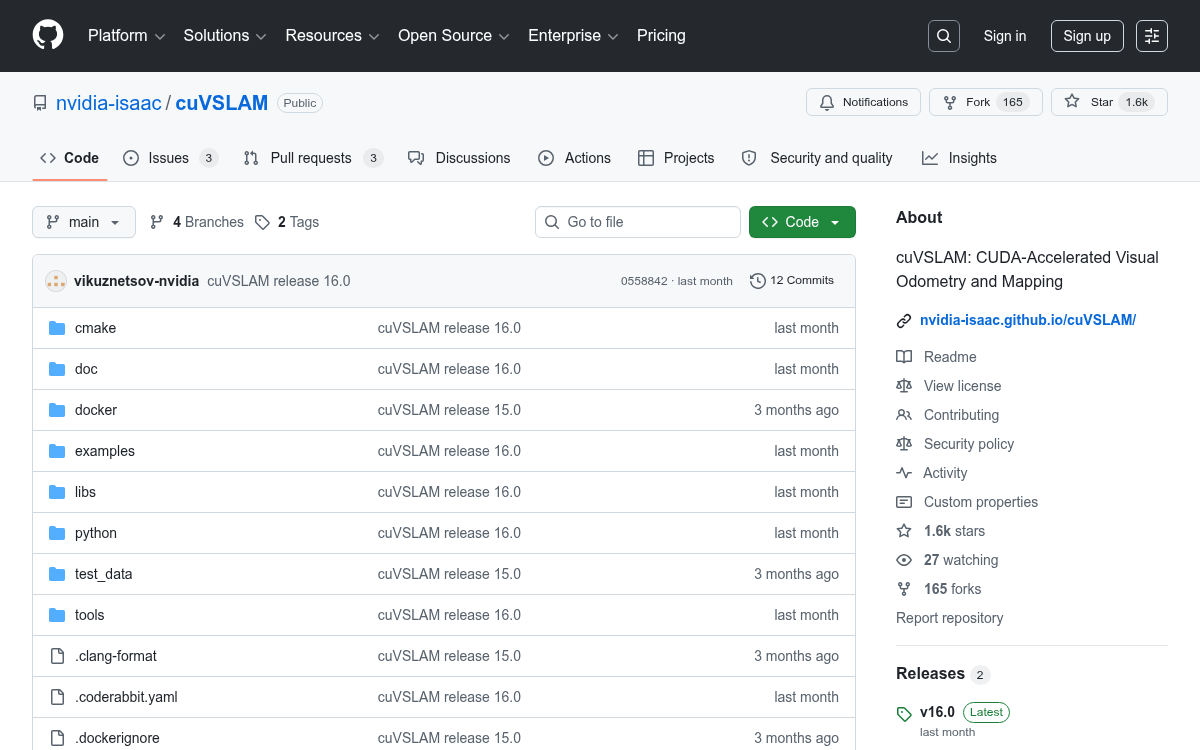
NVIDIA has open-sourced cuVSLAM, a production-grade visual odometry and SLAM library that runs entirely on the GPU. It ships with a Python API, a C++ API, and full ROS2 integration, and it's already deployed inside NVIDIA's Isaac Perceptor robotics stack. With 1.6k GitHub stars and a freshly published technical paper, this is the clearest look yet at what NVIDIA has been running on its robots.
What problem does it solve?
Visual SLAM , knowing where you are in the world using only cameras , is a foundational capability for any autonomous robot. The classic tension is between accuracy and speed: existing systems either run fast but drift, or run accurately but require a workstation. cuVSLAM directly addresses real-time performance on resource-constrained platforms, limited sensor flexibility, and hardware underutilization. The CUDA-first design means the heavy math , feature tracking, bundle adjustment, loop closure , all happens on the GPU, freeing the CPU for the rest of the robot stack.
A surprisingly flexible sensor model
cuVSLAM can operate with a variety of visual-inertial sensor suites, including multiple RGB and depth cameras and IMUs, supporting configurations from as few as one RGB camera to as many as 32 cameras in arbitrary geometric arrangements. That flexibility is rare. Most SLAM systems are hardcoded to a specific rig.
The library ships five distinct tracking modes, each targeting a different hardware setup:
- Mono , single RGB camera, scale-ambiguous but lightweight
- Mono-Depth , RGB-D camera (e.g. RealSense D435), dense frame-to-frame alignment
- Stereo , the default mode, metric scale from a stereo pair
- Stereo-Inertial , stereo + IMU fusion via a factor graph, robust to fast motion
- Multi-Camera Stereo , up to 32 cameras treated as an arbitrary array of stereo pairs

How it works under the hood
The architecture splits into a frontend and a backend. The frontend is responsible for low-latency pose estimation every frame: it detects keypoints using a GPU-accelerated version of the Shi-Tomasi "Good Features to Track" criterion, tracks them with a modified Lucas-Kanade optical flow algorithm across an image pyramid, and maintains a local map of the last N keyframes with their 3D landmarks. When enough features are lost, a new keyframe is created and sparse bundle adjustment (SBA) is kicked off asynchronously on the GPU.
The backend handles global map consistency through pose graph optimization and loop closure. Loop closure works by searching for nearby poses using a kd-tree, projecting stored 3D landmarks into the current frame, and running a PnP solver if enough matches are found. The resulting pose delta is fed into a pose graph optimizer that corrects accumulated drift globally.
For multi-camera setups, cuVSLAM automatically builds a Frustum Intersection Graph (FIG) at startup , a directed graph where cameras are nodes and edges connect pairs with overlapping fields of view. This lets the system treat any arbitrary camera rig as a collection of stereo pairs without manual configuration.
Numbers that matter
cuVSLAM achieves average trajectory errors below 1% on the KITTI odometry benchmark and position errors under 5cm on the EuRoC dataset, while processing frames in real-time on NVIDIA Jetson platforms. On a desktop RTX 4090, stereo tracking takes just 0.4ms per call. On a Jetson AGX Orin, that rises to 1.8ms , still well within a 30 FPS budget. Even the most demanding 4-stereo-camera configuration completes in 2.1ms on desktop.

cuVSLAM has been successfully deployed to process 8 Full HD distorted RGB images at 30 FPS from 4 stereo cameras in real-time on a Jetson Orin AGX as part of the ISAAC Perceptor framework. That's a real production deployment, not a benchmark scenario.
The multi-camera advantage
The most interesting result in the paper is what happens when you add more cameras. The team ran a stress test on a Carter robot with 4 stereo cameras, randomly occluding individual cameras with opaque film for 20–60 second intervals , while always keeping at least one stereo pair unobstructed. The trajectory stayed stable throughout, with no jumps or discontinuities. A single-camera system would have failed.
cuVSLAM advocates for wider adoption of multi-camera visual tracking based on two principal observed advantages: enhanced trajectory reliability in feature-poor environments in odometry mode, and increased loop closure detection rates in SLAM mode. On the proprietary R2B warehouse dataset, switching from single stereo to four stereo cameras delivered roughly 40% improvement in SLAM accuracy metrics.
Getting started
The fastest path to running cuVSLAM is via the Python wheel. Pre-built wheels are available on the releases page for Ubuntu 22.04 and 24.04, Python 3.10/3.12+, CUDA 12 and 13, on both x86_64 and aarch64 (Jetson). You'll need CUDA Toolkit installed separately.
# Download the matching wheel from the releases page, then:
pip install cuvslam-*.whl
From there, the Python API lets you feed frames and get back 6-DoF poses. For ROS2 users, the Isaac ROS cuVSLAM package wraps everything in a standard node. Building from source is also supported for custom CUDA architectures , useful if you're targeting a specific Jetson SM version.
Where it falls short
A few practical limitations are worth knowing before you commit:
- Camera calibration is critical. Inaccurate intrinsics or extrinsics will degrade tracking significantly , the docs are explicit about this.
- Hardware sync required for multi-camera. The multi-stereo mode assumes images are captured simultaneously. Software sync introduces enough jitter to break the geometry.
- Mono-Depth is GPU-heavy. On a Jetson Orin AGX, 720p mono-depth tracking averages 37.7ms per frame , exceeding the 33ms budget at 30 FPS. VGA or 15 FPS is recommended for that mode on embedded hardware.
- Motion blur hurts. Fast motion with long exposures will cause tracking failures. The stereo-inertial mode helps here, but it's not a complete fix.
- NVIDIA-only. The CUDA dependency means this won't run on AMD or Intel GPUs.
Who should care
If you're building robots that need to know where they are , warehouse AMRs, delivery robots, drones, inspection platforms , cuVSLAM is now a serious option. It's the first time NVIDIA has made this level of their robotics perception stack directly accessible, with a clean Python API and pre-built wheels. The multi-camera mode in particular addresses a real gap: most open-source SLAM systems assume a single stereo pair, which breaks down in narrow corridors, elevators, or any environment where one camera gets occluded. Multi-Stereo mode significantly improves accuracy and robustness on challenging sequences compared to single stereo cameras, as validated through both simulated and real-world dataset evaluations.