

Magnitude Turns Local AI Model Selection Into a One-Click Decision
Magnitude's new catalog profiles your hardware, estimates tokens per second for every model, and picks the best local LLM before you download anything.
 PRO
PRO- Magnitude ships a model catalog that profiles your hardware and recommends the best local LLMs.
- Runs short inference tests to estimate tokens per second before you download any model weights.
- Four tiers: Balanced, Smartest, Fastest, and Lightweight, each with specific quant and context settings.
- Handles downloads from Hugging Face, speculative decoding config, and concurrency automatically.
- Install via
npm i -g @magnitudedev/cli, Apache 2.0 licensed, macOS and Linux supported. - Supports custom GGUF models and OpenAI-compatible endpoints outside the curated catalog.
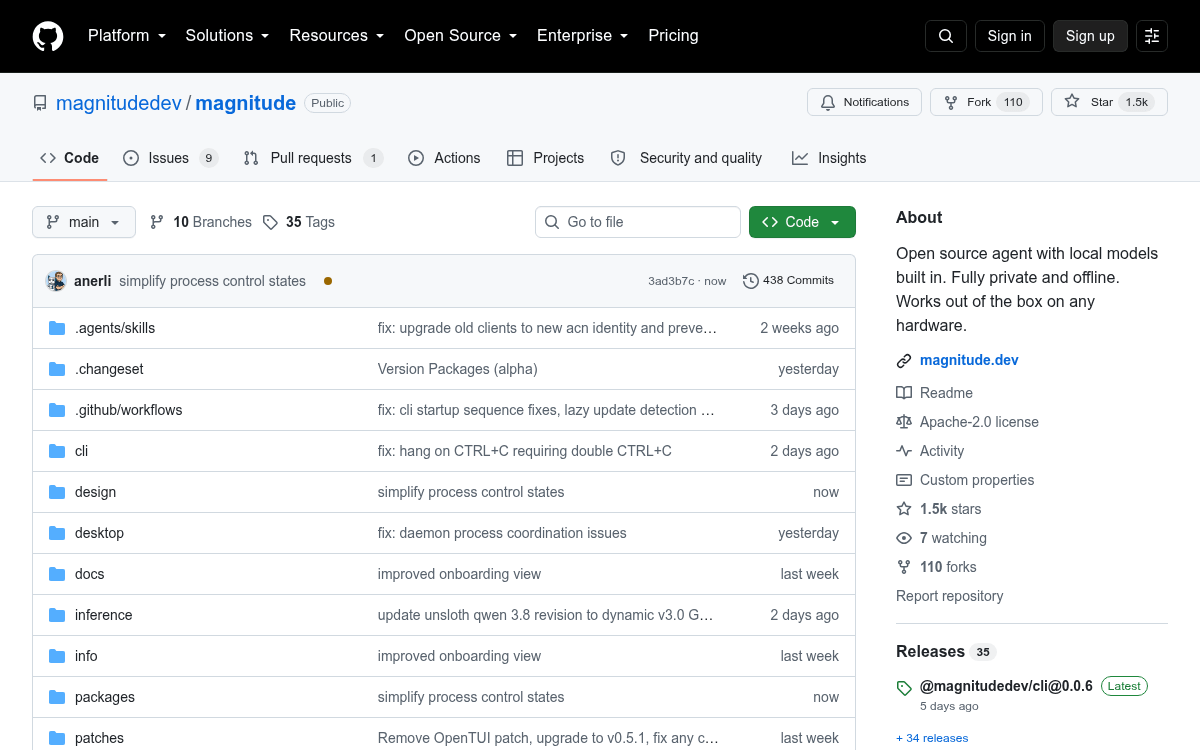
Picking a local model has always been guesswork. You skim Hugging Face, eyeball parameter counts, cross your fingers on quantization, and hope your laptop does not thermally throttle mid-generation. Magnitude, an open source agent that runs entirely on-device, just shipped a model catalog that turns that whole process into a one-click decision.
The pitch is simple: tell me what my machine can actually run, and pick the best option for me. The project already bundles an agent, an inference engine, and skills for browsers, PDFs, and spreadsheets. The new catalog closes the last gap by turning hardware profiling into a first-class step in the workflow.
Hardware profiling instead of guessing
Open the settings menu and Magnitude detects your processor, memory, system architecture, and acceleration such as Metal or CUDA. It then runs short local inference tests to estimate which model configurations will fit and how fast they should run, all without downloading full weights. You get a tokens-per-second estimate for a 30GB model before you ever pull it from the Hub.
The profile is cached and reused until your hardware or inference engine changes, so you are not paying the benchmarking cost on every launch. Speeds show up as ranges like
This story is for Pro members
You've reached the end of the free preview. Upgrade to AlphaSignal Pro to read the full article - and everything else behind the paywall.
Comments
