

LY Corporation's sim-use Gives AI Agents Eyes and Hands on Mobile Apps
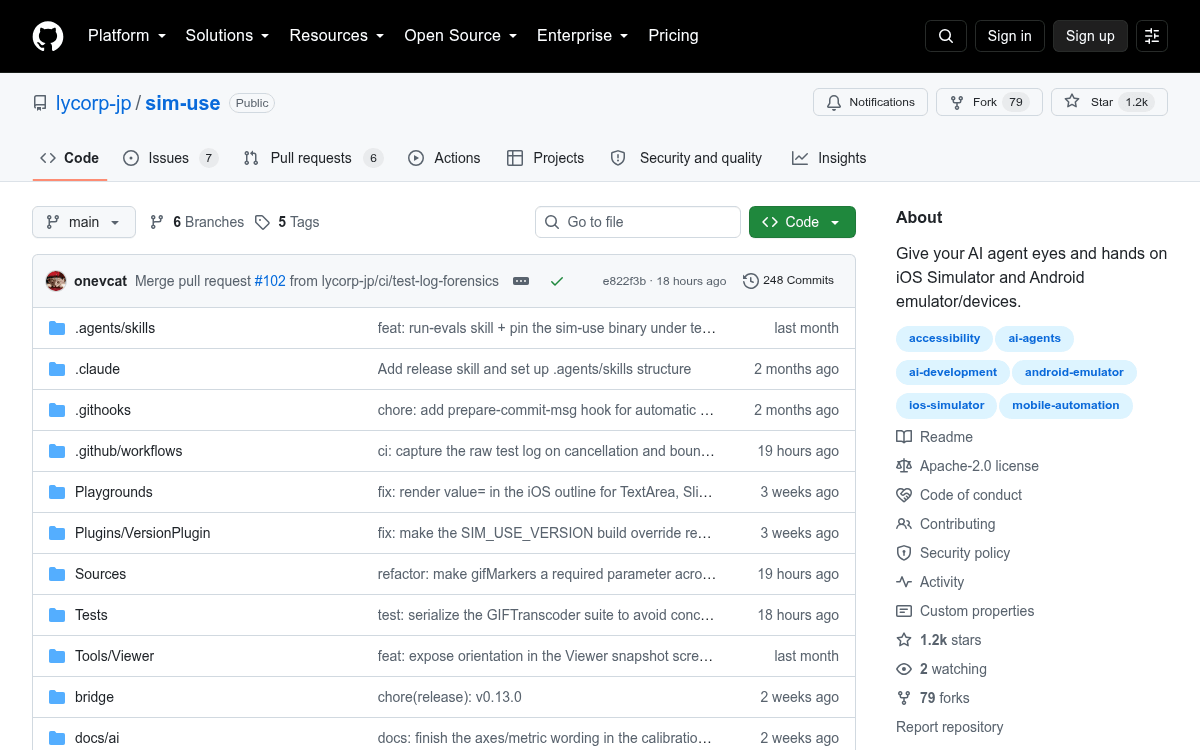
A Swift CLI from LY Corporation gives AI coding agents a token-efficient observe-act loop across iOS Simulator and Android devices.
 PRO
PRO- sim-use is an open source Swift CLI giving AI agents accessibility-based control of iOS Simulator and Android devices.
- Released by LY Corporation (LINE/Yahoo Japan) under Apache 2.0, installable via Homebrew tap.
- Emits a token-efficient screen outline roughly 16x smaller than raw JSON accessibility trees.
- Round-trip observe-act loop runs around 300 ms thanks to a per-device background daemon.
- Cross-platform verbs cover tap, swipe, type, IME-safe paste, gestures, screenshots, and video recording.
- Ships an agent skill installer for Claude and a bundled web viewer for debugging accessibility coverage.
Mobile development has been the awkward stepchild of the agentic coding boom. Web agents can click through Playwright, backend agents can hit shells and APIs, but coding assistants building iOS or Android apps have mostly been flying blind after xcodebuild succeeds. sim-use, a new open source CLI from LY Corporation (the LINE/Yahoo Japan parent), is a focused attempt to close that gap with a single command surface that drives both iOS Simulators and Android emulators or physical devices.
The pitch is right in the tagline: give your agent eyes and hands on the simulator. sim-use is a cross-platform CLI that drives Apple's Accessibility APIs, the iOS Simulator HID pipeline, and Android's AccessibilityService through one command surface. It is Apache-2.0 licensed, written in Swift, and installs via Homebrew with brew install lycorp-jp/tap/sim-use.
The observe-act loop, in two commands
The core interaction pattern is deliberately minimal. You call sim-use ui to get a compact screen description, then sim-use tap @N to act on any element by its numeric alias. No coordinates, no XPath, no brittle screen scraping. A typical loop looks like this:
sim-use ui                  # 1. read the screen
sim-use tap @9              # 2. act on what you see
sim-use ui                  # 3. verify the result
The
This story is for Pro members
You've reached the end of the free preview. Upgrade to AlphaSignal Pro to read the full article - and everything else behind the paywall.
Comments
