

LM Studio Ships Bionic, a Full AI Agent Built on Open Local Models
LM Studio launches Bionic, an agentic AI for open models with local voice transcription, document editing, coding, and privacy-first cloud inference via Zero Data Retention.
- LM Studio launches Bionic, a full AI agent for open models, available now on Mac and Windows: lmstudio.ai
- Local voice transcription processes speech entirely on-device; audio never leaves your machine.
- Document and code editing with auto-save; Bionic handles docs, slides, PDFs, and full coding-agent tasks.
- Cloud inference with Zero Data Retention (ZDR) by default on US-based servers, using frontier open models like GLM and Kimi for heavy workloads.
- MLX engine v1.8.5 underpins local performance: 2.2x parallel chat throughput, 82% less RAM for long-context agentic workflows via disk-backed KV cache checkpointing.
- Free for local use (home and work); cloud inference pricing not yet detailed.
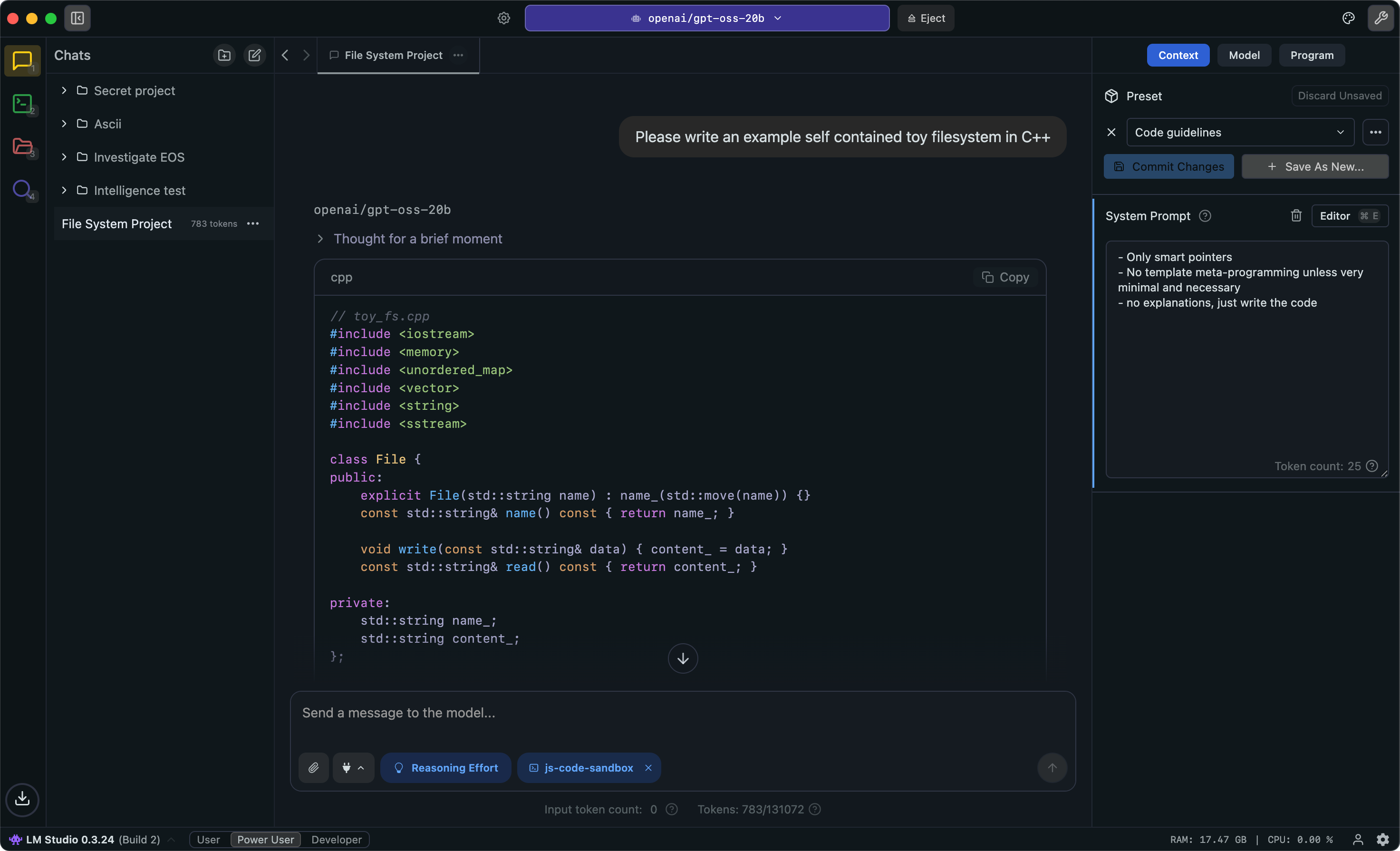
LM Studio just shipped Bionic, its first purpose-built AI agent. Where LM Studio was previously a runtime and chat interface for local models, Bionic is a full agentic product: it can write and edit documents, generate code, transcribe your voice in real time, and route demanding tasks to frontier open models in the cloud. The whole thing is available today on Mac and Windows.
The timing is deliberate. Local LLMs have evolved rapidly in 2026, with models like Kimi K2.5/K2.6, Qwen3.5/3.6, GLM-5.1, and OpenAI's GPT-OSS bringing frontier-level AI performance to personal devices. LM Studio is betting that the open-model ecosystem is now strong enough to anchor a serious productivity agent, not just a model playground.
What Bionic actually does
Bionic is positioned as an agent for work and code. The feature set breaks down into four distinct areas:
- Document and file editing: Create and edit docs, slides, and PDFs directly inside the agent. Every change is automatically saved, so you can iterate freely without manual checkpoints.
- Coding tasks: Bionic handles the full range of tasks you'd expect from a coding agent, file creation, editing across multiple files, and code review.
- Local voice transcription: State-of-the-art on-device speech-to-text lets you talk to Bionic naturally. Your speech and audio data is processed locally and never leaves your device.
- Cloud inference with ZDR: For tasks that exceed what local hardware can handle, Bionic can route to frontier open models like GLM and Kimi running on LM Studio's US-based cloud servers, with Zero Data Retention (ZDR) enabled by default.
Zero Data Retention (ZDR) means the inference provider commits to not storing your prompts or outputs after the request completes. It's a common enterprise privacy guarantee, and the fact that LM Studio is making it the default rather than an opt-in is a meaningful signal about who they're targeting.
The runtime underneath
Bionic runs on the same inference stack that powers LM Studio's existing products. Both llama.cpp and Apple's MLX framework sit at the core, wrapped in what LM Studio calls the "LM Studio Engine Protocol," which adds their own optimizations for model handling, speculative decoding, and continuous batching. On Apple Silicon, the MLX path is particularly well-optimized.
LM Studio recently published benchmarks for their MLX engine update (v1.8.5) that shipped alongside Bionic. The numbers are worth knowing if you plan to run agentic workloads locally:
- Parallel chat throughput improved 2.2x end-to-end on a 4-way concurrent workload.
- Memory usage for long-context agentic workflows dropped by 82%, achieved by checkpointing the KV cache to disk. The KV cache (key-value cache) is the memory structure that stores the model's "working memory" of a conversation. Checkpointing it to disk means the model doesn't have to reprocess the entire context on every turn.
- Repeated high-resolution image prompts run 3.5x faster on the second request, because the image-expanded prompt cache can be restored from disk rather than recomputed.
The disk-cache approach is clever: it saves KV cache blocks at 256-token boundaries to a temporary scratch file in /tmp, uses an LRU eviction policy to keep the most relevant context hot, and cleans itself up automatically when the model is unloaded. No persistent files, no manual cache management.
Local vs. cloud, and why both matter
The hybrid model is the real design decision here. LM Studio enables running large language models directly on your personal computer, and supports a diverse range of popular open-source LLMs like GPT-OSS, Qwen3, and Gemma3. Those run fully offline. But some tasks, long-horizon coding agents, complex document workflows, anything that benefits from a 100B+ parameter model, simply exceed what most consumer hardware can do at a usable speed.
Bionic's cloud tier plugs that gap using frontier open models like GLM and Kimi. GLM is a coding-first model built for agents that run for a long time, with a 1M-token context window. Kimi K2.5 from Moonshot AI scored 96.1% on AIME 2025 and introduced an Agent Swarm architecture that can coordinate up to 100 sub-agents simultaneously. These are genuinely capable models for agentic tasks, not fallbacks.
The privacy guarantee on the cloud side is Zero Data Retention across the board, on US-based servers. That's a meaningful commitment for teams working with proprietary code or sensitive documents who still want access to larger models.
The competitive context
LM Studio vs. Ollama is the most common question developers ask when choosing a tool to run LLMs locally. Both are free for local use, both run on Mac, Windows, and Linux, and as of mid-2026, both have changed so fundamentally that every comparison written before this year is outdated. Ollama has moved toward a hybrid local-cloud model with paid tiers. LM Studio is now doing the same, but with Bionic as the product layer on top rather than just an API.
The GUI approach distinguishes LM Studio in a category dominated by command-line tools. Where alternatives require terminal expertise, LM Studio provides graphical interfaces for model management, testing, and deployment, making local AI accessible to developers who prefer visual workflows. Bionic extends that philosophy into the agent layer.
For developers who want to go deeper, the Python SDK (pip install lmstudio) and JavaScript SDK give typed, idiomatic access to model inference, and LM Studio also has built-in MCP client support for connecting to Model Context Protocol servers, which matters increasingly for agentic workflows.
Availability and cost
LM Studio offers a secure, on-device environment for LLMs without cost for both home and work use. Bionic is available now for Mac and Windows. Pricing for the cloud inference tier has not been publicly detailed yet, but the local-only path remains free. Starting last year, it's no longer necessary to get a commercial license for using LM Studio at work, with no form to fill out or contact required.
The practical question for most teams is whether Bionic's combination of local privacy, on-device voice, and ZDR cloud inference is a compelling enough package to replace existing agentic tools. For anyone already running LM Studio for local inference, the upgrade path is straightforward. For teams evaluating local AI for the first time, Bionic is the most complete out-of-the-box agent experience the open-model ecosystem has produced so far.
Comments
