

LM Studio's Bionic Now Runs Skills Built for Claude Code and OpenAI Codex
LM Studio's Bionic agent now creates, installs, and invokes reusable SKILL.md packages, sharing the same skill library used by Claude Code and Codex.
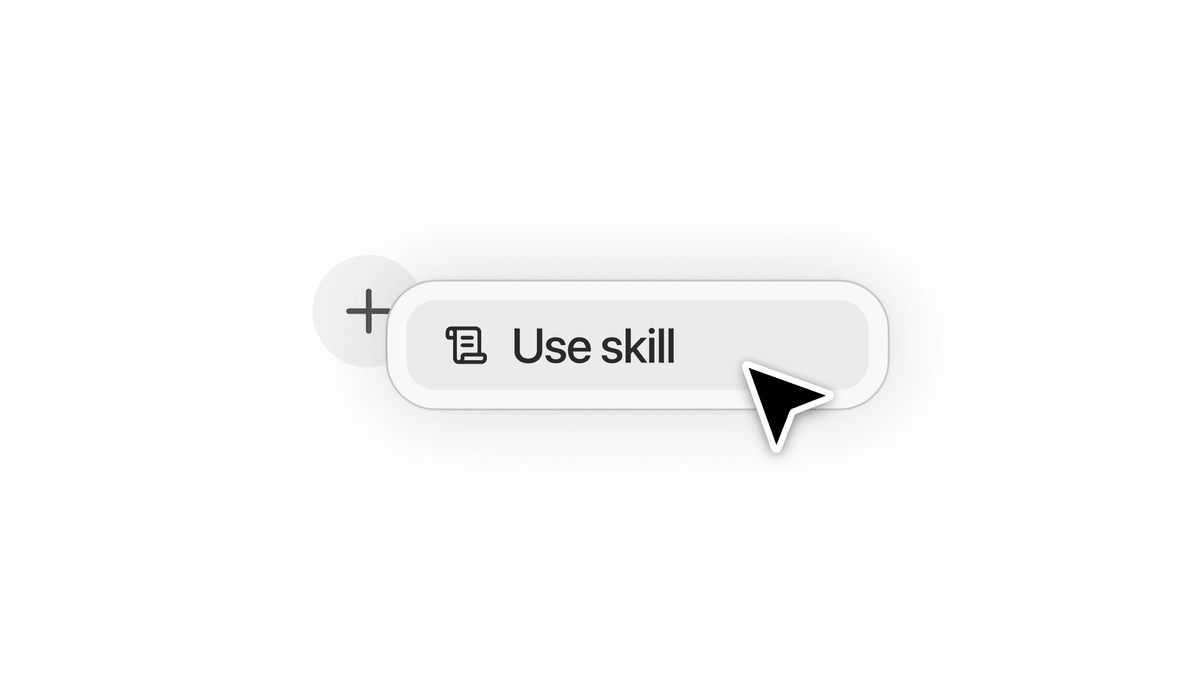
- LM Studio's Bionic agent now supports creating, installing, and invoking agent skills.
- Uses the open SKILL.md standard, so skills are portable across agents.
- Bionic reads skills you already have in Claude Code and OpenAI Codex directories.
- Ask Bionic to turn a successful chat session into a reusable skill automatically.
- Install skills from a URL by asking, or drop SKILL.md files into settings.
- Invoke installed skills with the @ syntax in the composer.
LM Studio just rolled out agent skills support in Bionic, its standalone agent app for open models. The update turns one-off successful prompts into reusable capabilities and, notably, lets Bionic pick up skills you already wrote for Claude Code or OpenAI Codex without any conversion step.
Bionic is LM Studio's first purpose-built AI agent, a full agentic product that can write and edit documents, generate code, transcribe voice in real time, and route demanding tasks to frontier open models in the cloud. Skills slot in as a way to give that agent memory of how you like things done.
What a skill actually is
Skills follow the open Agent Skills specification, which packages a capability into a single SKILL.md file. A SKILL.md file is a single Markdown file that packages a reusable capability for an AI agent. It has exactly two parts: YAML frontmatter between triple-dash markers, and a Markdown body of instructions below it. The frontmatter is the skill's ID card; the body is its playbook.
Only two frontmatter fields are required: name and description. Every other field is optional, and spec-compliant runtimes ignore frontmatter keys they do not recognize. That single rule keeps skills portable across agents. A minimal skill looks like this:
---
name: pr-review
description: Review a pull request for style, tests, and regressions. Use when the user asks to review a PR or diff.
---
# PR Review
1. Fetch the diff and list changed files.
2. Check tests exist for new logic.
3. Flag anything that touches auth or migrations.
A skill is a folder named after the skill, with SKILL.md at the root and three optional subdirectories: scripts/ for executable code, references/ for documentation the agent reads on demand, and assets/ for templates or other files.
Three ways to get skills into Bionic
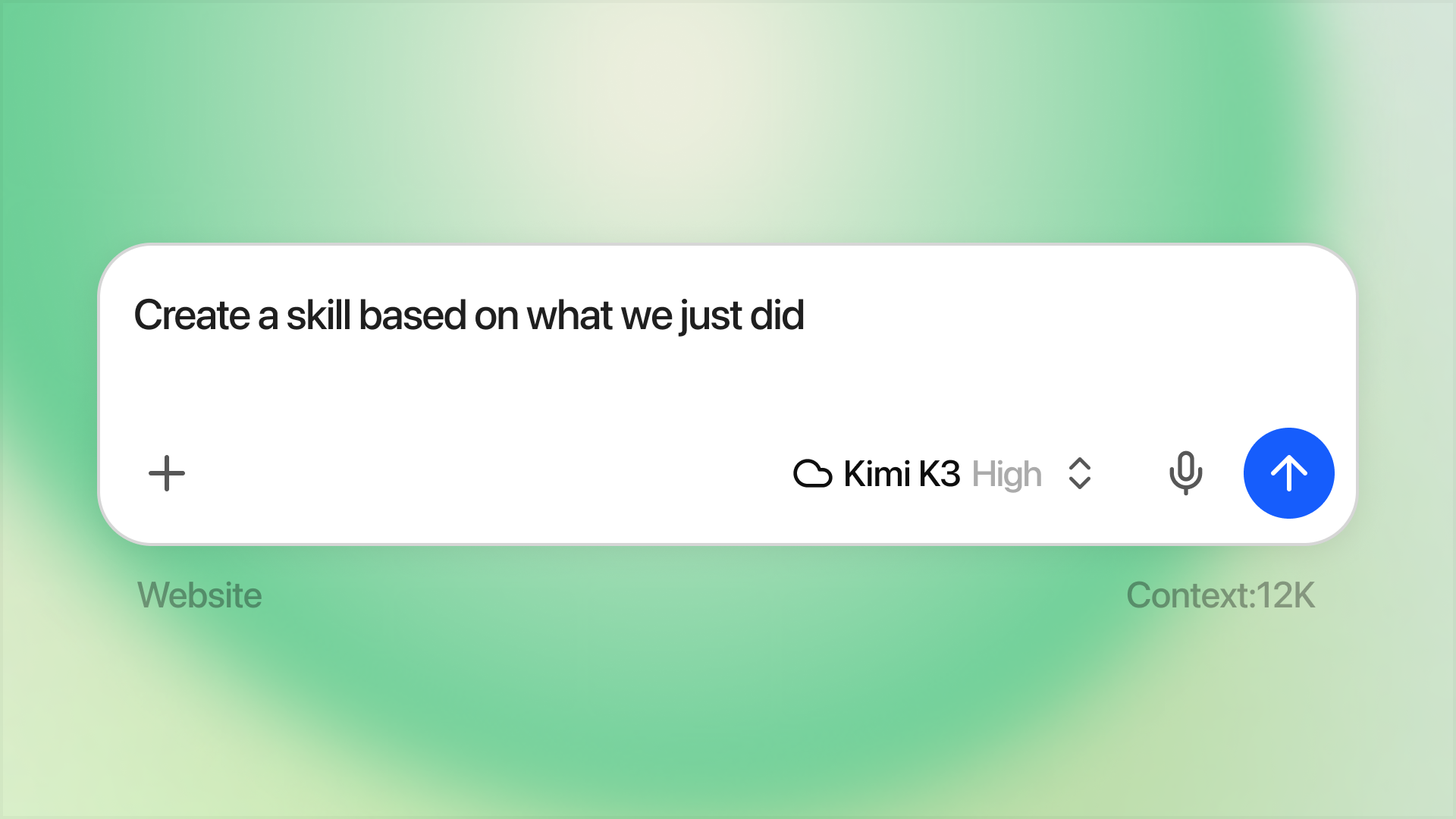
The blog post lays out three workflows for working with skills in Bionic:
- Create from a session. If you've worked with Bionic to get something done and it worked well, ask Bionic something like, "Create a skill based on what we just did." Bionic will ask clarifying questions and then create the skill for you.
- Install from a URL. Give the agent a URL and ask it to install the skill, or invoke @Install Skill. You can also drop a
SKILL.mdfile directly into Settings > Skills. - Reuse skills from other apps. Head to Settings > Skills > Skills from other apps and manage which skills you want to be visible to Bionic. You can disable certain skills in the menu.
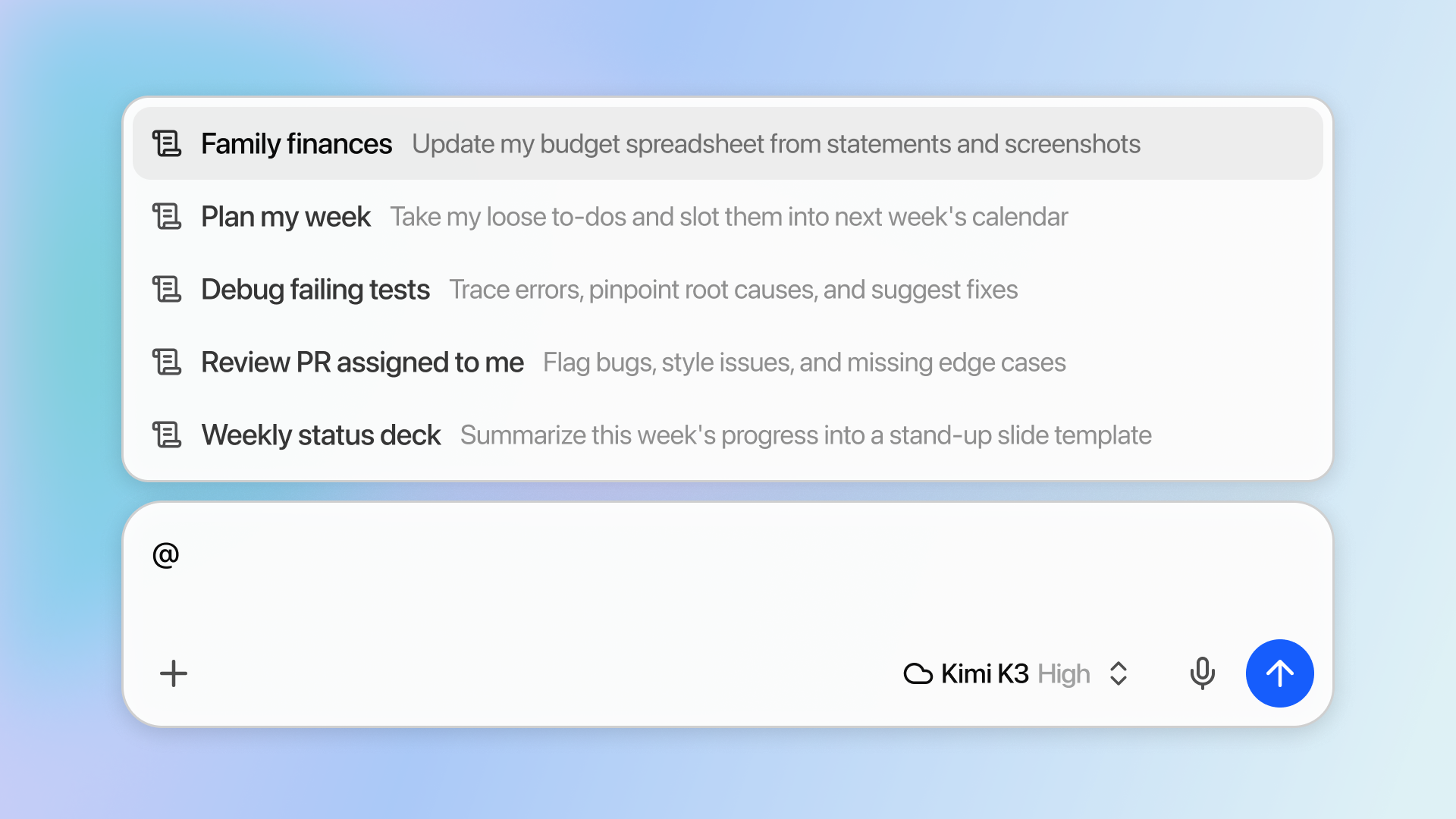
Once a skill is created, you can invoke it with the @ syntax. Depending on the model you use, Bionic might be able to automatically use a skill without you even asking.
Why cross-app compatibility matters
The SKILL.md format is not proprietary. It is an open standard, published by Anthropic at agentskills.io in December 2025, and it works across Claude Code, OpenAI Codex, and OpenClaw. While the format is standardized, each platform implements discovery and tooling slightly differently. Think shared language, not identical behavior. A skill that works on Claude Code will very likely work on Codex, but runtime behaviors like session snapshotting, tool permissions, and invocation modes differ between platforms.
For anyone already keeping skills in ~/.claude/skills/ or ~/.codex/skills/, this means Bionic joins the same pool rather than asking you to maintain a parallel library. It's the same pattern Cursor recently adopted, and it points at skills becoming the portable unit of agent customization the way MCP became the portable unit of tool access.
What to watch out for
Skills are essentially prompt injections you have opted into, so the trust boundary matters. LM Studio explicitly warns to only install skills from sources you trust, and the spec itself flags a subtle risk: avoid angle brackets anywhere in the frontmatter, because they can inject unintended instructions into the system prompt.
There's also a capability floor. Small local models sometimes fail to notice when a skill applies, which is why the LM Studio post hedges that automatic invocation depends on the model. If you're running a 7B on a laptop, expect to reach for @ manually more often than you would with something like Kimi K3 or GLM 5.2 in Secure Cloud. Bionic remains free for local use at home and work, so the feature itself costs nothing to try.
Comments
