

LM Studio's Bionic Agent App Finally Runs on Linux for Free
LM Studio's agentic app Bionic now runs on Linux, giving penguin users repo-aware coding, document work, and voice transcription with local open models.

- LM Studio's agentic app Bionic is now available for Linux, joining macOS and Windows.
- Bionic is a separate app from classic LM Studio, focused on coding and document workflows with open models.
- Runs locally via MLX and llama.cpp; supports GGUF models and on-device voice transcription.
- Secure Cloud tier hosts frontier open weights like GLM 5.2 and Kimi K3 with Zero Data Retention.
- Free to download, with metered pricing only for the optional cloud models.
- Get it from the official download page or the install.sh one-liner.
LM Studio just closed the last major gap in its agent lineup. Bionic, the company's standalone agentic app for open models, is now available on Linux, joining the existing macOS and Windows builds. Anyone running Ubuntu, Fedora, or Arch as a daily driver now gets the same local-first agent experience Mac and Windows users have had since the initial preview.
What Bionic actually is
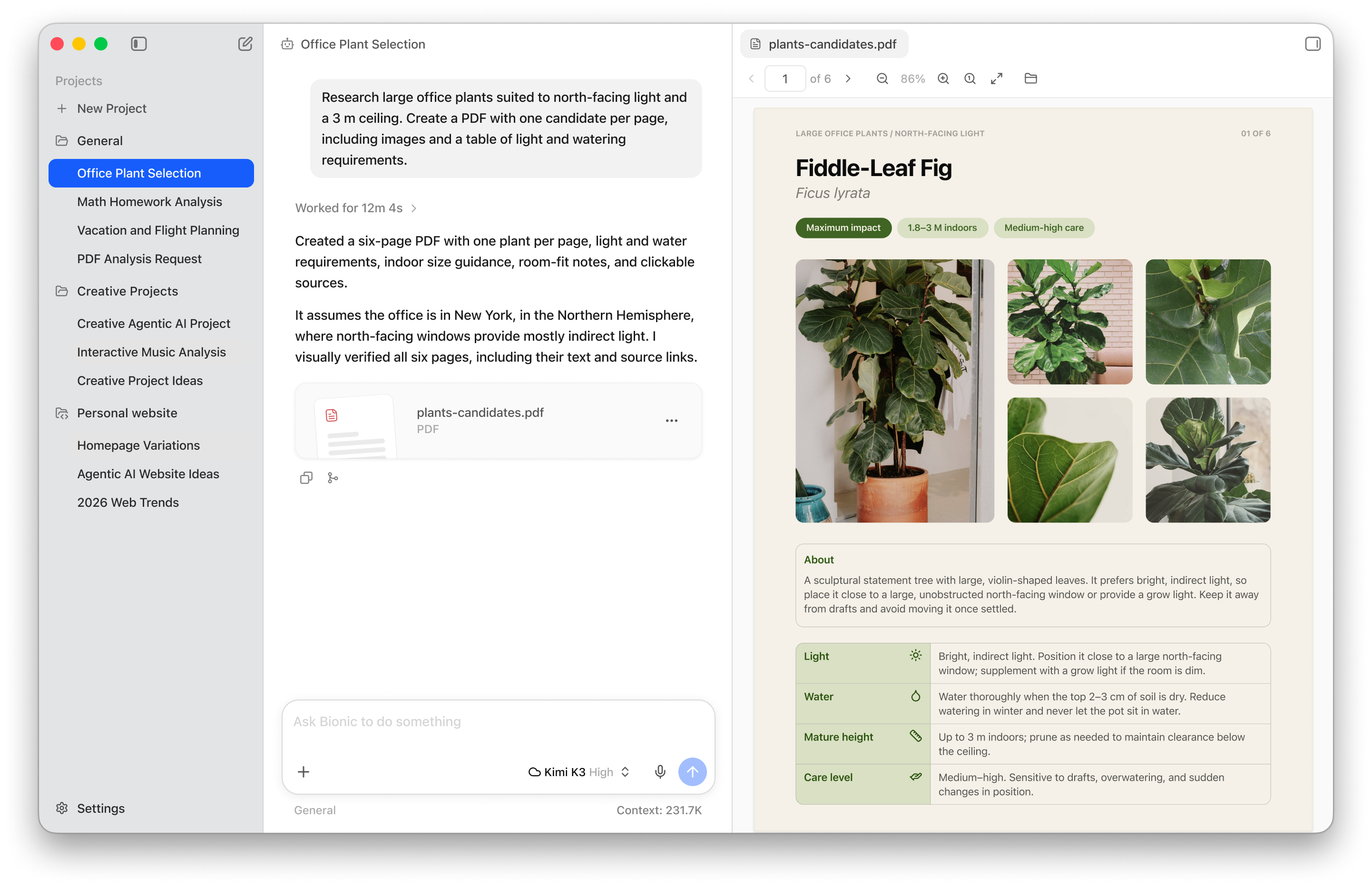
Bionic is a separate app from the classic LM Studio you may already know. It is the next generation of LM Studio built for agentic work with open models, aimed at coding, research, and complex tasks across documents and files. The classic app stays around as the model browser and OpenAI-compatible inference server on localhost:1234, while Bionic sits on top as the agent front end.
The runtime is the same one that powers LM Studio, with MLX and llama.cpp doing the heavy lifting. You get two main workspaces: a Code project that attaches to a local folder for repo-aware editing with inline diffs, and a Work project for documents, PDFs, slides, and spreadsheets. Every edit is autosaved, so you can hand off tasks to the agent without babysitting a save button.
Local by default, cloud when you need muscle
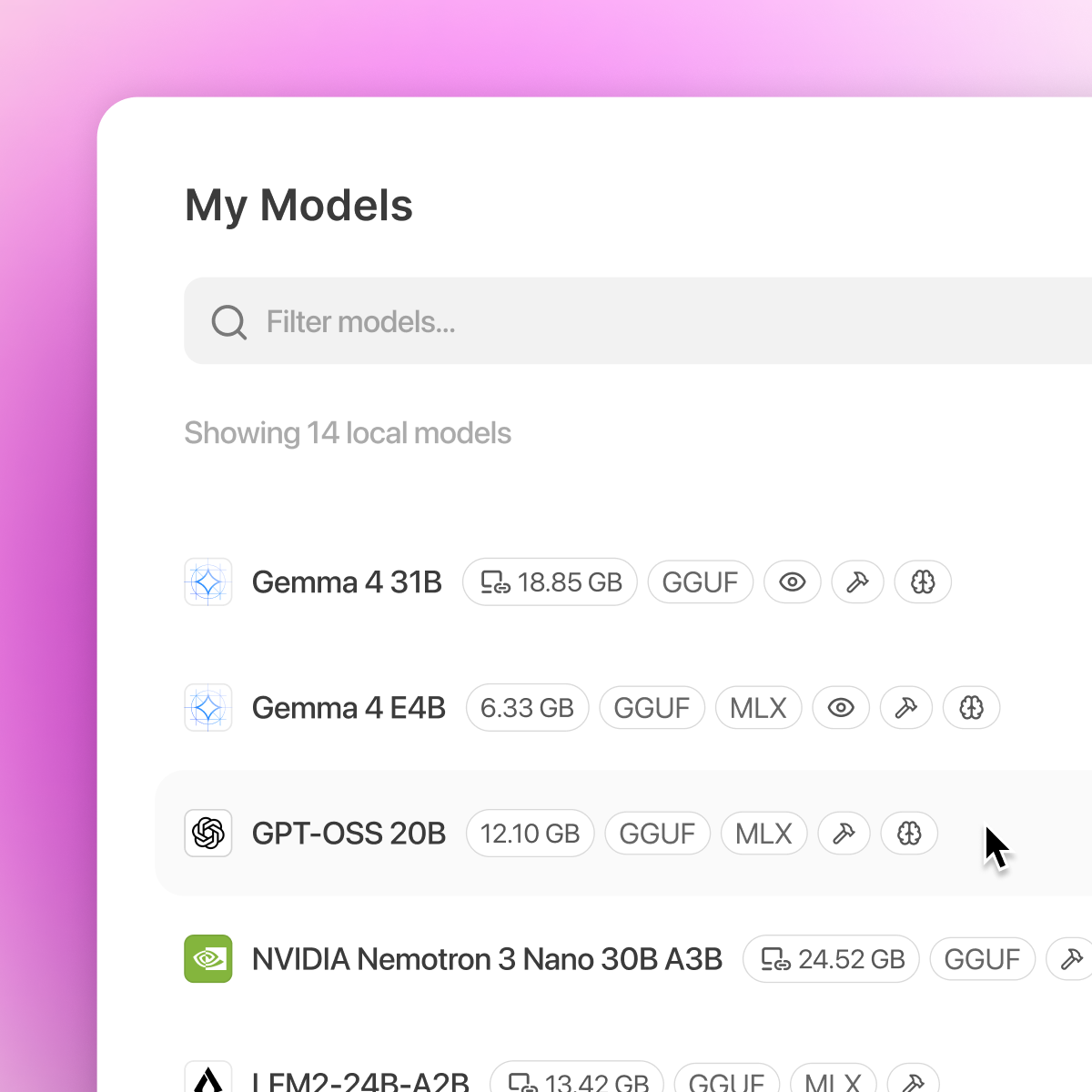
The core pitch is that inference stays on your machine. You can pull GGUF or MLX models directly inside the app, run them locally, and talk to Bionic with speech transcribed in real time. Voice and audio are processed on-device across multiple languages and never leave your machine.
For frontier open weights that no consumer GPU can hold, Bionic falls back to LM Studio Secure Cloud, a metered option with zero data retention guarantees. Think of it as an escape hatch for models like GLM 5.2, Kimi K3, or DeepSeek V4 Pro when you would rather not provision your own H100 rig.
Why the Linux build matters
Linux support was one of the loudest requests in the tracker. Earlier hardware guides noted that Bionic was in initial preview for macOS Apple Silicon and Windows x64 with AVX2 plus Snapdragon X Elite ARM, with a port request sitting as issue #2185. That gap is now closed, which changes the picture for a few concrete groups:
- Most home-lab GPU rigs and workstations with NVIDIA cards run Linux, not macOS or Windows.
- Compliance-sensitive teams often standardize on Linux workstations and cannot ship code or documents through hosted APIs.
- Paired with LM Link, which routes jobs over a Tailscale tunnel to another machine you own, a Linux laptop can drive a beefier Linux tower without leaving your network.
Pricing and how to get it
The economics are the same across platforms. The LM Studio desktop app is free on macOS, Windows, and Linux, and Secure Cloud is the paid, metered option for models too big to run locally. Local inference costs nothing beyond electricity and whatever hardware you already own.
Grab the Linux build from the download page, or install via the one-liner: curl -fsSL https://lmstudio.ai/install.sh | bash. If you have been gluing together Ollama plus a separate terminal agent for a private coding setup, Bionic is worth a look as a single integrated harness with voice, file editing, and MCP tool support baked in.
Comments
