
Lightpanda Replaces Chrome for AI Agents, Running 9x Faster at 16x Less Memory
Lightpanda is a from-scratch browser written in Zig that runs 9x faster and uses 16x less memory than Chrome, now with a built-in LLM agent that compiles tasks into replayable scripts
 Pro
Takeaways
- New browser from scratch: Lightpanda is a headless browser written in Zig, not a Chromium fork, with no rendering engine.
- Massive performance gains: 9x faster and 16x less memory than Chrome headless on real-world benchmarks across 933 web pages on AWS EC2.
- Built-in LLM agent:
lightpanda agentlets you describe tasks in plain English, then saves them as replayable PandaScripts that run token-free. - Drop-in compatible: Exposes a CDP server so existing Puppeteer and Playwright scripts work with a one-line change.
- Native MCP server: Plug directly into Claude Code or any MCP-aware agent framework without extra infrastructure.
- Still in beta: No screenshots, no native Windows binary, incomplete Web API coverage, and some sites with anti-bot detection may not work.
Every AI agent that touches the web today is quietly running a full desktop browser under the hood. Chrome, even in headless mode, carries its entire rendering stack: CSS layout, image decoding, GPU compositing, font rasterization. Your agent never looks at the screen, but it's paying for all of it. Lightpanda is a bet that this is the wrong foundation, and that the only real fix is to start over.
A browser built for machines, not people
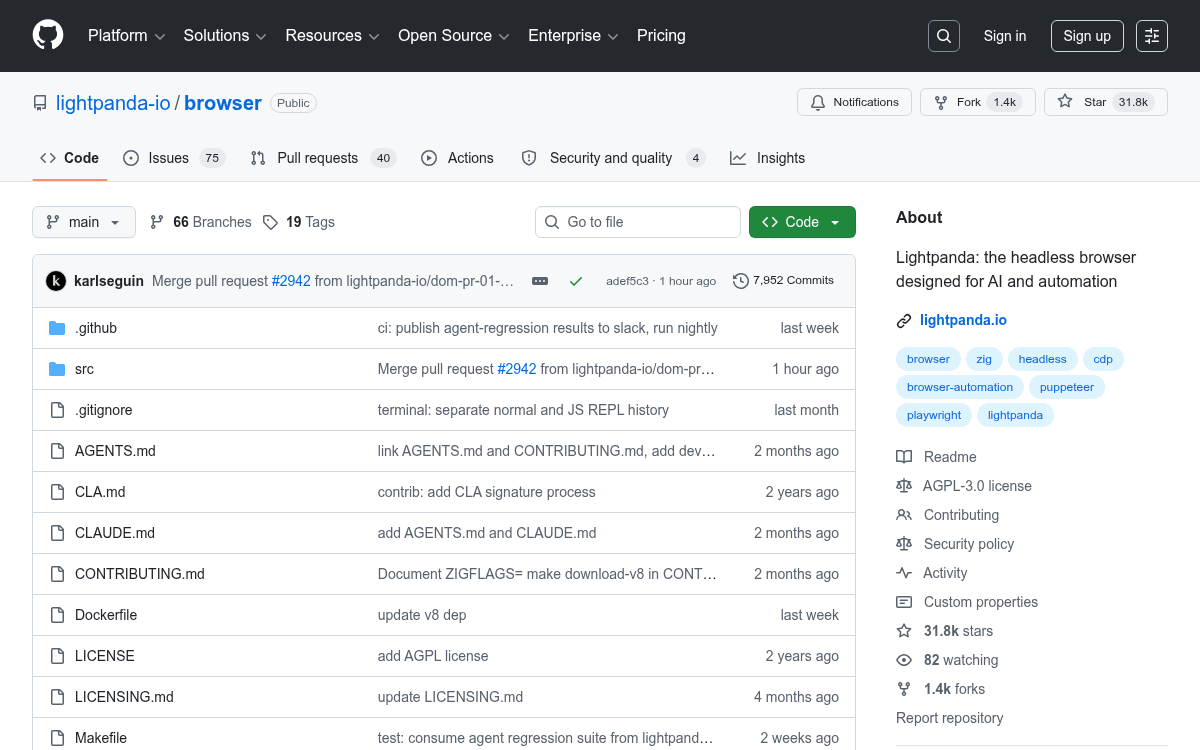
Lightpanda is the headless browser built from scratch for AI agents and automation. Not a Chromium fork. Not a WebKit patch. A new browser, written in Zig. The key architectural insight is surgical omission: throw out everything a human needs, keep only what a machine needs. The stack is: HTTP via libcurl, HTML parsing via html5ever (Mozilla's Rust parser), a custom Zig DOM engine, and V8 for JavaScript. No CSS layout engine. No image decoder. No GPU compositor. No font rasterizer. No accessibility tree.
Lightpanda was founded by Francis Bouvier, a Paris-based developer. Rather than patch Chromium, the team made a contrarian choice: write a new browser from scratch in Zig, a low-level systems language that competes with C and Rust on performance while being notably simpler to compile and cross-target. Zig gives them manual memory control without the footgun of C and without Rust's borrow checker slowing down iteration speed. For a browser engine where you need to manage thousands of DOM nodes, layout objects, and JS contexts simultaneously, that matters. The binary is small, startup is fast, and there's no garbage collector pause eating into your test execution time.
The numbers are hard to ignore
In the 25-process crawler benchmark, the project reports a peak memory footprint of 123 MB for Lightpanda versus 2.0 GB for Chrome, along with a crawl time of 4.81 seconds versus 46.70 seconds. The benchmark crawls 933 URLs from the Amiibo demo site on an AWS m5.xlarge instance, and the full methodology is documented in the project's benchmark details.
| Metric | Lightpanda | Headless Chrome |
|---|---|---|
| Peak memory (100 pages) | 123 MB | 2 GB |
| Execution time (100 pages) | 5s | 46s |
| Startup time | ~50ms | ~2-3 seconds |
| Memory per instance | ~8 MB | ~200 MB |
The most striking finding is the behavior under load. Lightpanda continues to scale linearly up to about 25 parallel processes, then stabilizes. Chrome, on the other hand, plateaus at just 5 tabs and begins to degrade seriously beyond 10. At 100 tabs, Chrome takes over an hour to finish the 933 pages, while Lightpanda completes the job in under 5 seconds.
The infrastructure math is direct. Replacing Chrome with Lightpanda allows 4-5 concurrent browser instances per 1GB budget allocation that previously supported only one. A machine with 32GB RAM can run roughly 4,000 Lightpanda instances versus about 160 Chrome instances.
Drop-in compatible with your existing stack
One of Lightpanda's strongest selling points is its compatibility with the existing ecosystem. Thanks to its CDP (Chrome DevTools Protocol) server, it works directly with the tools you already use. Switching an existing Puppeteer script takes one line change:
// Before
const browser = await puppeteer.launch();
// After: point at Lightpanda's CDP server
const browser = await puppeteer.connect({
  browserWSEndpoint: "ws://127.0.0.1:9222",
});
// Everything else stays the same
You can spin up the CDP server with Docker in one command: docker run -d -p 127.0.0.1:9222:9222 lightpanda/browser:nightly. Lightpanda also includes a native MCP server over stdio, which makes it easier to plug into AI agent workflows. It supports CDP so you can connect existing tools like Puppeteer and Playwright with minimal changes. The CLI includes commands like fetch, serve, and mcp, which cover page extraction, CDP server mode, and agent integrations.
The new agent mode: LLM at build time, not runtime
The most significant recent addition is lightpanda agent, which ships with a fundamentally different philosophy about how LLMs should interact with browsers. The typical browser agent today is four separate tools stitched together: Chrome, a CDP library, an LLM, and an agent framework. Lightpanda collapses all four into one binary.
The key idea is when the LLM runs. The output of an agent session is a PandaScript: vanilla JavaScript with a small set of native browser primitives built directly into Lightpanda. Run /save to export one from your current session, then replay it with lightpanda agent <script>.js. Scripts are deterministic and token-free at replay time, so you pay the model once to write the automation, then run it forever for free.
Here is what a PandaScript looks like in practice, scraping the top Hacker News stories:
const page = new Page();
await page.goto("https://news.ycombinator.com");
const stories = page.extract([{
  selector: "tr.athing", limit: 3,
  fields: {
    id: { attr: "id" },
    title: ".titleline > a",
    url: { selector: ".titleline > a", attr: "href" }
  }
}]);
return stories; // auto-prints as JSON
The agent supports multiple LLM providers out of the box:
- Anthropic, OpenAI, and Gemini via API key
- Hugging Face models
- Local models via Ollama
--no-llmmode for a pure REPL with slash commands
Interactive agent mode is LLM-powered web browsing driven from the CLI. Provider support includes llama.cpp (local), Vercel AI Gateway, and Mistral.
Where it falls short
Lightpanda is still in beta and the tradeoffs are real. Lightpanda is currently a work in progress. Stability and coverage are improving and many websites now work, but you may still encounter errors or crashes. A few specific gaps to know about:
- Lightpanda intentionally omits graphical rendering. If you need screenshots, visual regression tests, or any pixel-dependent behavior, you still need a full graphical browser.
- Sites employing sophisticated fingerprinting (canvas rendering, WebGL, font enumeration, hardware acceleration detection) will detect non-standard browser signatures. For automation targeting anti-bot protected sites, use Chrome headless as a fallback.
- CORS support is still listed as an open issue on the roadmap.
- No native Windows binary yet; Windows users need WSL2.
Who's already using it
Lightpanda is now an officially supported browser backend in Nous Research's Hermes Agent, with one config line to enable and automatic Chrome fallback for the gaps. Vercel's agent browser, Dust, and trigger.dev are listed as integrations on the project homepage. In June 2025, Lightpanda raised a pre-seed round led by ISAI, with participation from the founders of Mistral, Hugging Face, and Dust, plus Kima Ventures, Factorial Capital, and Prototype Capital.
Community reception has been enthusiastic. One developer on X wrote: "@lightpanda_io is going to change the world. I'm calling it! I don't understand why I don't hear anything about their browser. CDP support, most features you need are already supported, most websites already work, insanely low memory use, insanely fast." One team building an agent browser described it as "currently the fastest and most efficient solution for agent-based navigation."
Getting started
Installation is a single command on Linux and macOS:
curl -fsSL https://pkg.lightpanda.io/install.sh | bash
# Fetch a page and dump as markdown
lightpanda fetch --dump markdown https://example.com
# Start CDP server for Puppeteer/Playwright
lightpanda serve --host 127.0.0.1 --port 9222
# Run the built-in agent
lightpanda agent --task "top story on news.ycombinator.com?"
Lightpanda now converts web pages to markdown natively inside the browser, cutting token usage for AI agents. The project is open source under AGPL-3.0, with nightly builds for Linux (x86_64 and aarch64) and macOS (both architectures). A managed cloud offering is available for teams that want to skip self-hosting, with the same Puppeteer-compatible API pointing at a hosted endpoint instead of localhost.
The honest framing is this: the current approach of taking a browser designed for humans staring at screens and running it without the screen was always going to hit a ceiling. Lightpanda is betting that a purpose-built engine can blow past that ceiling. It's just a question of when the platform coverage gets there. For workloads that fit today, the performance gap is large enough that it's worth testing before dismissing.