

Krea 2 Finally Gets Negative Prompts Through This Open-Source ComfyUI Node
A new ComfyUI custom node brings inline negative prompt weights to Krea 2, letting you suppress specific concepts directly in your positive prompt.
 PRO
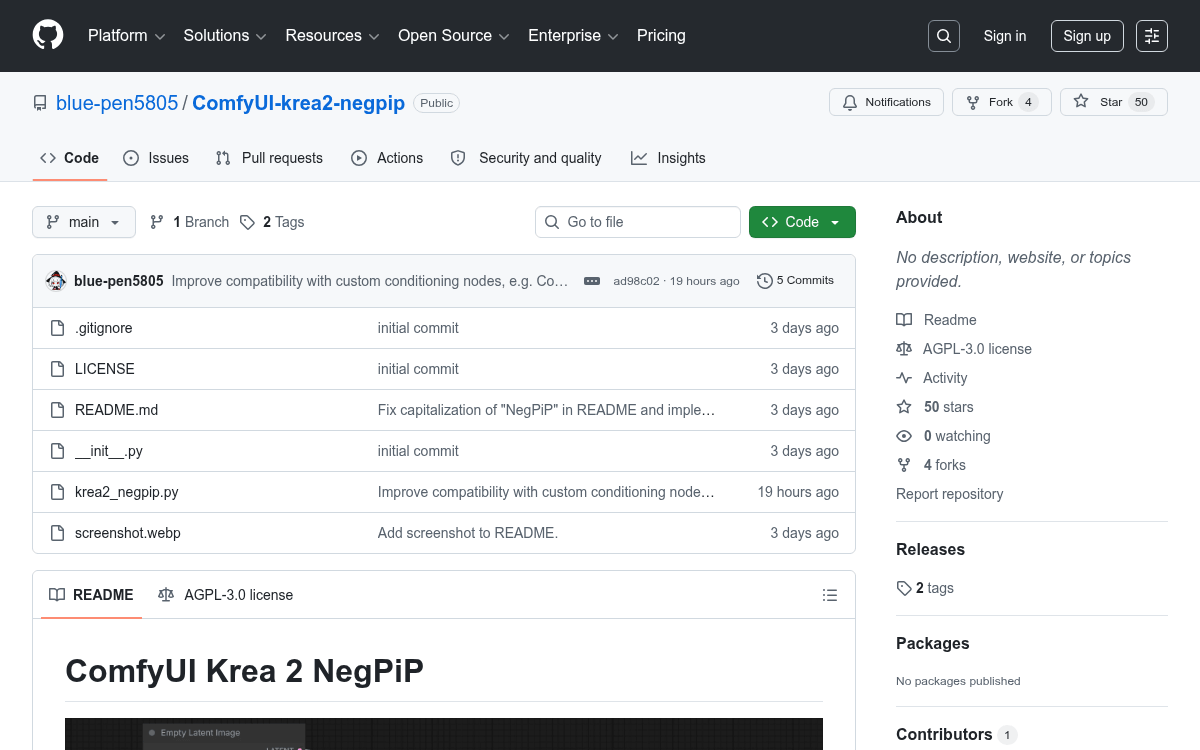
PRO- A new ComfyUI custom node, ComfyUI-krea2-negpip, brings NegPiP-style inline negative prompt weights to Krea 2 workflows.
- Use syntax like
(blurry:-1.0)directly in your positive prompt to suppress unwanted concepts without a separate negative prompt field. - The node patches both the Krea 2 model and CLIP encoder before sampling, giving stronger suppression than traditional negative prompts.
- Krea 2 is a 12B dense DiT model with two open-weight checkpoints: RAW (for fine-tuning) and Turbo (8-step distilled, for fast inference).
- Installation is a single git clone into ComfyUI's custom_nodes directory; requires ComfyUI 0.26.0+ and 8GB+ VRAM.
- Free and open-source (AGPL-3.0); works with Krea 2's image input mode where no negative prompt field exists.
Krea 2 is one of the most capable open-weight image models available right now, but it has a quirk that trips up experienced diffusion users: it is an image generation model from Krea AI, trained from scratch and focused on creative and stylistic exploration, and its architecture does not expose a traditional negative prompt field the way older models do. A new ComfyUI custom node called ComfyUI-krea2-negpip fills that gap by porting the well-known NegPiP technique directly into Krea 2 workflows.
The problem with suppressing concepts in modern models
Standard diffusion models let you put unwanted concepts into a separate negative prompt box. But that mechanism does not always work as strongly as you would hope. Typically, unwanted elements are placed in negative prompts, but negative prompts may not always have a significant impact in calculations. With NegPiP, it becomes possible to use negative prompts with effects comparable to regular prompts. The classic example: prompting for a "gothic dress" and putting (black:1.8) in the negative prompt still produces a black dress, because the concept of "gothic" is so strongly tied to black in the model's training that the negative prompt cannot override it.
NegPiP, originally created by hako-mikan for the SD web UI, solved this by flipping the mechanism: instead of a separate negative prompt box, you embed suppression directly in the positive prompt using negative weights. Entering a negative value like
This story is for Pro members
You've reached the end of the free preview. Upgrade to AlphaSignal Pro to read the full article - and everything else behind the paywall.
Comments
