

Hermes Desktop OS1 Lets You Voice-Control a Linux VM Like the Movie Her
OS1 Edition wraps Nous Research's Hermes Agent into a Her-inspired macOS app with one-click cloud VMs and WebRTC voice control
 PRO
PRO- Hermes Desktop OS1 is a native macOS app for running Hermes Agent on Orgo cloud VMs
- One-click agent install provisions a Linux VM and populates Sessions, Kanban, Files, Skills, and Cron in 60 to 90 seconds
- WebRTC voice mode uses OpenAI gpt-realtime-2 with Orgo MCP tools registered as Realtime function calls
- Direct HTTP and websocket connection to Orgo VMs replaces SSH, with automatic fallback to direct VM URLs
- MIT licensed, universal macOS 14+ binary, ad-hoc signed, requires an Orgo API key
- Default MCP toolsets are core, screen, and files, with shell and admin gated behind opt-in env vars
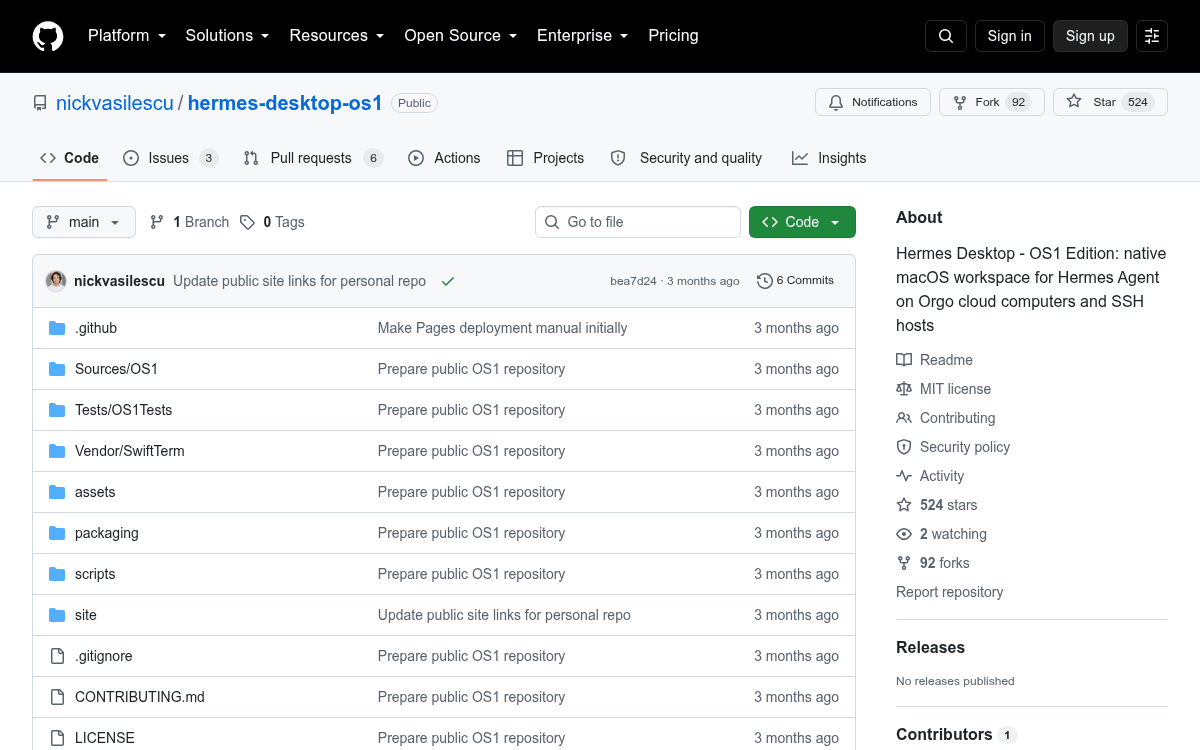
A new open-source macOS app wants to make talking to an autonomous agent feel less like SSH-ing into a VM and more like the movie Her. Hermes Desktop OS1 Edition is a Swift-based native workspace that provisions cloud computers, drops the Hermes Agent onto them, and opens a voice line straight to the model, all from one window.
The project stacks two existing layers. Orgo supplies cloud computers that AI agents can see, control, and operate as full desktops, spun up in under 500ms through an API. Nous Research's Hermes Agent runs on top, building skills from experience, refining them during use, and keeping a persistent model of the user across sessions. OS1 is the desktop shell that ties both together.
One window, one agent, one VM
Provision a cloud computer, hand it to the agent, and stay in a focused workspace with sessions, kanban, files, skills, cron jobs, and a real terminal. The infrastructure is Orgo, the agent riding on it is Hermes, and the product you touch is OS1. Onboarding is opinionated in a good way:
- Paste your API key once, pick a workspace, pick a computer or create one, save. The app talks directly to the platform's HTTP API and the per-VM websocket terminal, with no SSH, no gateway, and no helper service on the VM.
- The first time you open the workspace and the agent is not there, the Overview screen surfaces an Install Hermes Agent button, and about 60 to 90 seconds later Sessions, Kanban, Files, Skills, and Cron all populate.
This story is for Pro members
You've reached the end of the free preview. Upgrade to AlphaSignal Pro to read the full article - and everything else behind the paywall.
Comments
