

GPU Hot Turns One Docker Command Into a Live NVIDIA Dashboard
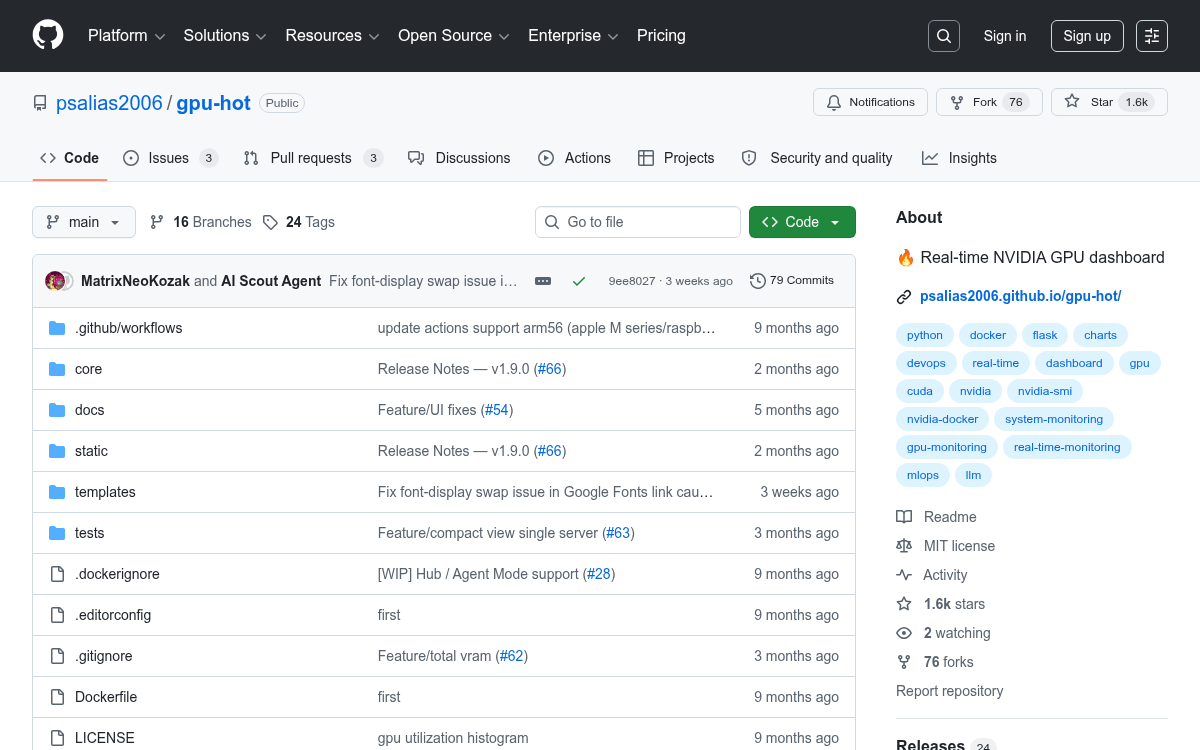
gpu-hot is a self-hosted, Docker-based NVIDIA GPU dashboard that delivers sub-second metrics and scales from a single workstation to 100+ node clusters
 PRO
PRO- One-command deploy: GPU Hot runs as a Docker container and opens a live GPU dashboard at
localhost:1312instantly. - Sub-second metrics: Tracks utilization, temperature, memory, power, fan speed, clock speeds, PCIe info, P-State, throttle status, and encoder/decoder sessions via NVML.
- Multi-node hub mode: A hub-and-spoke architecture lets you aggregate metrics from 100+ GPU servers into a single dashboard view.
- Process-level visibility: Shows which PIDs are consuming GPU memory and compute, with process names via
--pid=host. - Older GPU fallback: Automatically falls back from NVML to nvidia-smi for older hardware with a single env flag.
- MIT licensed, 1,500+ stars: Free, open-source, and actively maintained with 23 releases.
GPU Hot is a lightweight, self-hosted NVIDIA GPU monitoring dashboard that turns a single Docker command into a live browser-based view of everything your GPU is doing. No Prometheus stack, no Grafana setup, no cloud account. Just a container and a browser tab.
Built with Python, FastAPI, and Chart.js, it runs in Docker using the NVIDIA Container Toolkit and supports both single-node and multi-node cluster monitoring via a hub-and-spoke architecture. The project has quietly accumulated over 1,500 GitHub stars, signaling real demand for a zero-friction GPU observability tool.
One command to get started
Getting up and running on a single machine takes one line:
docker run -d --gpus all -p 1312:1312 ghcr.io/psalias2006/gpu-hot:latestThen open http://localhost:1312. That's it. Sub-second GPU monitoring in your browser, with no monitoring infrastructure and no complex dashboards. The only hard requirement is Docker and the NVIDIA Container Toolkit.

What it actually tracks
Real-time GPU metrics update sub-second, covering utilization, temperature, memory usage, power draw, fan speed, clock speeds, PCIe bandwidth, P-State, and throttle status using NVML and nvidia-smi. Beyond the GPU itself, it also pulls host-level system metrics like CPU, RAM, swap, disk, and network.
This story is for Pro members
You've reached the end of the free preview. Upgrade to AlphaSignal Pro to read the full article - and everything else behind the paywall.
Comments
