Google's Gemini 3.5 Live Translate Replaces 3-Model Pipelines With One Audio Model
Google's new audio-to-audio model translates speech across 70+ languages in near real-time, skipping the old transcribe-translate-synthesize pipeline entirely
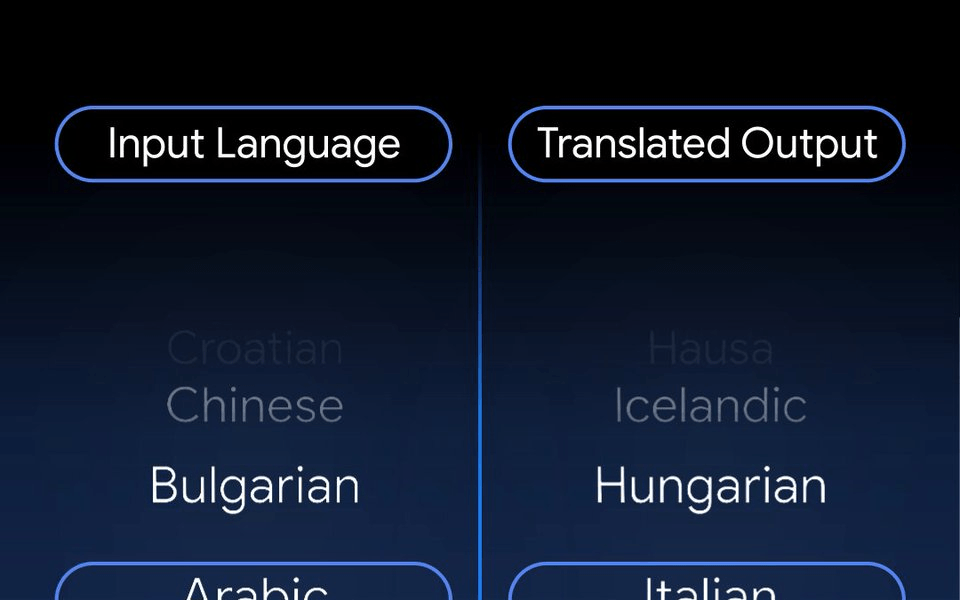
- Google released Gemini 3.5 Live Translate, a single audio-to-audio model replacing the old 3-step transcribe-translate-synthesize pipeline.
- Supports 70+ languages and 2,000+ language pairs with automatic language detection and no manual configuration needed.
- Available now: public preview via Gemini Live API and AI Studio; Google Translate app on Android/iOS; Google Meet enterprise private preview.
- API priced at ~$0.023/minute; independent benchmarks show ~3-second latency and 4.93/5 comprehension fidelity score.
- Known limitations: voice inconsistency in multi-speaker sessions, no text input or tool use in translation mode, and risk of meaning inversion on late-resolving syntax languages.
- All generated audio is watermarked with SynthID, positioning Google ahead of EU AI Act Article 50 compliance requirements.
Real-time voice translation has been a demo-tier feature for years: clunky, turn-based, and robotic-sounding. Gemini 3.5 Live Translate is Google's attempt to make it production-ready. The model is now in public preview via the Gemini API, and it works fundamentally differently from anything that came before it.
One model, no pipeline
The old approach to live translation was a chain of three separate systems: a speech-to-text model, a translation model, and a text-to-speech synthesizer. Each hop adds latency and a place for errors to compound , a mistranscription becomes a mistranslation becomes a confidently wrong spoken sentence.
Gemini 3.5 Live Translate folds these steps into one audio model. It is a low-latency, audio-to-audio model optimized for real-time translation of spoken conversations, enabling seamless, bidirectional translation with high accuracy and natural voice output. The result is a system that can translate continuously while the speaker is still talking, rather than waiting for them to finish.

Unlike turn-by-turn systems that wait for the speaker to finish speaking before responding, 3.5 Live Translate generates speech continuously, balancing the trade-off between waiting for context to improve quality and translating immediately to stay in sync with the speaker. It preserves intonation, tempo, and vocal pitch , so the translated voice sounds closer to how the original speaker actually sounds, rather than flat synthesized audio.
What's available, and where
Gemini 3.5 Live Translate is rolling out across Google products: for developers in public preview via the Gemini Live API and Google AI Studio; for enterprises in private preview starting this month in Google Meet; and for everyone via Google Translate on Android and iOS.
The scope of the Google Meet upgrade is notable. Speech translation in Google Meet will offer 70+ languages, an improvement from the previous limit of just five languages, and will enable conversations across over 2,000+ language combinations in one meeting, expanding from the previous state of only translating to and from English.
On the consumer side, Android users get a new Listening Mode: hold the phone to your ear like a normal call and hear a private translation through the speaker , no earbuds needed.
How to build with it
The official Live Translation docs make the integration surface clear. The model accepts a continuous audio stream and returns translated audio in real-time. The key configuration is minimal: set a targetLanguageCode and optionally toggle echoTargetLanguage to control whether speech already in the target language is echoed back or silenced.
Audio format requirements are specific:
- Input: Raw 16-bit PCM at 16kHz, mono, little-endian, chunked at 100ms
- Output: Raw 16-bit PCM at 24kHz, mono
- Context window: 131K input tokens / 65K output tokens
Here's the minimal Python setup to start a translation session:
from google import genai
from google.genai import types
client = genai.Client()
model = "gemini-3.5-live-translate-preview"
config = types.LiveConnectConfig(
    response_modalities=["AUDIO"],
    input_audio_transcription=types.AudioTranscriptionConfig(),
    output_audio_transcription=types.AudioTranscriptionConfig(),
    translation_config=types.TranslationConfig(
        target_language_code="es",
        echo_target_language=True
    )
)
Developer platforms like Agora, Fishjam, LiveKit, Pipecat, and Vision Agents already integrate with the Gemini Live API. These integrations handle the complex real-time media streaming infrastructure, so developers can focus on the user experience.
Real-world performance
Independent benchmarking by LiveLingo Research gives a clearer picture of what to actually expect. Comprehension fidelity composite scored 4.93/5 across 120 utterances and four language pairs (English to Spanish, Simplified Chinese, Japanese, and German) , the strongest result among competing systems tested.
First-audio latency came in at a median of 2,947ms from start of speech to first translated audio (p10-p90: 2,859-3,104ms). That's a consistent ~3-second delay, which matches Google's own framing of staying "a few seconds behind the speaker." For most conversational use cases, that's workable. For live broadcast or simultaneous interpretation, it may be too much.
The honest limitations
Google's own model card is candid about where the system struggles. These are worth knowing before you build on it:
- Voice consistency in multi-speaker sessions: Voices can shift after long pauses, change gender, or get stuck on one voice during rapid multi-speaker conversations. Speaker attribution is not preserved in the translated audio.
- Language detection edge cases: Heavy accents, similar languages (Spanish vs. Portuguese, Norwegian vs. Swedish), or rapid language switches can confuse the detector.
- Late-resolving syntax: Languages like Mandarin or Japanese often place the key meaning element (polarity, subject, verb) at the end of a sentence. Because the model commits to audio output mid-utterance and cannot revise it, early emission can invert the meaning of a sentence.
- No text input, no tools: Translation mode is audio-only. You cannot send text, use function calling, or inject system prompts. It's a constrained surface.
- Background audio bleed: The model filters noise, but not perfectly in all environments.
Pricing and compliance
API pricing is $0.023 per minute, which undercuts several competing services. The Google Translate consumer app is free. Enterprise access through Google Meet is gated to Workspace customers in private preview.
There's also a compliance angle worth noting. Every audio output is watermarked using Google's SynthID technology, embedding an invisible marker in the audio to flag it as AI-generated. That matters because the EU AI Act's Article 50 , requiring synthetic content labeling , comes into force in August 2026. SynthID watermarking puts Google ahead of that deadline.
Who should use this now
The use cases where this model genuinely shines:
- Multilingual customer support: One-on-one calls where natural-sounding translated speech matters more than perfect speaker attribution
- Travel and field apps: Grab is already testing the model to enable multilingual communication between drivers and travelers at pickups , users who make over 10 million voice calls per month through the platform.
- International meetings: Google Meet's expansion from 5 to 70+ languages is a real unlock for global teams
- Developer products: Any app where replacing a three-model STT/MT/TTS chain with a single API call is worth the trade-off in control
The cases where you should wait or look elsewhere: rapid multi-speaker environments where speaker attribution matters, applications needing streaming text output (not just audio), and languages with late-resolving syntax where mid-utterance commitment is a meaningful risk.
The architectural shift from cascaded pipelines to a single audio model is the real story here. Removing the transcribe-translate-synthesize pipeline in favor of a single audio-to-audio model is what unlocks 70+ languages with automatic detection, 2,000+ combinations in a single Meet call, and a translated voice that keeps the speaker's pacing. Whether the current limitations are acceptable depends entirely on your use case , but the foundation is now there for developers to build on.
Comments