

Collaborator Puts Claude Code and Codex CLI on One Infinite Canvas
Collaborator packages terminals, files, and running agents into a single infinite pan-and-zoom canvas, replacing the tab-switching dance of multi-agent coding.
 PRO
PRO- Collaborator is an open-source Electron desktop app placing terminals, files, and agents on an infinite canvas
- Native builds for macOS, Windows, and Linux, with PowerShell and WSL2 terminal targets on Windows
- Terminal tiles run persistent PTY sessions that survive being closed on the canvas
- File tiles track absolute paths and hot-reload when agents modify files on disk
- Local-first, no accounts, state stored in
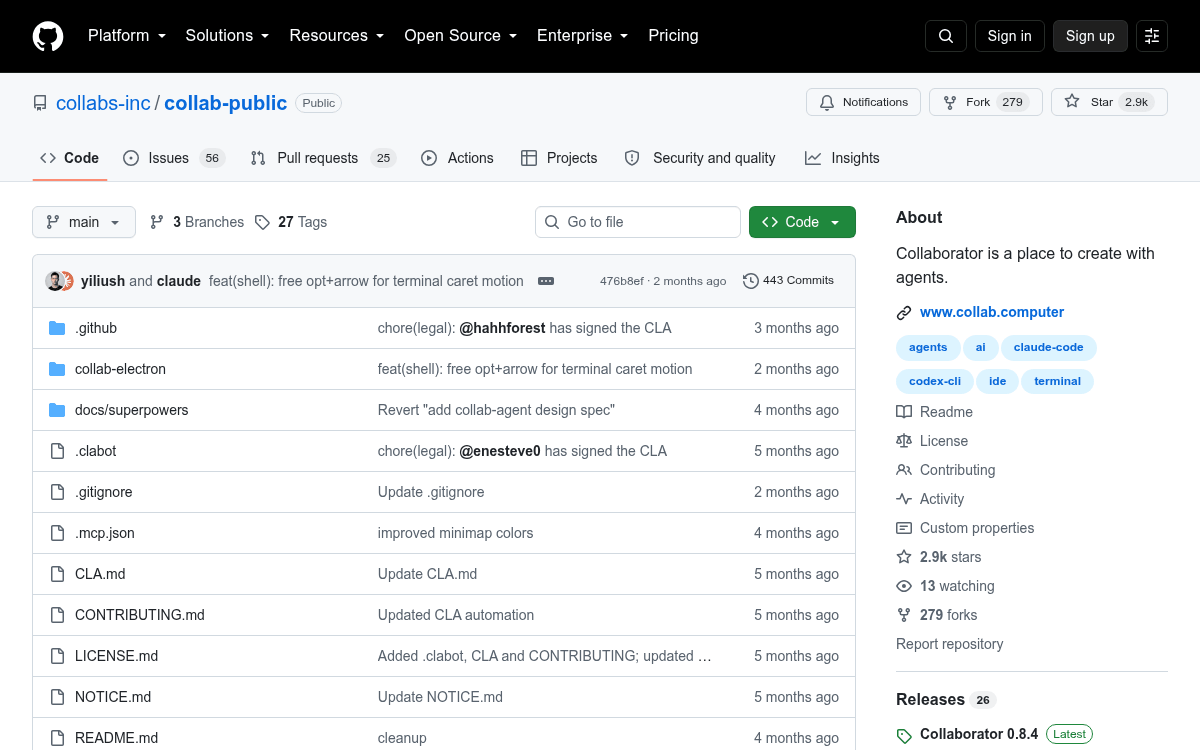
~/.collaborator/as JSON - Repo: collaborator-ai/collab-public, roughly 2.9k stars
Running multiple coding agents at once has quietly become a workflow problem. You end up juggling terminal tabs for Claude Code in one repo, Codex CLI in another, plus the files each agent is chewing on, plus the logs they spit out. Collaborator is a new open-source desktop app that tries to fix this by putting everything on a single infinite canvas, tiled next to each other instead of stacked behind tabs.
The app arranges terminals, context files, and running code on a pan-and-zoom surface in one place, with no context switching or tab hunting. The project has picked up roughly 2.9k GitHub stars and ships native builds for macOS, Windows, and Linux, with Windows terminal sessions able to target both PowerShell and WSL2 distros.

An infinite canvas, but the tiles are alive
The main workspace behaves like Figma or tldraw, with a dot grid you can pan and zoom around, except every tile is live. File tiles for notes, code, and images bind to a file on disk by absolute path. Rename the file and the tile tracks the new path. Delete the file and the tile closes. Change the contents from outside the app and the tile reloads.
Terminal tiles are the interesting bit. Each one is bound to a persistent sidecar-backed PTY session that it creates and manages, and the session persists independently of the tile's lifecycle on the canvas. You can close a terminal tile visually without killing the underlying agent process, then bring it back later. Terminals are also the primary way you launch agents like Claude Code or Codex CLI inside the app.
This story is for Pro members
You've reached the end of the free preview. Upgrade to AlphaSignal Pro to read the full article - and everything else behind the paywall.
Comments
