

Black Forest Labs' FLUX Erase Kills Object Removal's Two-Step Frustration
Black Forest Labs ships FLUX Erase, a mask-driven object removal tool built natively into FLUX.2 Klein 9B that handles shadows and context reconstruction in one pass

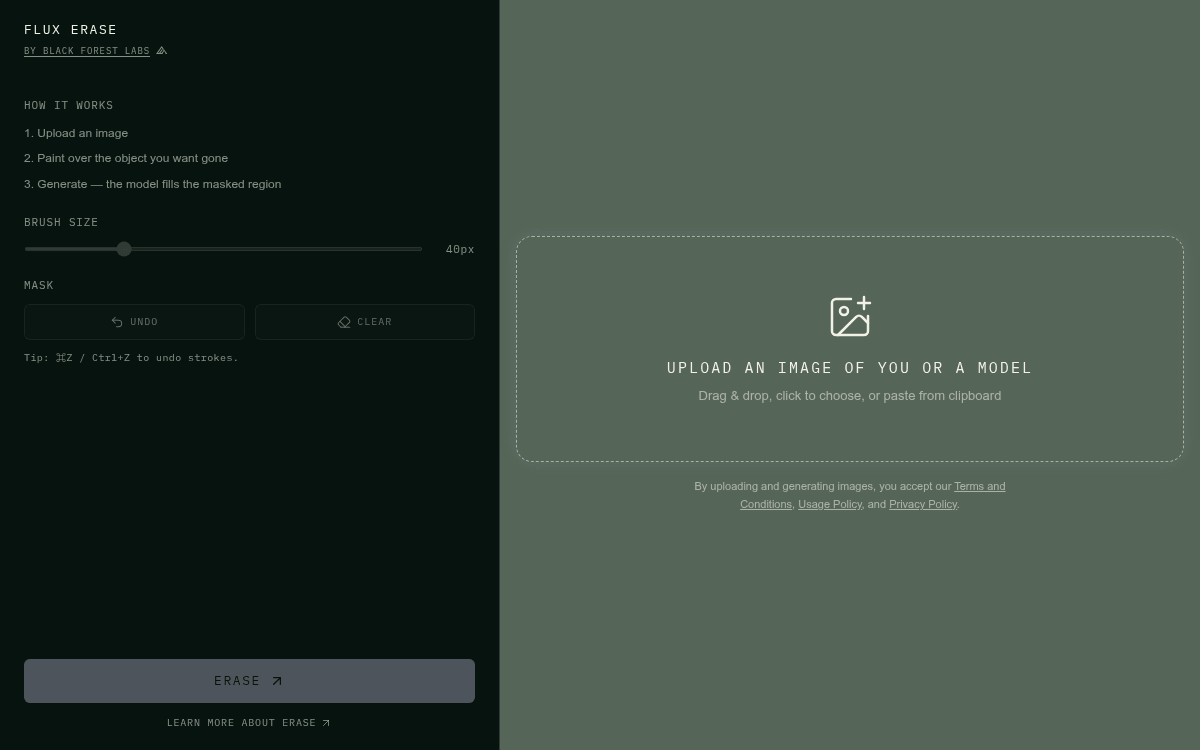
- FLUX Erase is live: Black Forest Labs released a mask-driven object removal tool powered by FLUX.2 Klein 9B, available via API and public demo.
- End-to-end training: Erasure and background reconstruction are trained as one unified task, not bolted together post-hoc, handling shadows automatically.
- No prompt needed: Pass an image and a binary mask; the model applies a built-in erase instruction and reconstructs the scene behind the removed object.
- Benchmark results: Beats GPT Image-2 (68.5% win rate) and Finegrain Eraser Standard (63.2%), nearly ties Nano Banana Pro at a fraction of the cost.
- Pricing: Credit-based, pay-as-you-go at $0.01/credit, scaled by output megapixels; pricing calculator available.
- Try it now: Public demo at flux-tools.bfl.ai/erase; full API docs at docs.bfl.ai/flux_erase.
Object removal in images has always been a two-step frustration: mask the thing you want gone, then patch the hole with something that never quite matches the lighting or texture around it. Black Forest Labs just shipped FLUX Erase, and their approach is different enough to be worth paying attention to.
The problem with how removal tools usually work
Most inpainting tools treat erasure and reconstruction as separate concerns. You mark a region, the model fills it in, and you end up with halos, smearing, or a background that looks like it was generated by a different model -- because it essentially was. The fill has no real understanding of the scene it's supposed to blend into.
BFL's blog post lists the core failure modes of existing approaches:
- Visible artifacts: halos, smearing, and inconsistent texture at the edges of the removed area
- Incomplete reconstruction: background fill generated without understanding the full scene context
- Limited scope: tools trained narrowly on object removal that struggle with text, people, watermarks, or compositionally complex scenes
FLUX Erase removes whatever you mask -- including its traces like shadows and subtle parts missed by the mask -- and reconstructs the scene behind it coherently. That last part matters: if you erase a person standing in sunlight, the shadow they cast goes with them.
One model, one task, trained end-to-end
FLUX Erase removes the masked object and reconstructs the scene behind it with contextually coherent content in a single call, powered by FLUX.2 Klein 9B. The key design decision here is that erasure and reconstruction are trained as a single unified task rather than bolted together post-hoc.
FLUX.2 Klein 9B is a 9 billion parameter rectified flow transformer -- a generative architecture that learns to move from noise to image along smooth, straight paths rather than the zigzag trajectories of older diffusion models. It is built on a 9B flow model with an 8B Qwen3 text embedder, step-distilled to 4 inference steps. That distillation is what makes it fast enough to be practical in production pipelines.
Importantly, no prompt is needed -- the model uses a built-in erase instruction. You pass an image and a binary mask. The model does the rest.
How to actually use it
The API is straightforward. You prepare a black-and-white PNG mask at the same resolution as your input image, where white pixels mark what to remove and black pixels mark what to keep. Both the image and mask are base64-encoded and sent in a single POST request. The workflow is asynchronous: you get a task ID back, then poll for the result.
Here's the minimal Python implementation:
import base64, os, time, requests
API_KEY = os.environ["BFL_API_KEY"]
HEADERS = {"x-key": API_KEY, "Content-Type": "application/json"}
with open("input.png", "rb") as f:
    image_b64 = base64.b64encode(f.read()).decode()
with open("mask.png", "rb") as f:
    mask_b64 = base64.b64encode(f.read()).decode()
payload = {
    "image": image_b64,
    "mask": mask_b64,
    "dilate_pixels": 10,  # expand mask edges for cleaner removal
    "output_format": "png",
}
resp = requests.post("https://api.bfl.ai/v1/flux-tools/erase-v1", headers=HEADERS, json=payload)
task_id = resp.json()["id"]
poll_url = f"https://api.bfl.ai/v1/get_result?id={task_id}"
while True:
    r = requests.get(poll_url, headers={"x-key": API_KEY}).json()
    if r["status"] == "Ready":
        print(r["result"]["sample"])
        break
    time.sleep(1)
The one tunable parameter worth knowing is dilate_pixels (range 0-100, default 10). It expands the mask outward before processing, which helps the model fully cover object edges. For soft-edged subjects like hair or fur, the docs recommend pushing this to 15-20. For typical SAM (Segment Anything Model) masks, 10 is a good starting point.
Where it wins, where it doesn't
BFL evaluated FLUX Erase against other state-of-the-art models on a held-out benchmark of 198 mask-based object-removal test images. FLUX Erase wins decisively against GPT Image-2 (68.5%) and Finegrain Eraser Standard (63.2%), ties Nano Banana 2 (49.5%), and lands closely behind Nano Banana Pro (47.3%) -- putting it on par with the current frontier of mask-based object-removal while running lightning fast and at a substantially lower cost.
The model was trained on images at roughly 1 megapixel across 9 aspect ratios from 1:2 to 2:1. That's the sweet spot. Images significantly outside those dimensions or aspect ratios may see reduced reconstruction quality. And like any mask-based tool, if your mask misses part of the object -- a shadow, a reflection, a stray pixel at the edge -- the reconstruction will too. The dilate_pixels parameter is your main lever for fixing that.
What it's actually good for
FLUX Erase removes the masked object and reconstructs the scene behind it with contextually coherent content in a single call. It is useful for product photography clean-up, removing unwanted elements, scene simplification, or privacy-aware image editing.
More concretely, the practical use cases break down as:
- Product photography: removing props, cables, stray hands, or background clutter without reshooting
- Text removal: stripping watermarks, baked-in labels, or localization text from images while preserving the design underneath
- People removal: clearing a fourth person from a group shot, or removing a passerby from a landscape
- Shadow and artifact cleanup: the model automatically handles related details like cast shadows that most tools leave behind
- Privacy compliance: redacting identifiable elements from images before publication or training data use
Pricing and access
BFL uses credit-based pricing across all FLUX models, where 1 credit equals $0.01 USD. FLUX Erase appears on the pricing page under FLUX Tools alongside Outpainting and VTO, with cost scaling based on output resolution via a megapixel-based model. A public demo is available at flux-tools.bfl.ai/erase with no API key required, and the full API documentation covers the complete parameter reference and troubleshooting guide.
The broader picture
FLUX Erase is part of a growing suite of FLUX Tools that BFL has been shipping alongside its core generation models. FLUX Outpainting, released just before Erase, extends images beyond their original frame in any direction, preserving lighting, texture, and composition without visible seams. The pattern is consistent: rather than building general-purpose editing into one monolithic model, BFL is shipping focused, task-specific tools that each do one thing well and are trained to do it at the model level rather than as a post-processing layer.
The assumption that object removal requires a separate inpainting model, a separate prompt, and manual cleanup is the thing being challenged here. Training erasure and reconstruction as a single end-to-end task -- with shadow handling built in -- is a cleaner abstraction, and the benchmark numbers suggest it's working. For anyone running image pipelines at scale, the combination of frontier-quality results and pay-per-megapixel pricing makes this worth a serious look.
Comments
