
This Tiny-GPT2 Guide Lets Students Fine-Tune AI on a Laptop Without a GPU
A new Hugging Face repository bundles scripts and a walkthrough for running and fine-tuning tiny-gpt2 on an 8GB laptop with no GPU.
 Pro
Takeaways
- New Hugging Face repo remiai3/sshleifer_tiny-gpt2_project_guide packages tiny-gpt2 with run and fine-tune scripts.
- Targets students on CPU-only laptops with 8GB or 16GB RAM, no GPU required.
- Licensed Apache 2.0, built on the original sshleifer/tiny-gpt2 checkpoint.
- Pins Python 3.10.9, torch 2.3.0, and transformers 4.38.2 to avoid dependency conflicts.
- Ships download, test, and fine-tune scripts, plus a sample dataset slot for custom data.
- Useful for teaching and pipeline testing, not for producing coherent generated text.
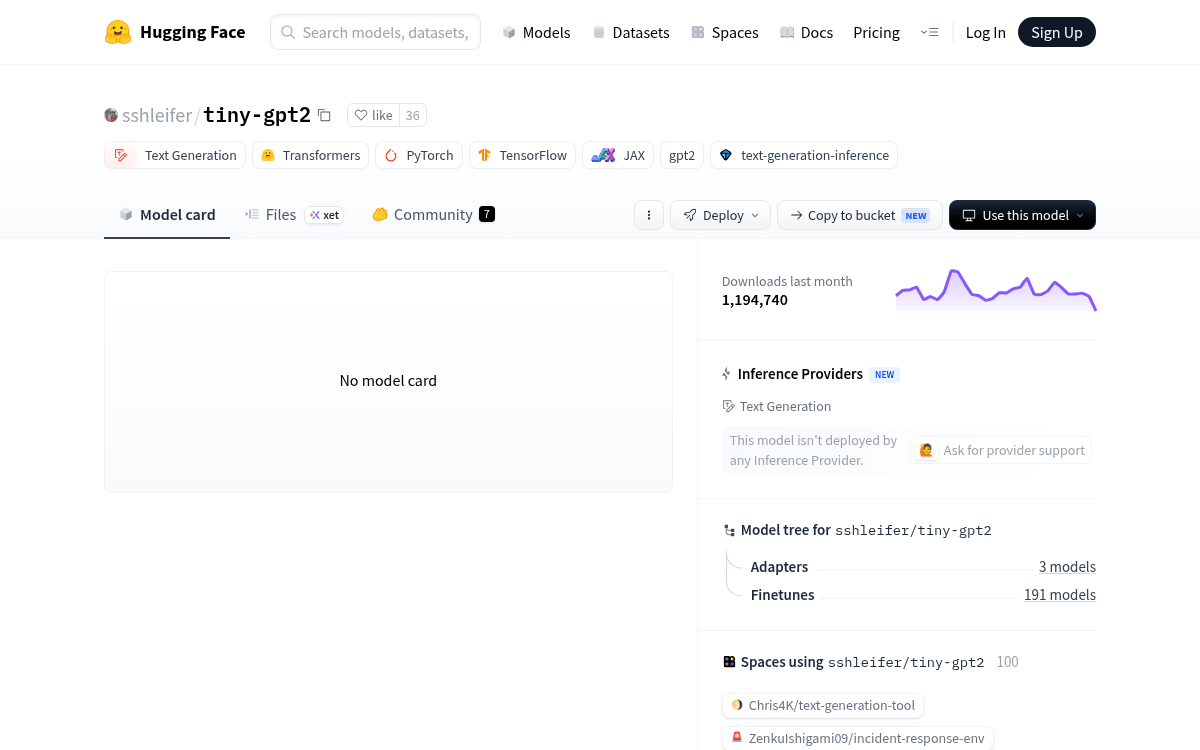
A new Hugging Face upload from user remiai3 packages the sshleifer/tiny-gpt2 checkpoint with a walkthrough for running and fine-tuning it on a laptop CPU. The release, called sshleifer_tiny-gpt2_project_guide, is licensed Apache 2.0 and targets learners who want an end-to-end transformer pipeline without cloud credits or a GPU.
Tiny-GPT2 itself is a stripped-down GPT-2 architecture used mostly as a plumbing test for the Hugging Face stack. Wrapping it in a guided project turns it into a hands-on sandbox for people who want to see how tokenization, generation, and fine-tuning fit together on modest hardware.
Inside the repo
The upload is a project scaffold rather than new weights, providing resources to run and fine-tune sshleifer/tiny-gpt2 locally on machines with 8GB or 16GB RAM. The stated goal is to help students learn how models work, experiment freely, and run small research projects without cloud infrastructure.
Dependencies are pinned to avoid drift:
- Python 3.10.9 recommended, 3.9.10 also supported, minimum 8GB RAM on a CPU-only machine.
- A virtual environment with
torch==2.3.0,transformers==4.38.2,huggingface_hub==0.22.2,datasets==2.21.0, andnumpy==1.26.4. - Three scripts:
download_model.pyfor pulling weights,test_model.pyfor a quick generation check, andfine_tune_model.pyfor training on a text file. - A Hugging Face token for downloading weights, created at huggingface.co.
The fine-tuning script defaults to CPU by setting CUDA_VISIBLE_DEVICES="", and the README explains how to flip that flag and switch to a CUDA-enabled PyTorch build if a GPU is available. Dropping a sample_data.txt into the fine_tune folder and running the script writes a new checkpoint to fine_tuned_model.
Loading it
Because the guide is published as a model repo, it plugs directly into the standard Transformers workflow:
from transformers import pipeline
pipe = pipeline(
    "text-generation",
    model="remiai3/sshleifer_tiny-gpt2_project_guide",
)
print(pipe("Once upon a time,", max_new_tokens=32))
The smoke-test output is a short continuation of the prompt Once upon a time, which will be essentially gibberish given that tiny-gpt2 has only a handful of layers and was never seriously pretrained.
Where it fits, and where it does not
Nobody should ship this model. Tiny-GPT2 exists to make CI runs cheap and to give library maintainers a footprint-sized transformer for testing. What the project guide changes is the on-ramp. Instead of hunting through Transformers documentation, a student can clone one repo, install pinned dependencies, and step through downloading weights, generating text, and running a fine-tune loop in an afternoon.
Realistic use cases are narrow but genuinely useful:
- Teaching the mechanics of causal language modeling without waiting on GPU quotas.
- Prototyping fine-tuning code that will later be pointed at a larger base model.
- Sanity-checking a local Python environment before pulling down a multi-gigabyte checkpoint.
- Unit-testing pipelines that wrap Transformers, since the model loads in seconds.
The generated text will be incoherent, downstream task performance will be nil, and fine-tuning will overfit almost immediately on any real dataset. The value sits in the workflow rather than the outputs, and for anyone learning how the Hugging Face stack actually behaves end to end, that workflow is often exactly what has been missing.