
Qwen-Image-Lightning LoRA Cuts Image Generation Steps by 25x
A distilled LoRA adapter published on Hugging Face by lightx2v cuts Qwen-Image inference from 50 steps down to 4 or 8.
 Pro
Takeaways
- lightx2v published Qwen-Image-Lightning LoRAs distilling Qwen-Image to 4 or 8 sampling steps.
- Reported 12 to 25 times speedup versus 50-step base with minimal quality loss on typical prompts.
- Covers text-to-image plus Qwen-Image-Edit, Edit-2509, Edit-2511, and Qwen-Image-2512 variants.
- Apache 2.0 license, works with Diffusers, ComfyUI, Nunchaku 4-bit, and Cache-dit acceleration.
- Weaknesses called out: dense small text, hair detail, and highly complex multi-object scenes.
- Includes a scaled fp8 base weight to fix grid artifacts with existing bf16-trained LoRAs.
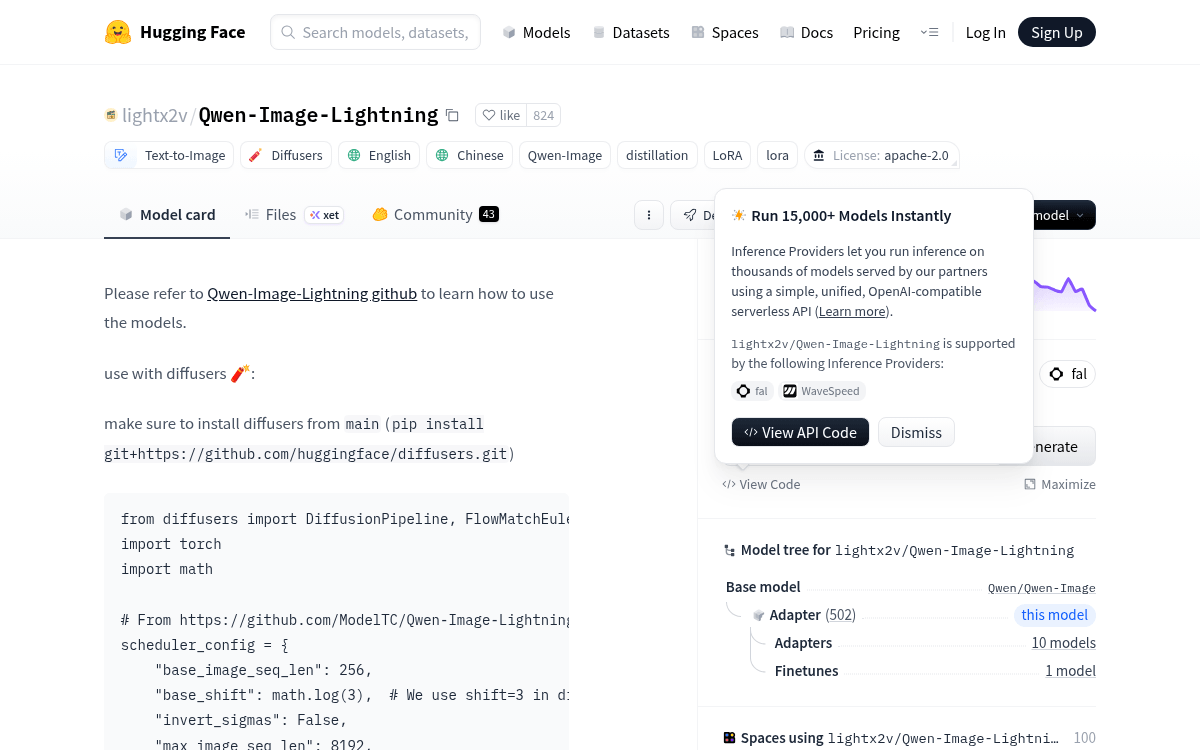
A Hugging Face repository from the lightx2v account has quietly accumulated more than 429,000 downloads for a set of LoRA weights that compress Qwen-Image inference to a handful of steps. The package includes distilled adapters for the base Qwen-Image text-to-image model and its Edit variants, released under Apache 2.0 and loadable through Diffusers or ComfyUI.
Instead of running the standard 50-step sampling loop with classifier-free guidance, you attach the Lightning LoRA and generate a comparable image in 4 or 8 steps with CFG set to 1.0. The project's own benchmarks report a 12x to 25x speed improvement over the base model with no significant quality loss in most cases.
What's in the repo
The collection covers text-to-image and image editing in both fp32 and bf16 flavors, plus an fp8-specific variant that addresses a downcasting artifact in the ComfyUI ecosystem. Files have accumulated across several releases:
- Qwen-Image-Lightning 4-step and 8-step (V1.0, V1.1, V2.0) for text-to-image
- Qwen-Image-Edit-Lightning 4/8-step adapters for the editing model
- Qwen-Image-Edit-2509 and 2511 Lightning updates aligned with newer Qwen editing checkpoints
- Qwen-Image-2512-Lightning 4-step weights for the latest base release
- A scaled fp8 base weight to make BF16-trained LoRAs behave correctly over an fp8 backbone
V2.0 directly targets color problems from the first release, reducing over-saturation and improving skin texture and overall visual naturalness compared to V1.0.
Plugging it in
Usage stays close to a standard Diffusers pipeline. Load the Qwen-Image base, attach the LoRA, and switch the scheduler to a flow-matching Euler variant with a log-3 shift that matches the distillation setup.
from diffusers import DiffusionPipeline
import torch
pipe = DiffusionPipeline.from_pretrained(
    "Qwen/Qwen-Image", torch_dtype=torch.bfloat16
).to("cuda")
pipe.load_lora_weights(
    "lightx2v/Qwen-Image-Lightning",
    weight_name="Qwen-Image-Lightning-8steps-V1.0.safetensors"
)
image = pipe(prompt="a tiny astronaut hatching from an egg on the moon",
             num_inference_steps=8, true_cfg_scale=1.0).images[0]
Ecosystem support is broad. Diffusers loads Qwen-Image-Lightning natively within the Qwen-Image pipeline. ComfyUI ships workflows for both Qwen-Image and Qwen-Image-Edit with Lightning LoRA support. Nunchaku offers a 4-bit Lightning variant to cut GPU memory usage, and Cache-dit supports 3.5-step inference with cache acceleration on top of the Lightning weights.
Where it holds up and where it doesn't
The maintainers publish an unusually candid failure analysis. The distilled adapters handle typical prompts, poster layouts, and mid-length text rendering well, but several regressions are worth knowing before swapping them into production.
- Dense or small text: The base model produces more reliable results in text-heavy scenes.
- Fine hair and fur: Hair-like details can come out blurred or over-sharpened; the base model renders these more faithfully.
- Highly complex scenes: All three model variants can fail on dense, intricate compositions.
- Resolution-dependent ranking: Performance relative to the base model can flip at different output resolutions, even for the same prompt.
Editing has its own quirks. Character-level text edits sometimes drop a stroke or duplicate a Chinese character, and the 4-step variant occasionally misses letters on longer overlay text.
Serving Qwen-Image cheaply
Qwen-Image is one of the stronger open multilingual text-to-image models, but a 50-step CFG loop makes it expensive to serve. A LoRA that reaches near-base quality at roughly one-fifth of the compute is a practical drop-in for batch generation pipelines, real-time editing UIs, or on-device inference. The accompanying GitHub project ships new adapters as Qwen releases fresh base checkpoints, which explains why the repo has stayed near the top of Hugging Face's trending list months after its initial upload.
If you already have a Qwen-Image or Qwen-Image-Edit pipeline running, swapping in the matching Lightning LoRA is a low-risk experiment. Pin the scheduler shift and drop CFG to 1.0, or outputs will look nothing like the published samples.