
Monster Labs' QR Code Monster Hides Scannable Art Inside AI Images
Monster Labs' QR Code Monster v2 turns ControlNet into a QR generator that produces scannable art, powering the illusion diffusion trend.
 Pro
Takeaways
- Monster Labs' QR Code Monster v2 is a 0.4B ControlNet for Stable Diffusion 1.5.
- Generates artistic images conditioned on QR codes that remain scannable by phone cameras.
- V2 adds a gray background (#808080) trick that lets the model freely fill non-code regions.
- Higher ControlNet guidance improves readability; lower values produce more creative outputs.
- Powers the viral IllusionDiffusion space and hidden-image workflows beyond QR codes.
- Free under openrail++ license, runs with standard
diffuserspipeline on any SD 1.5 base.
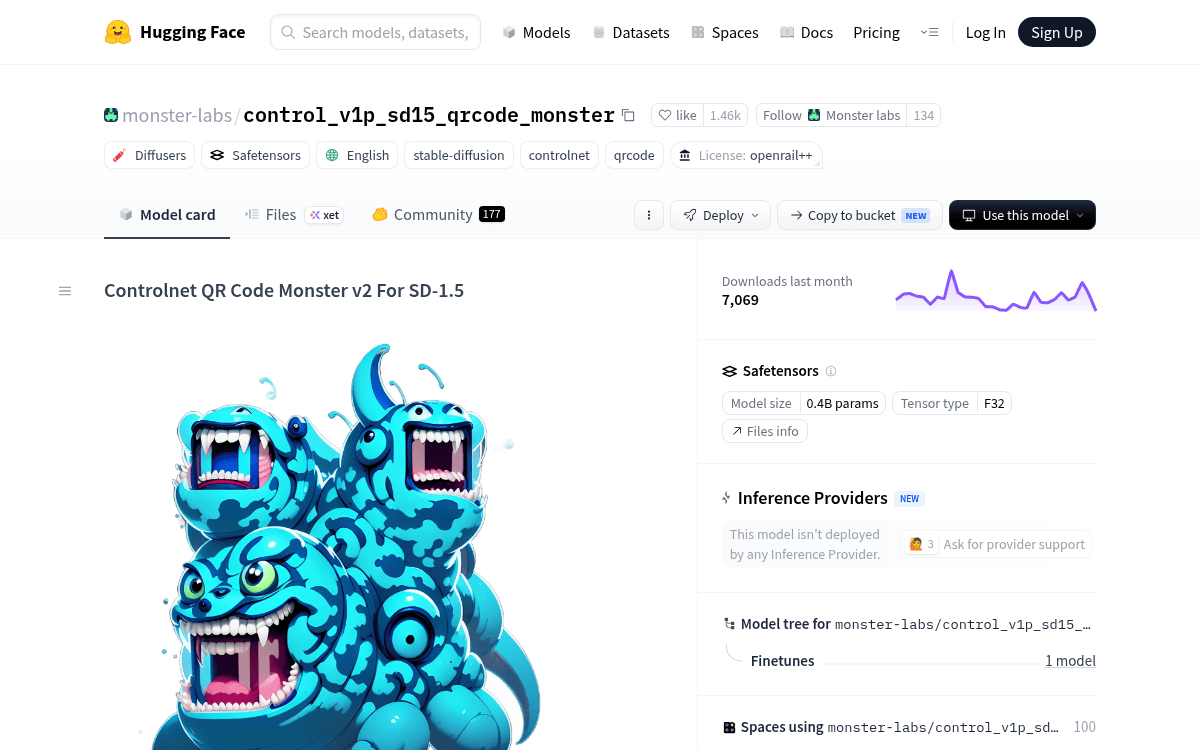
A ControlNet checkpoint for Stable Diffusion 1.5 has quietly become one of the most-used models on Hugging Face for creative image generation, with over 1,400 likes and dozens of downstream spaces depending on it. Monster Labs' QR Code Monster is a 0.4B parameter ControlNet that takes a QR code as a structural condition and produces stylized images that still scan with a phone camera. It ships under the openrail++ license, is free to download, and works with the standard diffusers pipeline.
Turning a boring square into a picture
The premise is simple. Feed a normal QR code into the ControlNet as the conditioning image, write a text prompt describing the scene you want, and the diffusion model paints that scene while respecting the black-and-white pattern well enough that scanners still resolve the payload. Not every output will decode, so parameter sweeps and prompt variants are part of the workflow.
The repo contains two checkpoints. The current default is v2, which lives in the v2/ subfolder and is a significant upgrade over v1 for both scannability and creativity. V2 also introduces a gray-background trick: any region painted mid-gray (#808080) is treated as a wildcard the model can fill however it likes, so you can restrict the QR pattern to just the finder squares or the data area and let the rest be pure art.
How to actually run it
Installation is a two-line pip command followed by loading the ControlNet alongside any SD 1.5 base checkpoint:
pip install -U diffusers transformers accelerate
from diffusers import ControlNetModel, StableDiffusionControlNetPipeline
controlnet = ControlNetModel.from_pretrained("monster-labs/control_v1p_sd15_qrcode_monster")
pipe = StableDiffusionControlNetPipeline.from_pretrained(
    "runwayml/stable-diffusion-v1-5", controlnet=controlnet
)
The docs give a few concrete knobs that matter more than the prompt itself:
- QR codes should be passed as condition images with a module size of 16px. Higher error correction levels make codes easier to read, though a lower level can sometimes decode better at smaller sizes.
- High ControlNet guidance scale values produce a more readable QR code, while low values produce a more creative one.
- A typical workflow for saving a code is to max out the guidance scale and minimize the denoising strength, then bump the strength until the code scans.
Practitioners generally stack two ControlNet units for the best trade-off. One layer applies the full QR code with medium control weight; a second layer targets selective parts of the pattern with a stronger weight but shorter control steps, both using the QR Code Monster model. That combination pushes readability into the finder patterns while letting the data modules dissolve into texture.
Beyond QR codes
The community quickly figured out that the model does not care whether the input is technically a QR code. It responds to any high-contrast black-and-white pattern, which is why the same checkpoint powers the entire illusion diffusion trend. The popular IllusionDiffusion space is built directly on it, using a workflow originally discovered by MrUgleh. Feed it a spiral, a logo, or a silhouette of a face, and the model hides that shape in the lighting and geometry of a landscape.
That opens up practical use cases well beyond marketing QR codes:
- Album covers and posters with hidden text spelled out by clouds, shadows, or building facades
- Brand logos embedded in product photography where the logo only pops when you squint
- Scannable menus, flyers, and business cards where the code doubles as the artwork
- Optical illusions for social content, which is largely what drove the model's viral moment
Where it struggles
Reliability is the honest weak point, and the docs are upfront about it. The recommended approach is to generate multiple QR codes with similar parameters and cherry-pick the best. Complex prompts with a lot of small detail tend to fragment the finder patterns, and high-density payloads such as long URLs or vCards leave less room for the model to breathe. A URL shortener and a short prompt remain the two most effective tricks.
The checkpoint is also strictly SD 1.5. There is no official SDXL or SD3 version from Monster Labs, so pipelines that have moved on to newer base models will need a different QR ControlNet or a community port. For anyone still building on SD 1.5, this remains the reference implementation for the effect, and its adoption across 100+ Hugging Face spaces means the ecosystem of prompts, LoRAs, and workflows around it is unusually mature.