

Vercel's v0 API Now Runs Your App Live and Fixes Its Own Errors
Vercel's v0 API v2 is now generally available, letting you embed a full app-building agent — prompt in, running app out — inside your own product or pipeline

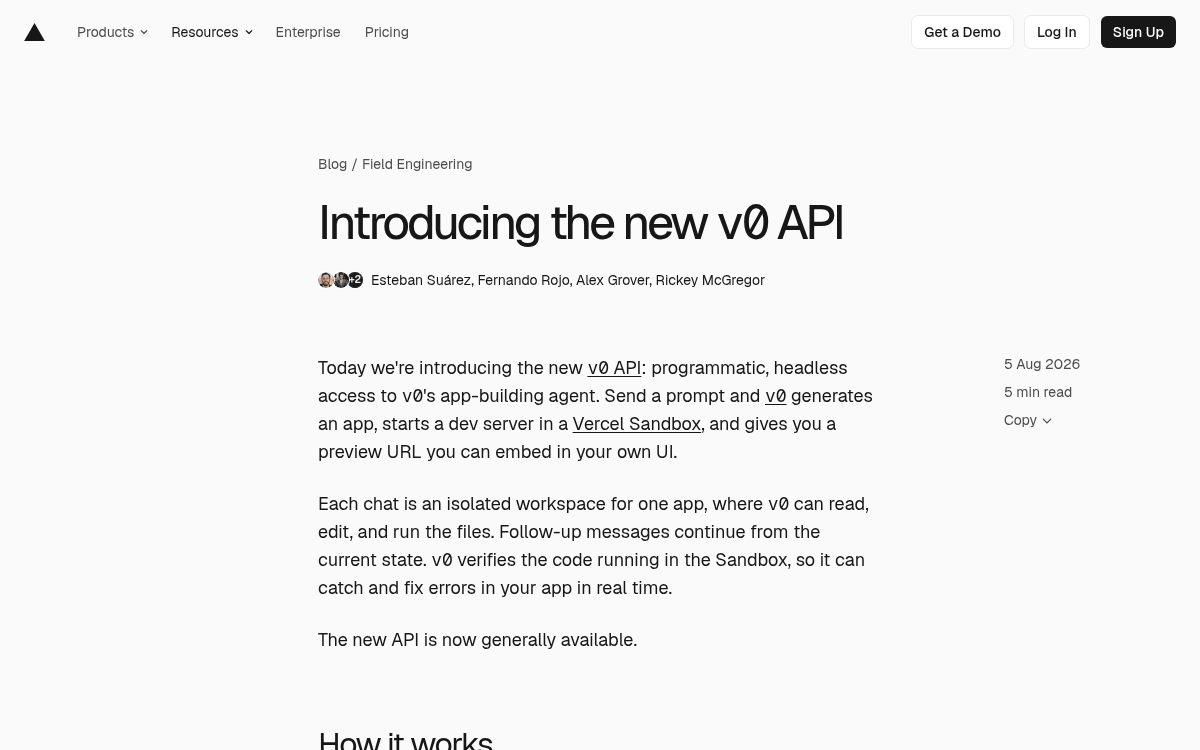
- v0 API v2 is generally available: Vercel's app-building agent is now fully programmable — prompt in, live running app out. Read the announcement.
- VM-backed sandbox runtime: v2 replaces the old browser-based runtime with real VMs, enabling live dev server previews and self-correcting error loops.
- Three execution modes: Sync, async, and streaming are now separate endpoints, making it easy to build both interactive UIs and background pipelines.
- Agent-native integrations: Connect via MCP server, AI SDK tools (
@v0-sdk/ai-tools), or Vercel's eve framework — v0 becomes a tool your agent can call. - Requires Premium plan ($20/month): API access is not available on the free tier; usage is token-based and variable per generation.
- Vercel/Next.js ecosystem only: Strong for React/Next.js UI generation, but not a fit for Vue, Svelte, or non-Vercel deployments.
Vercel just shipped the v0 API v2, and it is a meaningful step beyond what the first version offered. Where v1 gave you a REST endpoint that returned code files, v2 hands you the entire agent: send a prompt, and v0 spins up an isolated sandbox, runs a dev server, and returns a live preview URL you can drop straight into an iframe. The new API is generally available today.
From code generator to running environment
The key architectural shift is the runtime. VMs replace the old browser-based runtime, enabling richer file operations, real dev server previews, and a direct path to Vercel deployments. Each session is organized around a chat , an isolated workspace that holds the full state of one app. v0 can read, edit, and run the files inside it. Follow-up messages continue from the current state, and v0 verifies the code running in the Sandbox so it can catch and fix errors in real time.
That self-correcting loop is what separates this from a plain code-gen API. The agent is not just writing files and handing them back to you , it is actually running the app, watching for errors, and iterating until things work.
Three ways to call it
Three execution modes , sync, async, and streaming , are now explicit separate endpoints, making it easier to build interactive UIs or background pipelines. Here is what each mode looks like in practice:
- Sync , wait for the completed response. Good for scripts and one-shot jobs.