



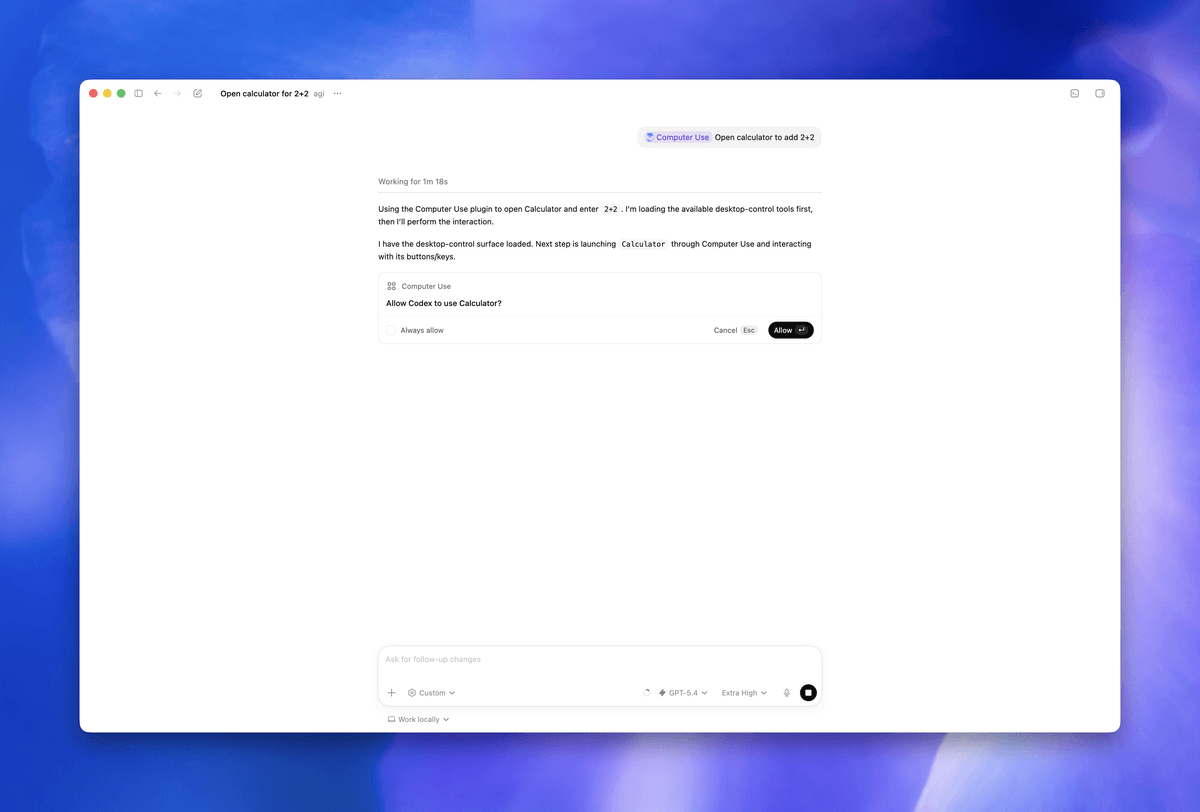
OpenAI's Codex just crossed a threshold that most AI agent tools haven't touched: it can now operate your Mac applications while the screen is off and the machine is locked. You kick off a task, walk away, and Codex keeps going. From your phone.
The feature is called Locked Use, and it was announced as part of a broader Codex update that also included a new feature called Appshots for instant window context. Goal Mode, OpenAI's autonomous multi-step task execution capability, graduated to general availability in the same release. But Locked Computer Use is the one that's turning heads.
The problem it actually solves
If you've ever run a long AI agent task on your Mac, you've hit this wall. Leave your Mac unattended during a multi-hour coding task, and the screen locks, abruptly halting whatever the agent was doing. The workarounds were embarrassing for a 2026 developer stack:
- Common workarounds included
caffeinateto prevent idle sleep, third-party utilities that disabled lock-screen triggers, and even hardware display dongles that fooled the Mac into thinking an external monitor was attached.
OpenAI announced a new capability in its Codex AI assistant that makes it even easier: Codex now has the ability to keep running after your Mac is locked. Developers can kick off a task, lock their Mac, and monitor or review progress remotely from a phone, making multi-hour agentic workflows practical without babysitting a machine.


Don't miss what's next in AI
Join 300,000+ engineers and researchers who get the signal, not the noise.
- Full access to in-depth AI research breakdowns
- Be the first to know what's trending before it hits mainstream
- Daily curated papers, repos, and industry moves