
OpenAI Rebuilds Codex Into a Work Agent for Non-Developers
OpenAI launches 6 role-specific Codex plugins covering sales, analytics, and finance — no coding required, 62 apps bundled
Takeaways
- 6 role-specific plugins launched: Data Analytics, Creative Production, Sales, Product Design, Public Equity Investing, and Investment Banking — no coding required.
- 62 apps, 110 skills bundled: Integrations include Snowflake, Salesforce, Figma, Tableau, FactSet, HubSpot, and more out of the box.
- Codex Sites in preview: Generates and hosts interactive web apps from a prompt, shareable via URL within Business/Enterprise workspaces.
- Annotations expanded: Precision in-place editing now covers documents, spreadsheets, and slides — not just code.
- Open-source templates available: Plugin templates published on GitHub under MIT license for teams to customize and extend.
- More roles on the roadmap: Corporate Finance, Private Equity, Marketing Strategy, Legal, and Strategy Consulting plugins coming soon.
OpenAI's Codex started as a tool for software engineers. But the people actually using it have been quietly shifting. Non-developers , including analysts, marketers, operators, designers, researchers, investors, and bankers , make up about 20% of overall Codex users and are growing more than 3x as fast as developers. OpenAI is now leaning into that trend hard, with a batch of updates that reframe Codex as a general-purpose work agent for the entire organization.
The release bundles six role-specific plugin suites, a hosted "Sites" feature for creating interactive web apps, a precise "Annotations" editing workflow, and an expanded catalog of connectors designed to accelerate enterprise AI adoption. The goal is simple: drop Codex into any team's existing stack, and have it work like a specialist from day one , no prompt engineering, no custom integrations, no IT ticket required.
Six Specialists, One Install
Each of the six plugins targets a distinct professional role and comes pre-loaded with integrations, instructions, and relevant context so that Codex can perform job-specific tasks. Think of each plugin as a curated bundle: the right tools, the right workflows, and the domain knowledge to tie them together , all configured before you ever open the app.
Here's what each plugin covers:
- Data Analytics: Helps analysts and business teams answer questions with data , exploring product and business metrics, explaining why key numbers changed, and creating reports and dashboards using tools like Snowflake, Databricks Genie, Hex, and Tableau.
- Creative Production: Helps marketing and creative teams turn a brief into assets they can review , campaign boards, display ad variations, product lifestyle shots, and ecommerce-ready image sets , with tools like Figma, Canva, Shutterstock, Picsart, and Fal.
- Sales: Helps sales teams bring customer context into deal work , finding high-priority accounts, preparing for meetings, completing follow-ups, updating CRM records, and building close plans using tools like Salesforce, HubSpot, Slack, Outreach, and Clay.
- Product Design: Built for turning early ideas into prototypes teams can review , auditing user flows, prototyping from a live URL, and making static screenshots interactive, with outputs that carry forward into Figma and Canva.
- Public Equity Investing: Helps investors review earnings, compare companies, track signals, and assess whether an investment thesis is strengthening or weakening using information from Moody's, Daloopa, Datasite, FactSet, LSEG, S&P, PitchBook, and Hebbia.
- Investment Banking: Helps bankers prepare pitch materials, analyze comparable companies and transactions, and turn diligence into client-ready recommendations.
The initial launch includes plugins for data analytics, creative production, sales, product design, public equity investing, and investment banking , together supporting 62 popular applications and 110 skills.
Open, Customizable, and Buildable
The plugins aren't black boxes. OpenAI published the role-based-plugins repository on GitHub under an MIT license, giving teams full access to the underlying templates. Each plugin follows a consistent structure: a manifest file, connector bindings in .app.json, optional MCP server configuration in .mcp.json, and a skills/ directory containing workflow instructions and domain context.
The repo makes it clear these are meant to be starting points, not finished products. Connector-backed plugins use placeholder IDs that teams replace with their own workspace credentials before installing. For example, the Salesforce binding in the sales plugin looks like this:
{
  "apps": {
    "salesforce": {
      "id": "REPLACE_WITH_SALESFORCE_APP_OR_CONNECTOR_ID"
    }
  }
}
Out-of-the-box functionality is the stated goal, though greater user customization is expected to sharpen performance over time. OpenAI is also signaling a broader ecosystem play: more role-specific plugins are coming soon, including Corporate Finance, Private Equity Investing, Marketing Strategy, Strategy Consulting, and Legal , with a roadmap toward an open ecosystem where partners can create and deploy their own plugins directly in Codex and ChatGPT.
Sites: From Prompt to Live App
The second major addition is Codex Sites , a feature that lets Codex generate and host interactive web applications directly from a conversation. Sites allow users to transform ideas, analyses, and plans into interactive web-based experiences that can be shared through a URL within an organization , including dashboards, project boards, review workspaces, planners, galleries, and lightweight applications.
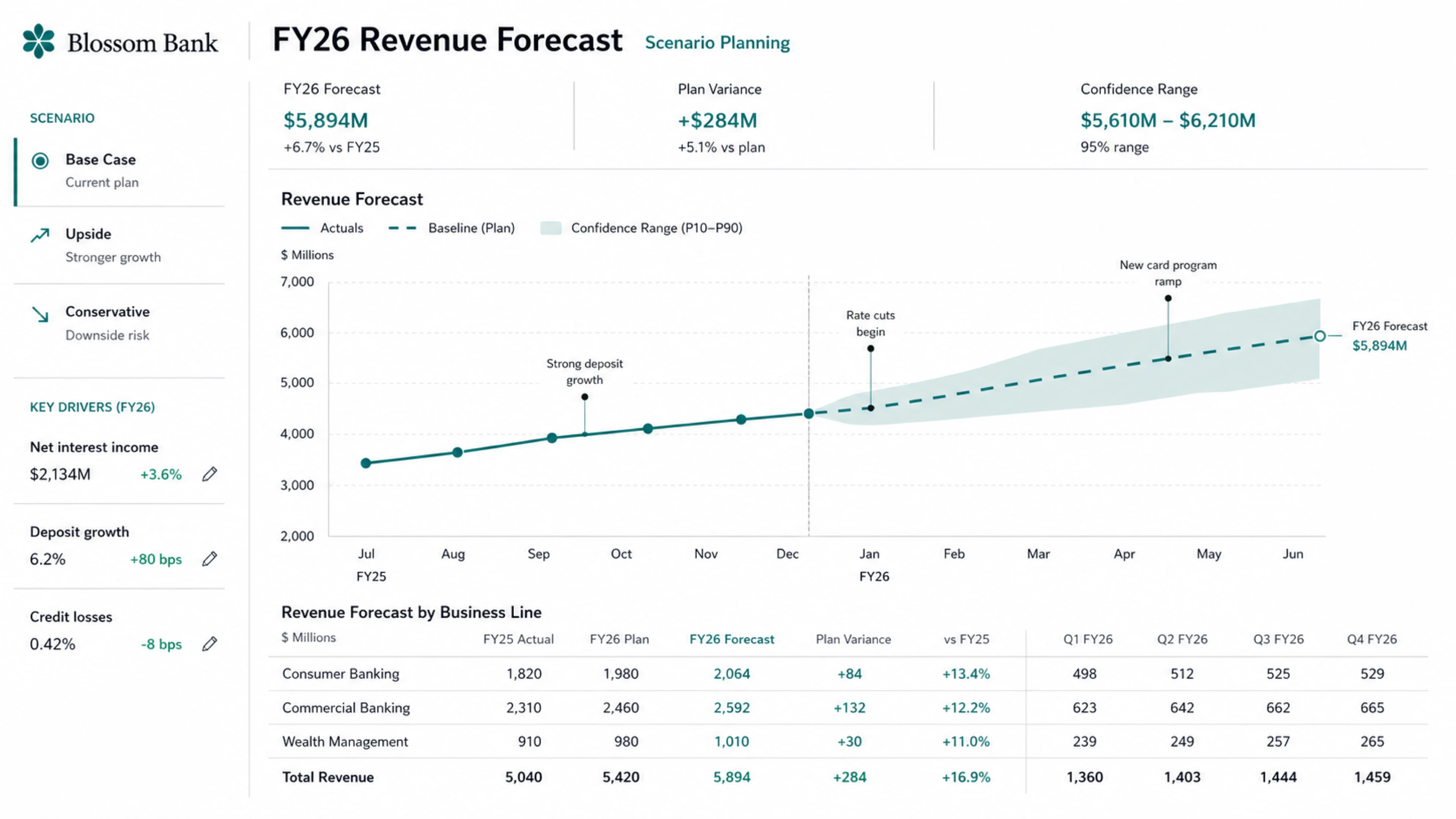
Rolling out in preview for Business and Enterprise tiers, Sites allow cross-functional teams to bypass front-end development. Financial leaders, for example, can transform a static spreadsheet into an interactive scenario planner shared via a secure workspace URL, allowing executives to tweak assumptions in a live web app rather than clicking through document tabs.
OpenAI described Sites as a way to create living workspaces rather than static documents , with examples including customer review hubs, scenario planning tools built from financial models, product launch centers, project tracking dashboards, and repositories for creative briefs. Sites are free during the preview period, with pricing to follow once the preview ends.
OpenAI is also building a Sites partner ecosystem, working with early partners including Vercel, Wix, Replit, Lovable, Figma, and Webflow.
Annotations: Precision Editing Without Starting Over
The third piece of the update is an expansion of Annotations , a feature that already existed for code and Markdown but now extends to documents, spreadsheets, and slides. The idea is to make post-draft iteration feel less like prompting from scratch. You select a specific element , a chart label, a sentence in an investment thesis, a navigation bar in a generated site , and tell Codex exactly what needs to change. Codex focuses the update on that element only, leaving the rest of your work intact.
This matters more than it sounds. One of the friction points with AI-generated outputs is that refining one section often means regenerating the whole thing. Annotations sidestep that by treating the output as something you can point at and edit surgically.
Who It's For , and What It Signals
Inside OpenAI, non-technical teams use Codex to build internal apps, prepare executive materials, and create dashboards. At Zapier, teams use Codex to pull knowledge from tools like Slack, Google Docs, and Coda, then turn that context into postmortems, incident response plans, and feature tickets. At NVIDIA, researchers are using Codex to speed up experiment workflows, from finding research ideas to writing scripts for machine learning infrastructure.
The new tools come after a similar push for agentic plugins from Anthropic, which launched its enterprise agents program earlier this year. The competitive pressure is real, and OpenAI's response is to go wide , covering more job functions, more tools, and more output types than a pure coding assistant ever could.
OpenAI also says it will soon put Codex functionality inside the ChatGPT app everywhere, with plans to bring more Codex capabilities to ChatGPT in the next few weeks. The plugins are available now through the Codex plugin directory in supported regions. Sites are rolling out in preview for Business and Enterprise teams, with admins able to enable them through workspace settings.