



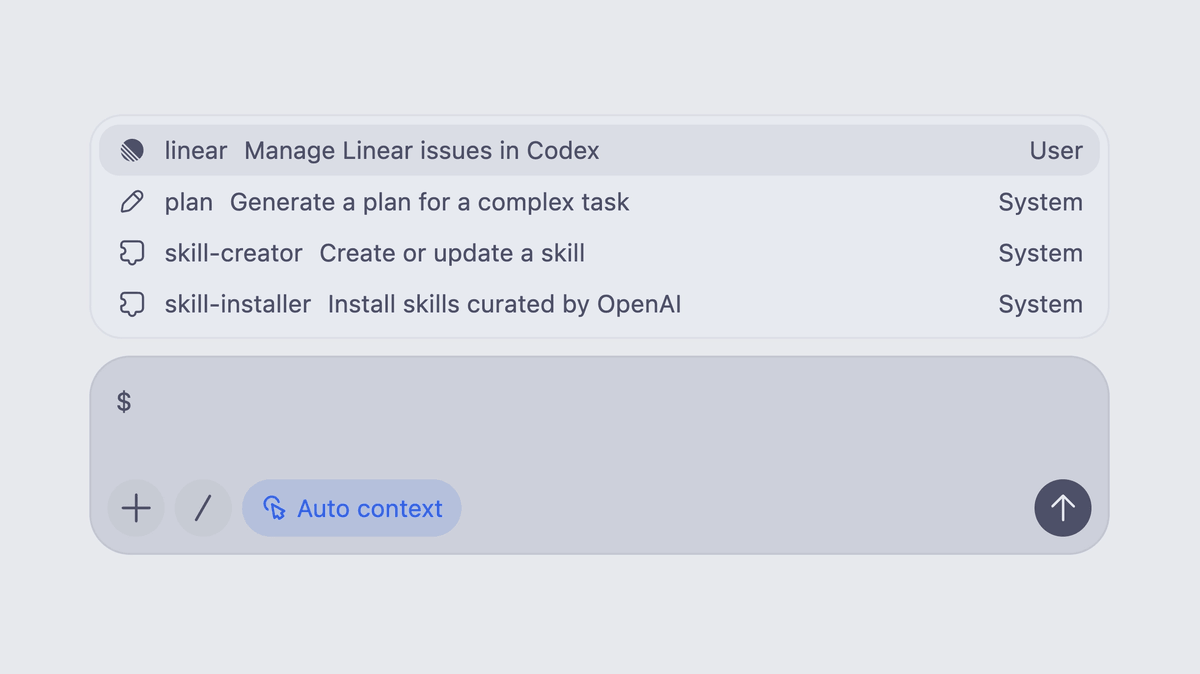
OpenAI is bringing a full suite of its most powerful Codex desktop capabilities to Europe this week. Users in the European Economic Area (EEA), United Kingdom, and Switzerland are getting access to four features that have been available elsewhere for months: Computer Use, the Codex Chrome extension, personalized memory, and Chronicle.
OpenAI is extending Codex desktop capabilities into the EEA, UK, and Switzerland, bringing the AI coding agent's ability to control apps on Mac and Windows, run browser tasks via a Chrome extension, and store user preferences across sessions. The rollout is happening this week, and no action is required to receive it beyond having an eligible ChatGPT plan.
Four features, one big catch-up
Here is what is now available to European users for the first time:
- Computer Use , The Computer Use feature lets Codex see screens, click, and type inside local apps like Xcode. It requires installing the Computer Use plugin and granting macOS Screen Recording and Accessibility permissions. Good fits include testing a macOS or iOS simulator flow, reproducing a GUI-only bug, or running a workflow that spans more than one app.
- Codex Chrome Extension , The Codex Chrome extension lets agents operate directly inside a user's live browser session, giving them access to signed-in websites, multiple tabs, and authenticated workflows without fully taking over the desktop. The extension connects Chrome to the Codex app on Windows and macOS, allowing agents to interact with tools such as Gmail, Salesforce, LinkedIn, and internal web apps using the user's existing browser state, cookies, and logged-in sessions.


Don't miss what's next in AI
Join 300,000+ engineers and researchers who get the signal, not the noise.
- Full access to in-depth AI research breakdowns
- Be the first to know what's trending before it hits mainstream
- Daily curated papers, repos, and industry moves