



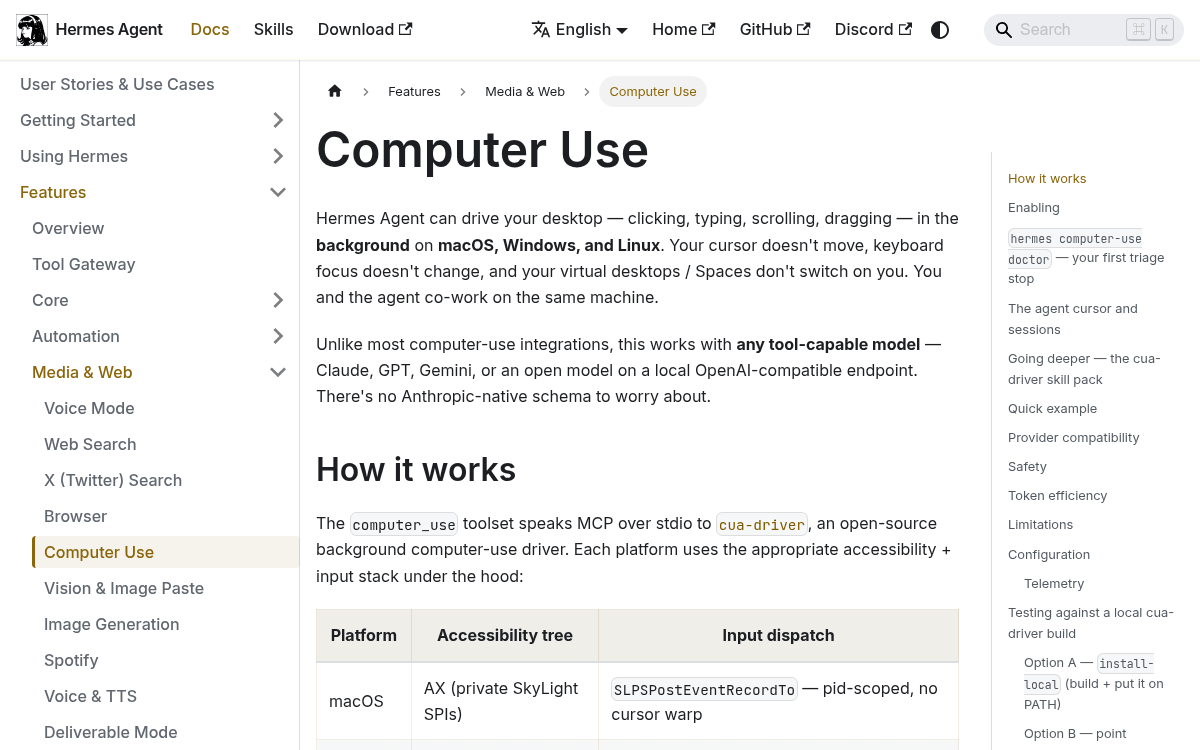
Hermes Agent's computer-use feature has been available on macOS for a while , letting an AI agent click, type, scroll, and drag on your desktop without stealing your cursor or switching your active window. That same feature now works on Windows and Linux too, thanks to a cross-platform expansion in the underlying driver it depends on.
The driver did the heavy lifting
Hermes Agent doesn't implement desktop automation itself. It delegates to cua-driver, an open-source tool from the trycua project that exposes OS-level GUI automation over MCP (Model Context Protocol , a standard way for AI agents to call tools). cua-driver exists in two implementations: a Swift version for macOS only, and a Rust port called cua-driver-rs which provides cross-platform support. That Rust port is what introduced Windows and Linux support to the cua-driver tool surface.
The same CLI and MCP server now runs on macOS and Windows, while Linux support is available as a pre-release backend while platform testing is still in progress. Hermes Agent's computer_use toolset rides on top of this , so as cua-driver gained new platforms, Hermes gained them too.
What the feature actually does
Hermes Agent can drive your desktop , clicking, typing, scrolling, dragging , in the background. Your cursor doesn't move, keyboard focus doesn't change, and the OS doesn't switch active windows on you. The agent and you co-exist on the same machine simultaneously.


Don't miss what's next in AI
Join 300,000+ engineers and researchers who get the signal, not the noise.
- Full access to in-depth AI research breakdowns
- Be the first to know what's trending before it hits mainstream
- Daily curated papers, repos, and industry moves